

Appearance
FAQ: General
Questions about the product as a whole. Billing questions are on FAQ: billing, data questions on FAQ: privacy and data, and hardware questions on FAQ: shop floor hardware. For something that is not working, start at Troubleshooting.
Getting Started
How long does setup take?
The setup wizard gets a workspace usable in about ten minutes: brand, catalogue import, customers and optional sample data. A first proper pass with your own decoration methods and pricing rules takes two to three hours. The installation guide runs through the fifteen steps in order.
Can I try it without a card?
Signup collects a card at Stripe Checkout and gives you 14 days. Nothing is charged inside the trial, and cancelling inside it takes nothing. See Your free trial.
What does a fresh workspace contain?
Sizes, decoration methods, a volume pricing rule and the message templates, all ready to edit. There are no garments or customers until you import them. The wizard can load a sample set (garments, a customer, a quote and a portal login) that you remove in one click from the wizard or from Records, then Catalogue import.
Can I import my customers and my catalogue?
Customers import from CSV in the setup wizard. The catalogue imports from CSV under Records, then Catalogue import, with a template to download. See Supplier catalogues.
Can I import my past orders from another system?
Not yet. Importing historical orders is planned. Quote new work in Printer's Friend, finish your open jobs the old way, and keep the old system for reference.
Signing In
Where do I sign in?
Staff sign in at your workspace address, yourshop.printersfriend.com/app/login. Customers sign in at yourshop.printersfriend.com/portal/login. The chooser at printersfriend.com/sign-in sends each to the right place.
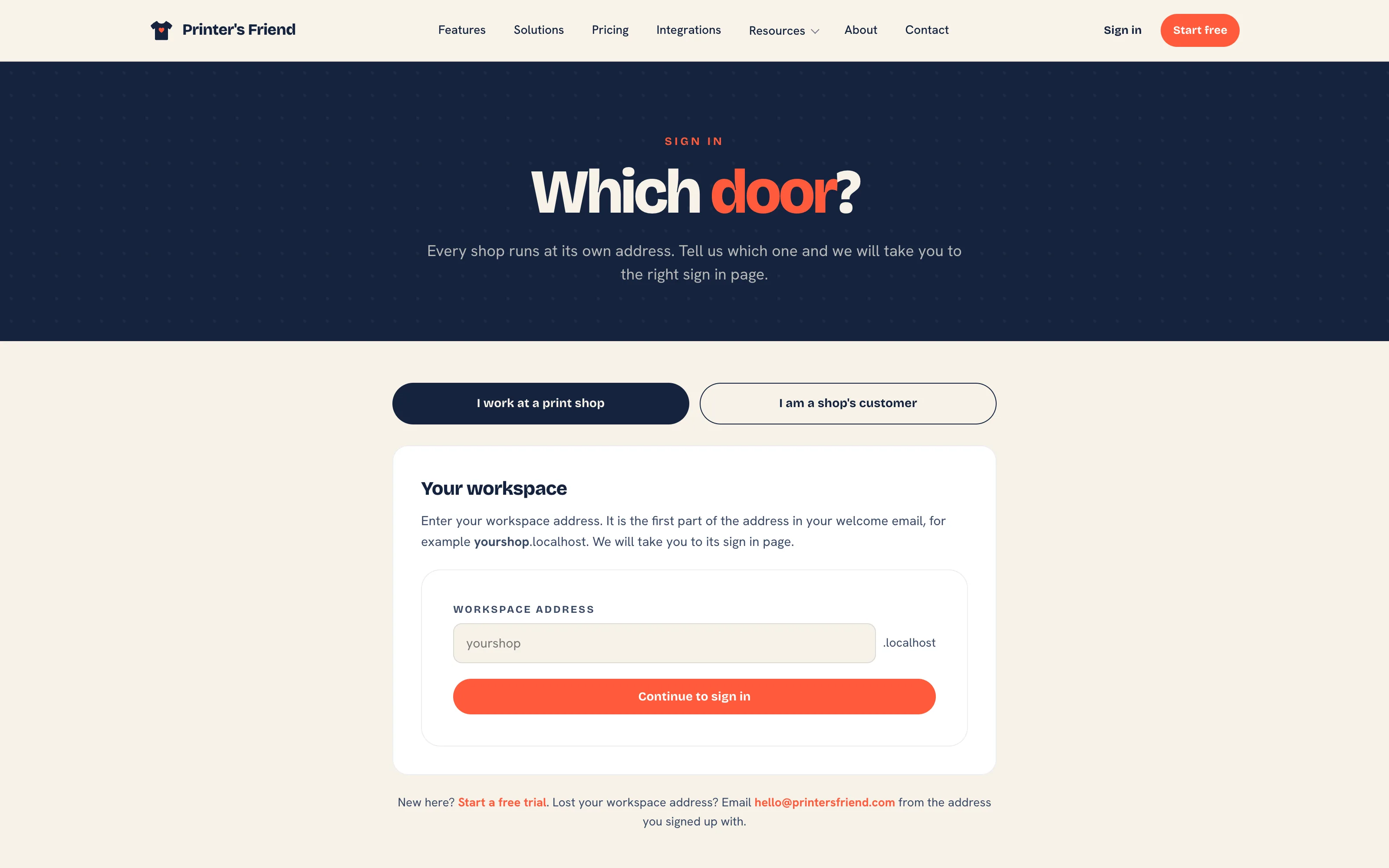 The sign-in chooser.
I have forgotten my workspace address
Open printersfriend.com/workspace and type your shop name. The page redirects you to the workspace address without listing other shops.
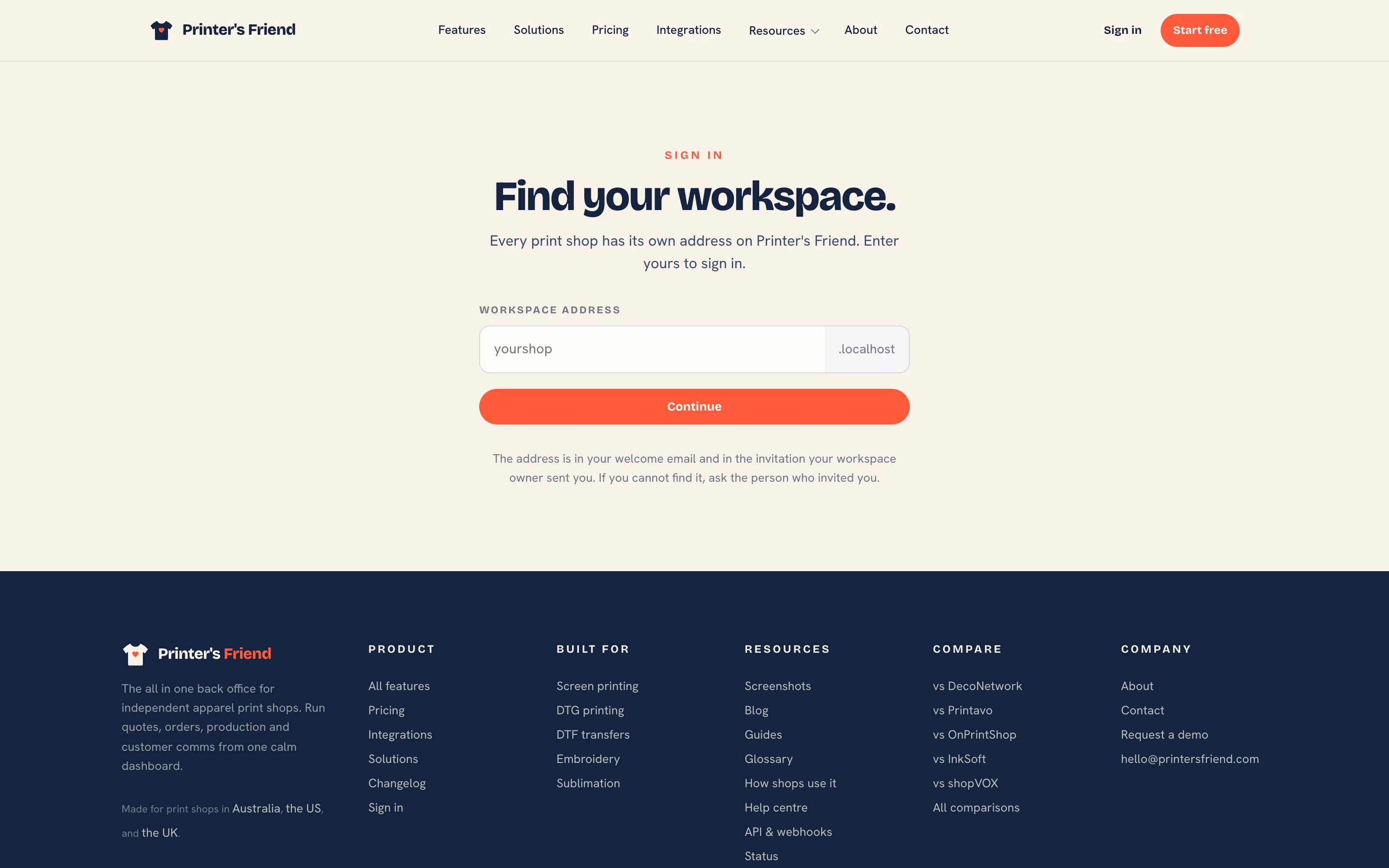 Find your workspace.
Why does the sign-in page ask for an authenticator app?
Owners and managers sign in with an authenticator app as well as a password. The first time you sign in after the role is granted, the panel walks you through adding the account to your app and shows recovery codes. Keep the codes somewhere safe; they are the way back in if you lose the phone.
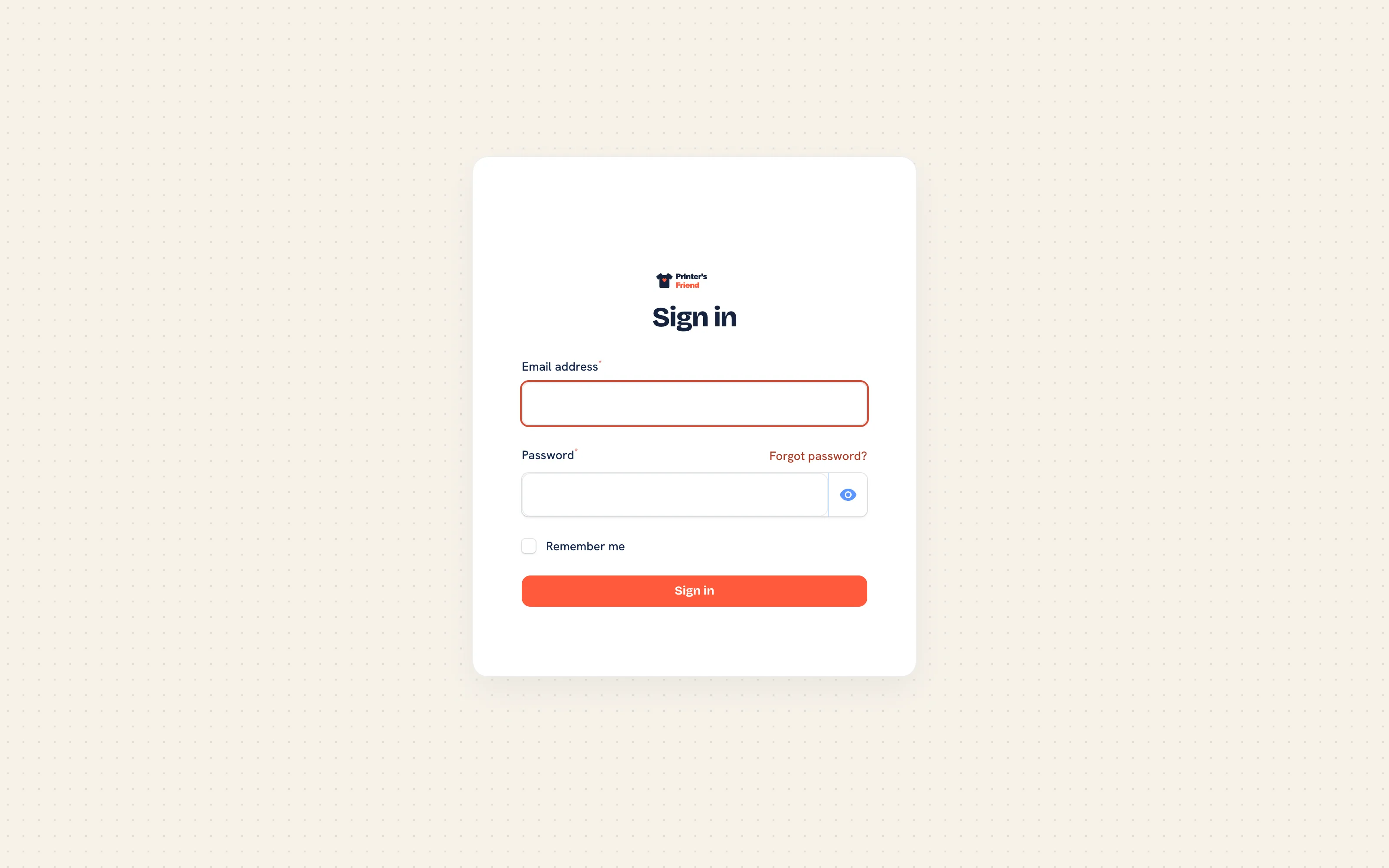 Staff sign-in on the workspace address.
Can one email sign in to two shops?
No. An email address signs in to one workspace. A person who runs two shops uses two addresses. The signup form refuses an email that already runs an active workspace and names that workspace's sign-in page.
The Product
Will it quote the way my shop already quotes?
If your prices come from quantity breaks, colour counts, customer rates and setup fees, yes, through decoration methods and pricing rules. If they come from one experienced person's judgement, that judgement has to be written down as rules first.
Do my customers need an account?
No. A customer accepts a quote or approves artwork from a signed link in the email; the quote links work for 30 days and the approval link for 7, and neither needs a login. The portal is for customers who want to see their orders, invoices and messages in one place, and you invite them from their contact record with Invite to portal.
Do I have to use the production board?
The automations hang off stage changes: customer messages, stock movements, the invoice on dispatch, webhooks and reporting. A shop that never advances stages loses all of them. Advancing by barcode scan takes two seconds at the press.
What does Demi do, and why does it say it is not enabled?
Demi answers plain English questions from six live lookups: late orders, low stock, an order by number, overdue invoices, quote status and top customers. It is included on Starter and above up to a monthly cap. Until the platform enables the assistant, Demi replies "Demi is not enabled on this workspace yet" and the assistant page says the same.
Can I use my own domain?
No. Every workspace, portal, team store and campaign page runs at yourshop.printersfriend.com. The portal footer carries a small Printer's Friend credit.
Is there a mobile app?
No. The shop floor surfaces and the portal are built for phones and tablets and can be added to the home screen like an app. The full workspace wants a laptop for quoting and admin.
What is still planned?
A live AS Colour catalogue sync, historical order import, and more suppliers and carriers. The integrations page on printersfriend.com lists what is live, what is built and waiting on a platform switch, and what is planned. Anything marked planned is described that way everywhere, including these docs.
Where do I see what changed?
What's new for this release in customer terms, and printersfriend.com/changelog for the release history.
Related Pages
- What Printer's Friend Does: what Printer's Friend does and where to start
- Setup Overview and Checklist: the fifteen step installation guide
- FAQ: Billing: short answers on paying, plans and cancelling
- FAQ: Privacy and Data: short answers on data ownership, retention and security
- FAQ: Shop Floor Hardware: short answers on the wall TV, stations, the kiosk and phones
- Troubleshooting: symptoms with the usual cause first