

Appearance
Contact Support
Email hello@printersfriend.com. Every public address for Printer's Friend, including support, privacy, legal, security and sales, reaches the same inbox, so hello@ is the address to use whatever the question.
Before You Email
Three places answer most questions faster than a ticket:
- Troubleshooting covers the problems that come up, with the usual cause first.
- Quick answers covers behaviour that looks wrong and is intended, and the FAQ covers the product, billing, privacy and hardware.
- The status page at printersfriend.com/status shows whether the platform itself is degraded. Every row is a real probe: the database, the cache, the staff sign-in page, the portal sign-in page, the API, the queue, the scheduler, backups, certificates and file storage. The same data is at
/status.json, which answers 503 when any row is not operational, for your own monitoring.
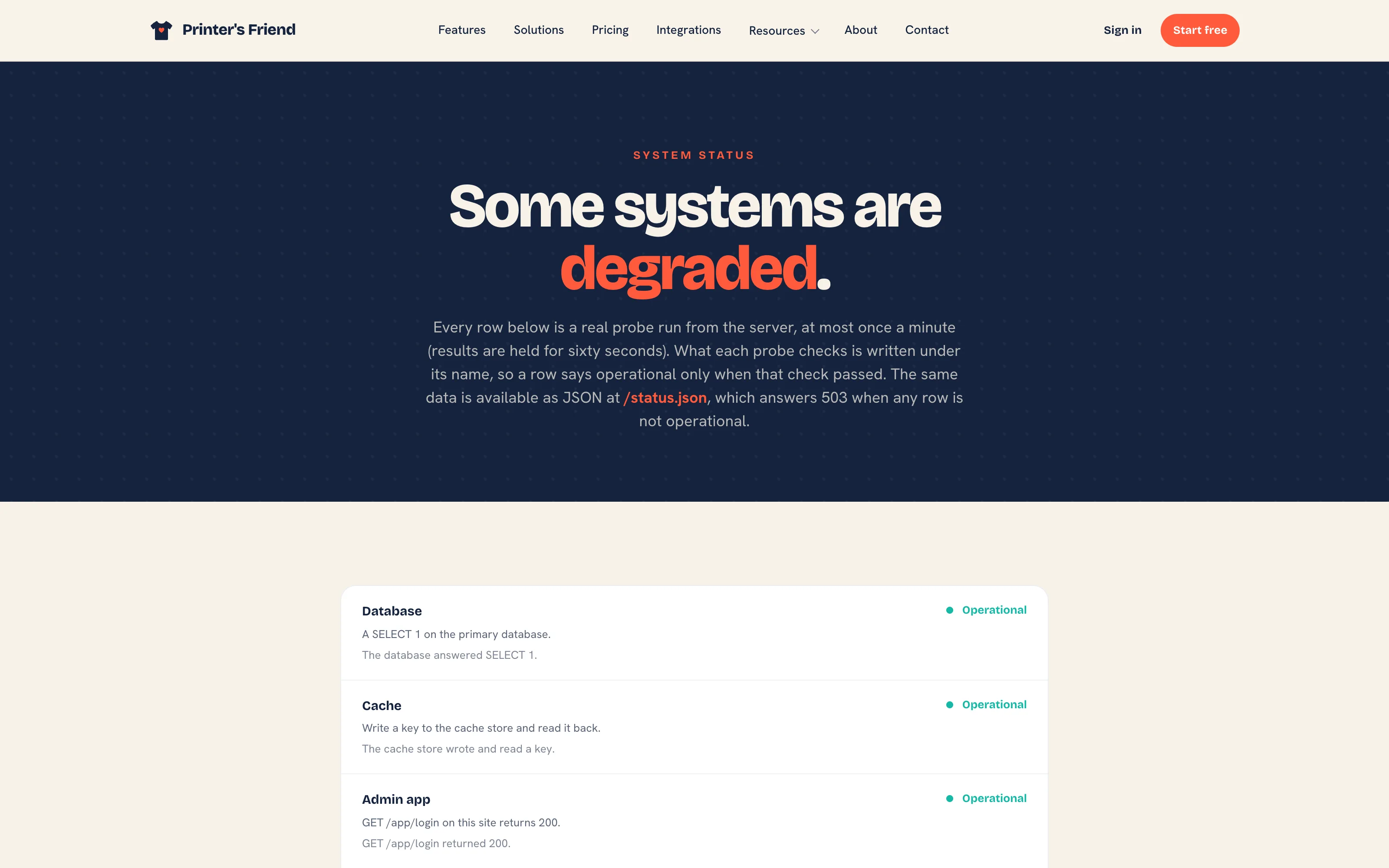 printersfriend.com/status.
What to Include
- Which screen. The path is ideal, for example
/app/quotes/482. - What you expected to happen.
- What happened, with the exact wording of any error or notification.
- The record number: the order, quote or invoice number, or the customer name.
For a pricing question, say what the number should have been and what it came out as. For an email or SMS question, include the recipient address or number and the time of the send; the activity timeline on the record shows the reason for a failed send, and quoting it saves a round trip.
If you leave them out, support will ask for your workspace address, whether it happens for every user or one user, whether it happens for every record or one record, and when it last worked.
What Support Can Do That You Cannot
| Request | Notes |
|---|---|
| A full export of your workspace | Customer activity exports as CSV from each customer record and the API covers customers, orders and inventory on Premium and above; ask here for everything at once |
| A countersigned data processing agreement | The DPA is at printersfriend.com/dpa with a signable PDF at printersfriend.com/dpa.pdf; send the signed copy here |
| Delete a cancelled workspace sooner | A cancelled workspace is read-only for 30 days and then deleted; ask here to bring the deletion forward |
| Recover something deleted | Say what and roughly when. Sooner is much better |
| Raise a limit on Enterprise | Seats and open orders are unlimited on Enterprise; anything else, ask |
| An Enterprise service level claim | Email within 30 days of the end of the month with the dates and times affected, as the terms describe |
Things that used to need support and no longer do: portal logins (Invite to portal on the contact), your tax label, rate and currency (Brand & portal), your time zone (Brand & portal), restarting a lapsed subscription (Start subscription on Billing), and catalogue import (Records, then Catalogue import).
Urgent and Not Urgent
Urgent is anything stopping you shipping or taking money: you cannot sign in, invoices will not issue, payments are not being recorded. Say so in the subject line.
Not urgent, and still worth sending: a number that looks wrong, a wording change you want, a feature you keep wishing existed. Most of what gets built next comes from shops describing a specific job that was harder than it should have been.
Related Pages
- Troubleshooting: symptoms with the usual cause first
- Quick Answers: behaviour that looks wrong and is intended
- FAQ: General: short answers on setup, signing in and the product
- Audit Log: who changed what, and when