

Appearance
Promotions
A promotion is an automatic offer. When a portal customer's cart meets its condition, the pricing engine applies it without a code and names it in the quote's pricing trail.
Where It Lives
| Page | What it's for |
|---|---|
| Insight, then Promotions | The list of promotions, with type, end date and whether each one is on |
| Insight, then Promotions, then New promotion | Create a promotion |
| Insight, then Promotions, then a row | Edit, switch off or delete a promotion |
Promotions are available to owners, managers and the sales role; the viewer role can read them.
Creating a Promotion
- Go to Insight, then Promotions and click New promotion.
- Type the Name. It appears in the pricing trail as Promotion: followed by the name when it fires.
- Pick the Type. The fields that follow change with it:
- Buy X get Y free (BOGO): Buy and Get free. For every Buy plus Get free units in the cart, the Get free units cost nothing.
- Site-wide percent off: Percent.
- Free shipping over $X: Minimum order, in cents.
- Bundle discount (fixed $ off qty threshold): Min quantity for bundle and Bundle discount amount, in cents.
- Tick Stackable if the promotion may combine with a coupon code. Leave it off and the promotion is skipped on any order where a coupon applied.
- Set Starts on and Ends on if the offer has a window.
- Leave Is active on and click Create.
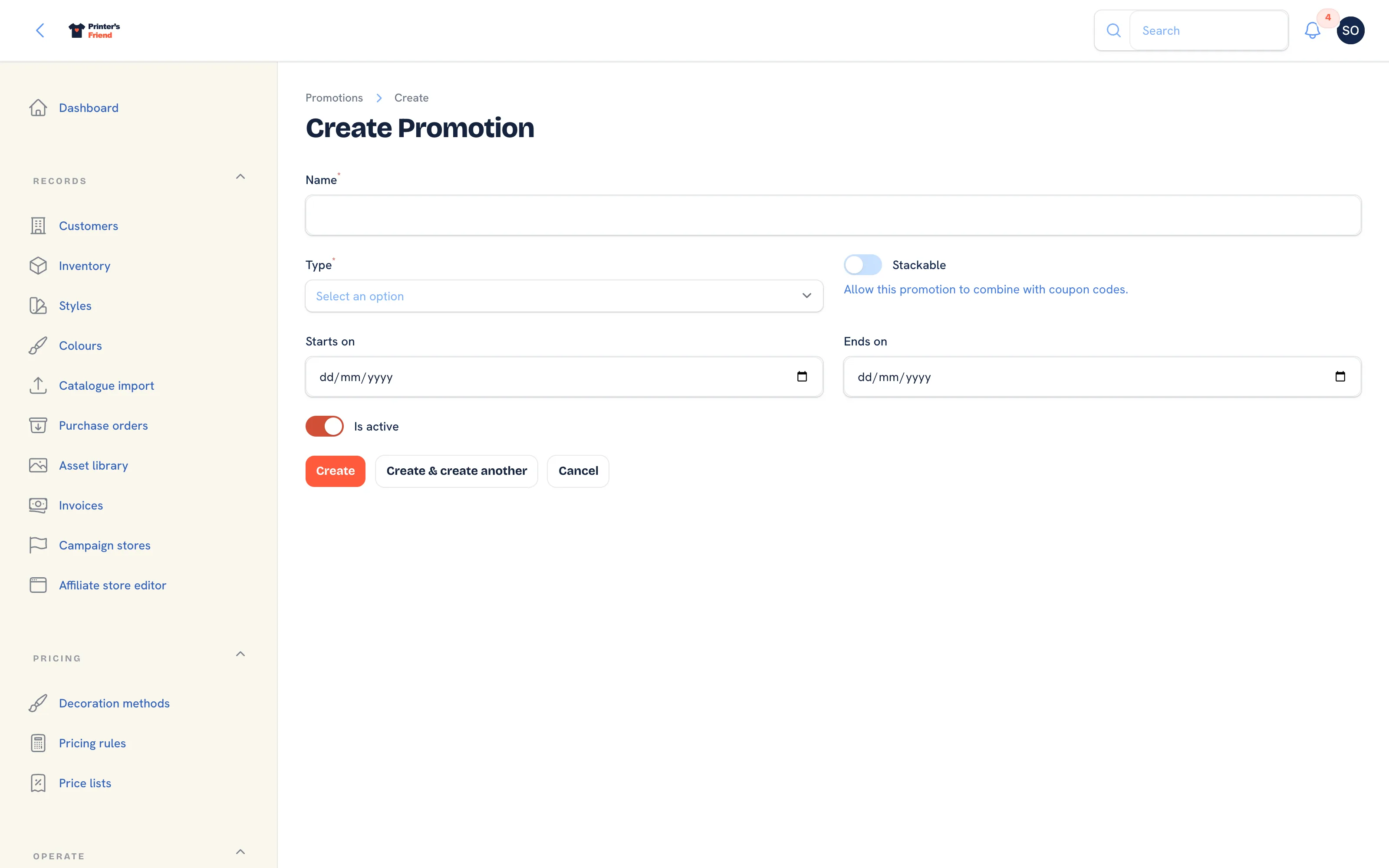 The new promotion form.
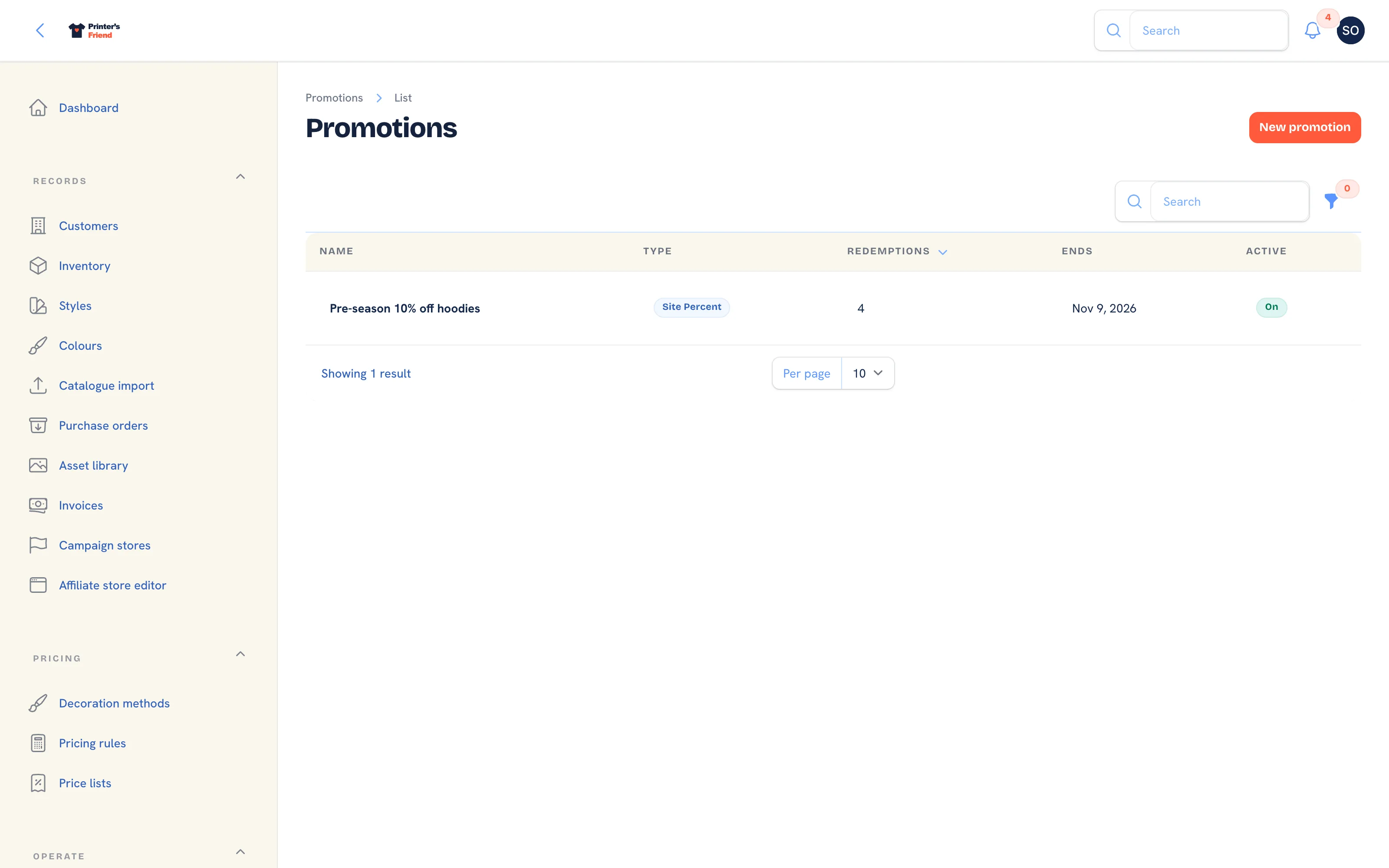 The promotions list.
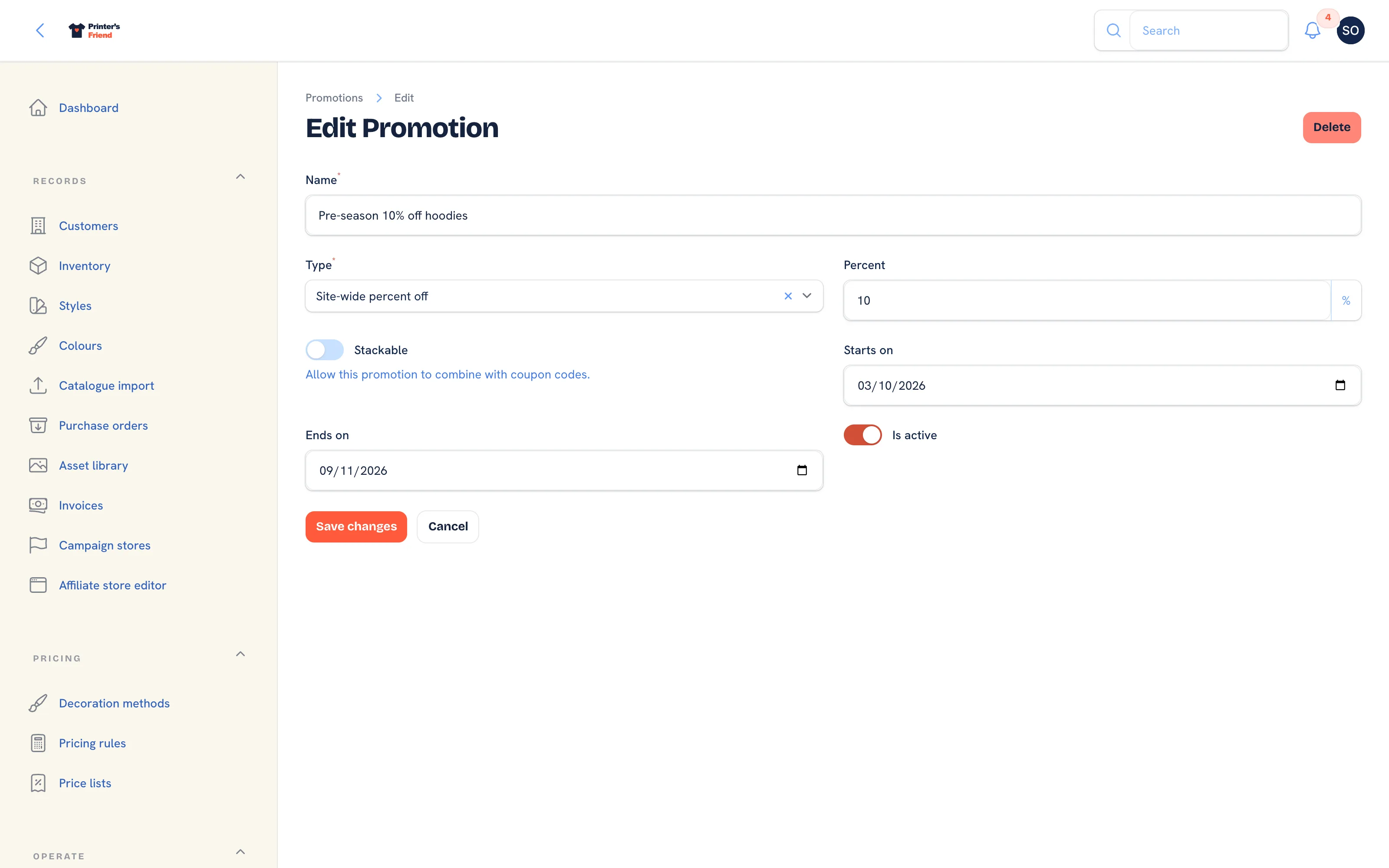 Editing a promotion.
Where Promotions Apply
The engine evaluates every active promotion when a signed-in portal customer checks out their cart, after the price list, the pricing rules and any coupon. Each promotion that fires is listed in the quote's pricing trail with its discount, and when staff later edit a portal quote the same promotions are applied again. Store and campaign checkouts, the kiosk and quotes written by staff do not apply promotions.
| Type | What it takes off |
|---|---|
| Buy X get Y free | The average unit price times the free units earned |
| Site-wide percent off | The percentage of the pre-tax subtotal |
| Bundle discount | The fixed amount, once the cart reaches the minimum quantity |
| Free shipping | Nothing. Checkout totals have no shipping line, so this type is a note on the promotion only |
Two things to know about the list: the Redemptions column is not incremented by checkouts in this release, so it stays at the value you see, and Ends shows No end when a promotion has no end date.
Stackable off is the safe default
Two stackable promotions on one order compound, and a stackable promotion sits on top of any coupon. Before you tick Stackable, work out the worst case on your largest job.
Keeping Them Honest
- Give every promotion an Ends on. A permanent promotion is a lower price, and it belongs in your pricing rules, where it is visible on every quote.
- Switch a promotion off with Is active instead of deleting it, so past quotes that name it still make sense.
- Check margin on a real job after a promotion fires. Reports shows margin by customer and by decoration method.
Related Pages
- Coupon Codes: codes a customer types in the portal cart
- Pricing Rules: customer discounts, quantity breaks and setup waivers
- Reports: revenue, margin, labour, commission and stock for a period
- Quotes: build, price, send, chase and convert quotes