

Appearance
Batch Production
A batch is a planning record for one press run: a design or a decoration method, a print date and a status. It groups the orders that share a setup so the press is set up once, while each order still moves through its own stages on the production board.
Where It Lives
| Page | What it's for |
|---|---|
| Operate, then Batch production | Every batch with its method, order count, print date and status |
| New production batch | Name the run and set its method, design and date |
| Edit | Change the details or the status as the run progresses |
The List
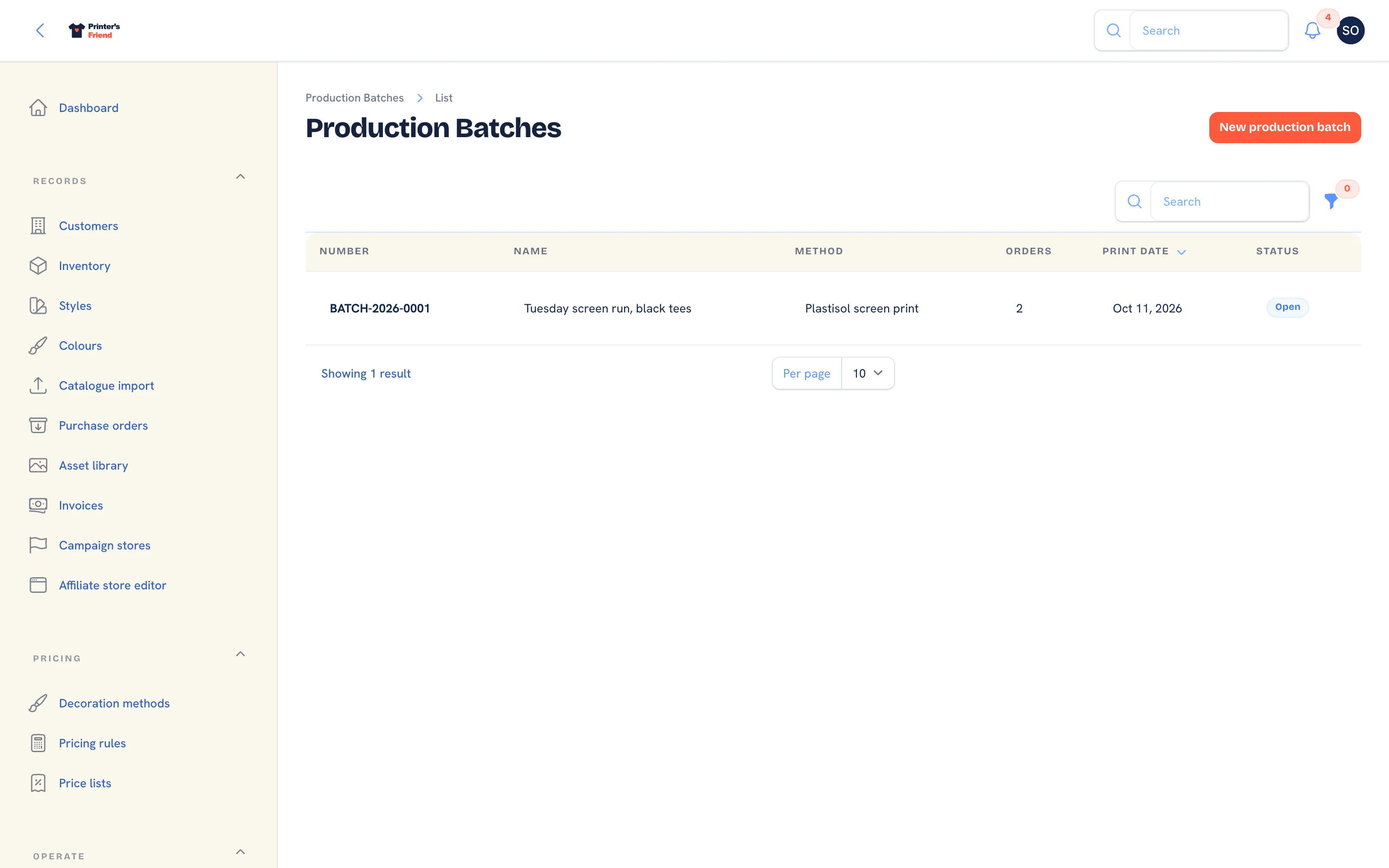 Batches, newest first, with a status filter.
Columns: Number, Name, Method, Orders, Print date and Status. Filter by Status. Numbers run BATCH-2026-0001 upwards within the year.
Creating a Batch
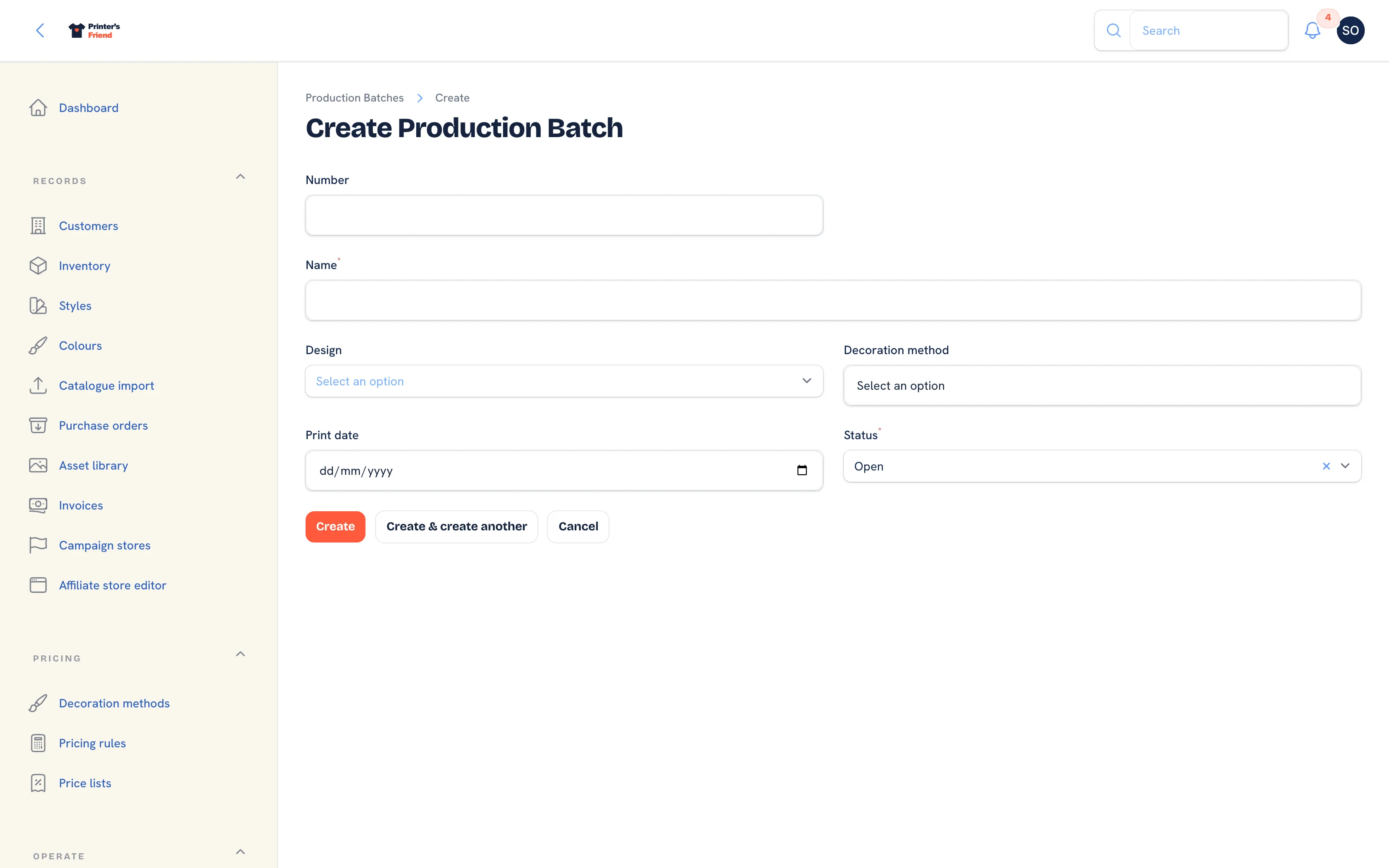 A new batch.
- Go to Operate, then Batch production and click New production batch.
- Type a Name, for example "Northside home kit, week 35".
- Pick the Design when the run is one design across several orders, and the Decoration method the run uses.
- Set the Print date and leave Status as Open.
- Click Create.
Running a Batch
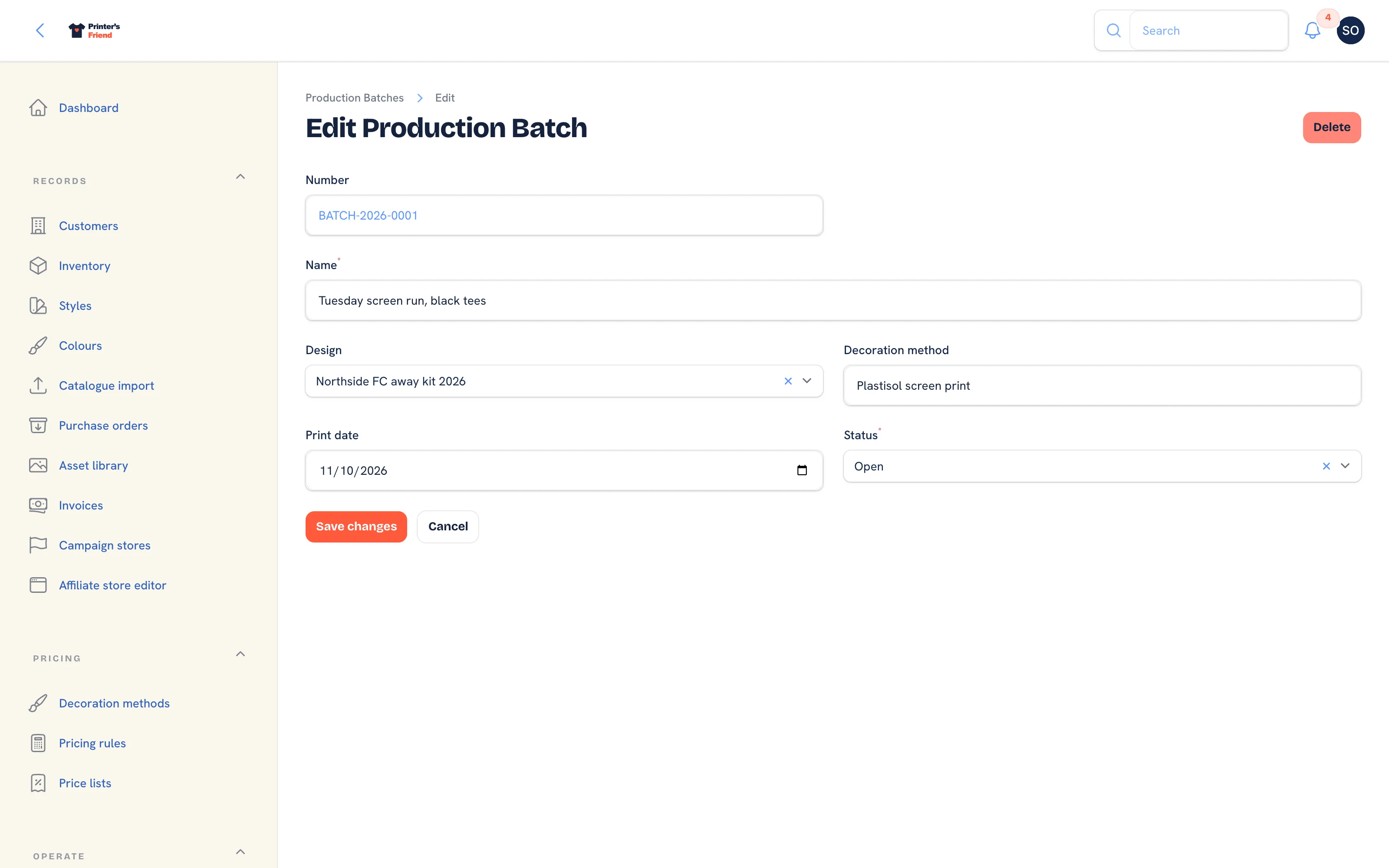 Editing a batch. Status moves from Open to Printing to Complete.
- Set the print date against the dashboard's production load so the run does not land on your busiest day.
- On the day, open the batch, set Status to Printing and click Save changes.
- Advance the member orders on the production board as each one completes, so every customer gets the right messages about their own job.
- Set Status to Complete when the run is done.
The Orders column counts the orders linked to the batch. The batch form does not link orders itself; the batch is the plan for the run, and the orders keep their own stages, stock movements and invoices.
A batch does not move its orders
Setting the batch to Complete changes nothing on the member orders. Advance each one on the production board as it finishes, because the customer messages, the stock consumption and the invoice fire on the order's own stage moves and on nothing else.
When a Batch Pays Off
Batching helps when you repeat a design, or when small jobs share media: the same club design across three orders placed in one week, a run of DTF transfers ganged onto one sheet, or all the week's embroidery so the machine is threaded once. A shop doing one-off jobs with different artwork gains little from it.
Related Pages
- Production Board: move jobs between stages by drag, tap or barcode scan
- Orders: the order page, stage moves and what each one triggers
- Dashboard: the morning view: late jobs, proofs waiting on customers, cash and capacity
- Decoration Methods: the rate matrix and setup fee for each method