

Appearance
Campaign Stores
A campaign store is a group buy page at yourshop.printersfriend.com/campaign/{slug} for one garment at one price, with a target, a close date and a progress bar. Backers pick sizes and quantities and check out as guests; each checkout creates a draft quote in your workspace and moves the progress bar.
Where It Lives
| Page | What it's for |
|---|---|
| Records, then Campaign stores | The list of campaigns with sold against target, progress, close date and status |
| Records, then Campaign stores, then New campaign | Create a campaign |
| Records, then Campaign stores, then a row | Edit a campaign, change its status or delete it |
yourshop.printersfriend.com/campaign/{slug} | The public page backers order from |
Campaign stores are available to owners, managers and the sales role; the viewer role can read them.
Campaign or Team Store
| Team store | Campaign store | |
|---|---|---|
| Runs | Until you unpublish it | Until you set its status to Closed |
| Sells | The styles you tick, at the customer's price list rate | One style at one unit price |
| Shows a target and progress | No | Yes |
| Best for | A club's regular kit | A fundraiser, an event shirt, a one-off run |
Creating a Campaign
- Go to Records, then Campaign stores and click New campaign.
- Type the Name. The Slug fills itself from the name; edit it if you want a shorter address.
- Write the Blurb, the pitch shown under the name on the public page.
- Pick the Organisation running the campaign. Its store brand colour is used on the page.
- Pick the Design and the Style. The style decides the sizes a backer can choose and supplies the product photo.
- Set Target units (it starts at 50) and Unit price cents, the price per unit in cents: 3500 is 35.00 in your currency.
- Set Starts on and Ends on. The end date is shown to backers as Closes.
- Leave Status as Draft while you check the page, then set it to Live.
- Click Create. The list shows the campaign with Sold / target, Progress and Closes.
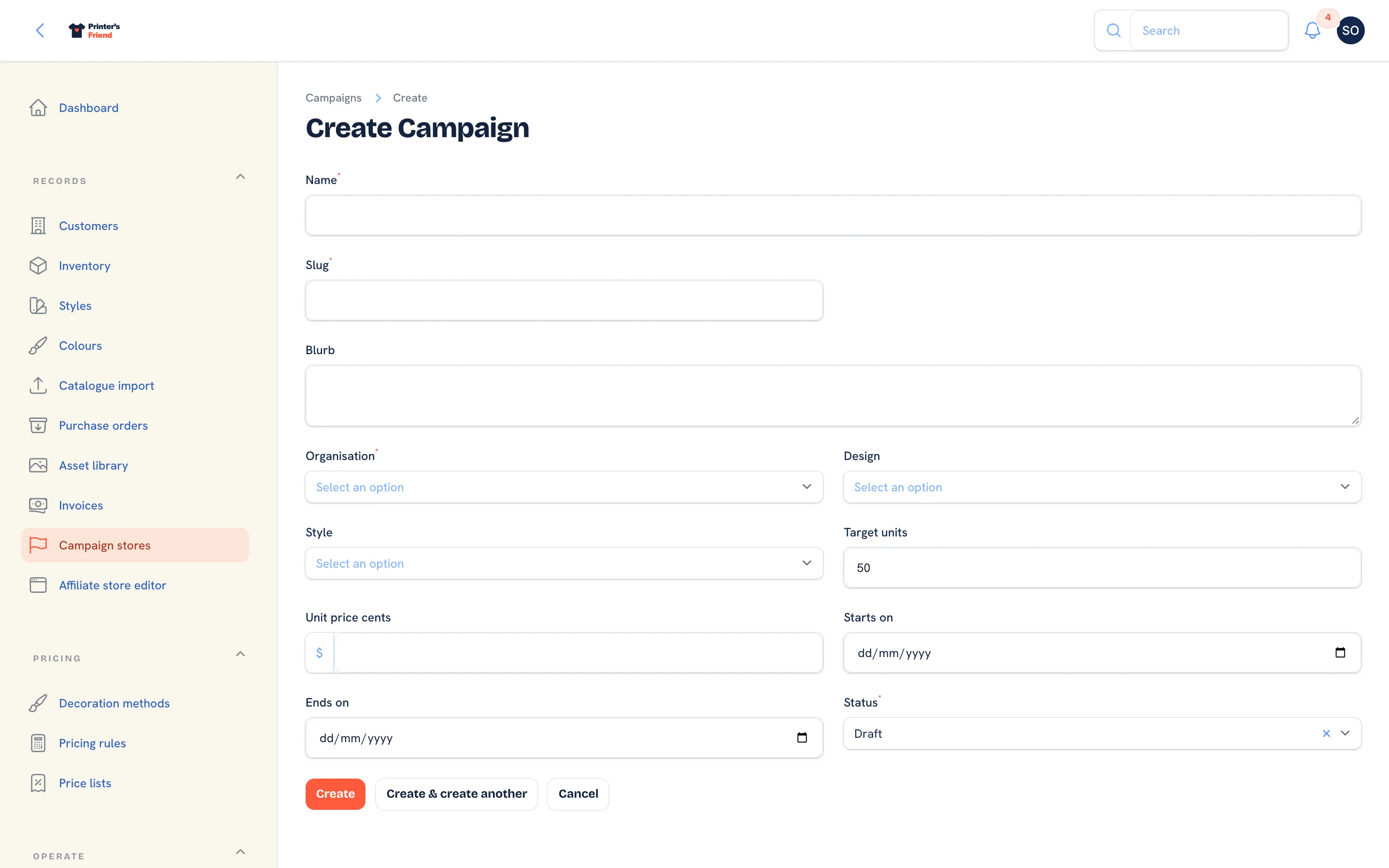 The new campaign form.
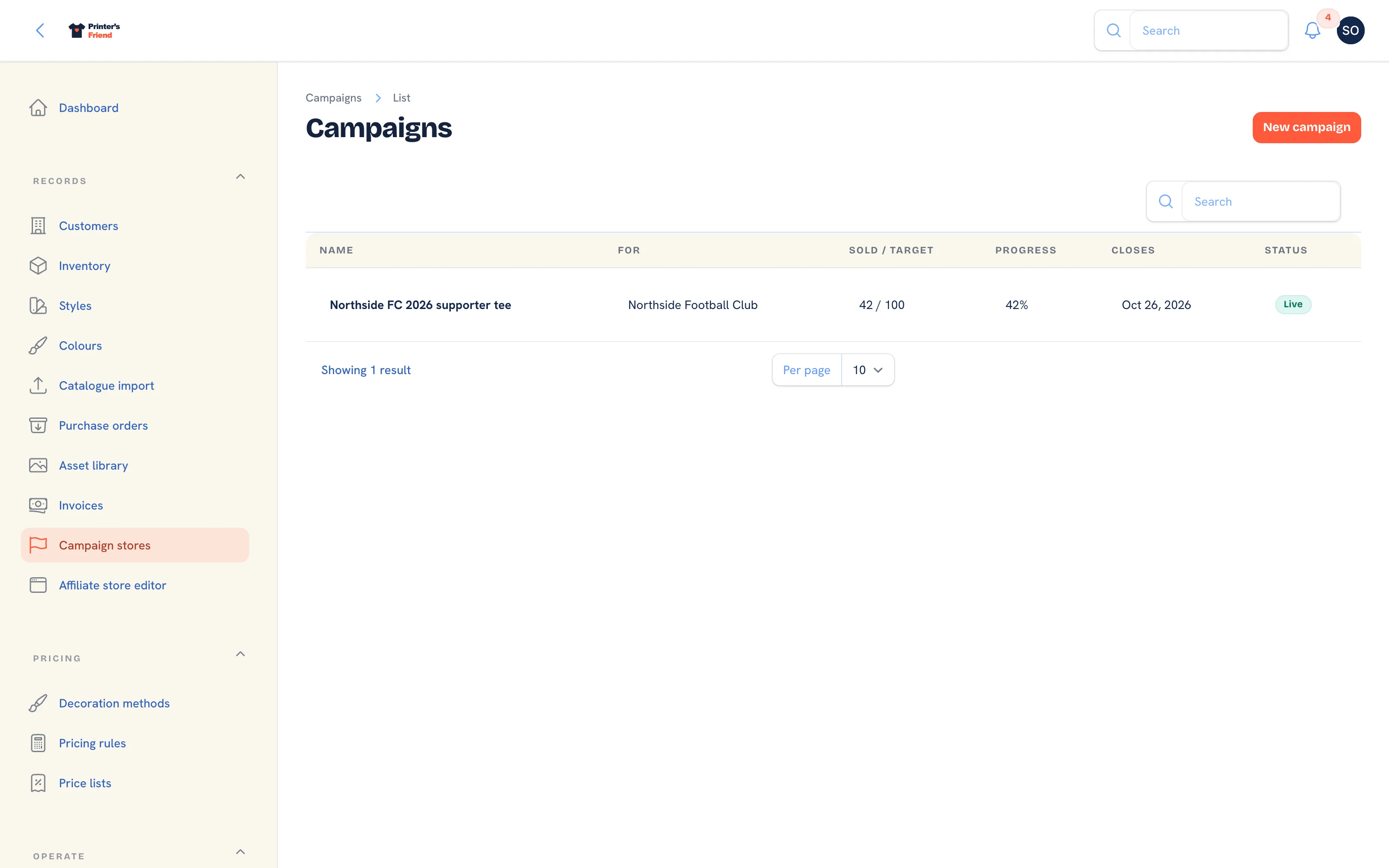 The campaign list.
The end date does not close the campaign
Only Status controls the public page. A Draft or Closed campaign returns a 404; a Live campaign stays open past its end date until you set it to Closed. Put the close date in your calendar.
What Backers See
The page shows a pill naming the organisation's campaign, the name, the blurb, a progress bar reading how many of the target are sold with the percentage, Closes with the end date, a Spread the word row of share buttons, the product photo and the unit price. The Get yours form has a quantity box per size of the style (or a single Quantity field when the style has no sizes), Your name, Email and a Back this run button. The form says no payment is taken now and that your shop confirms every order and sends an invoice.
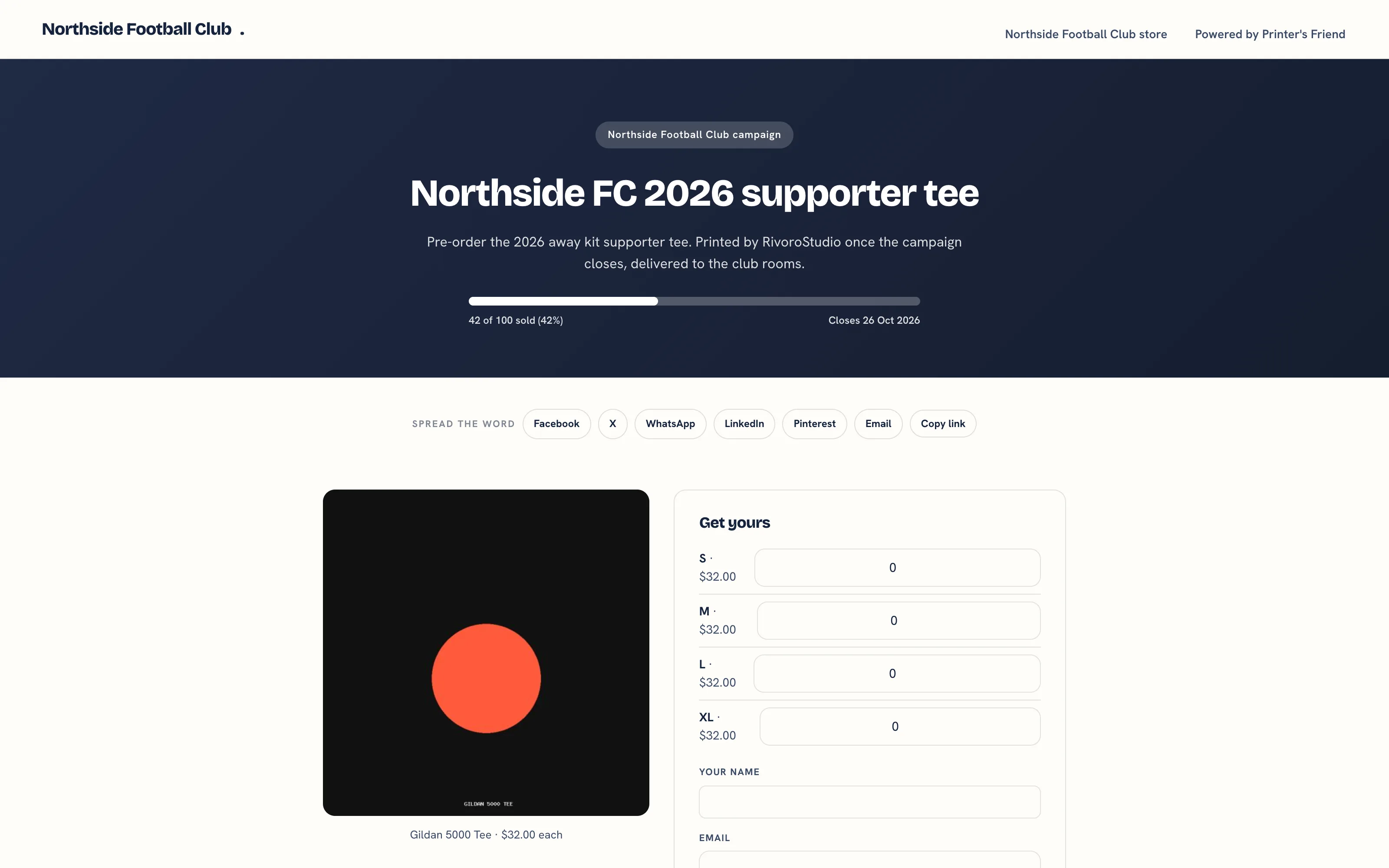 The campaign page.
After Back this run the backer sees Thanks, your order is in with the quote number as a reference. When your Stripe account is connected, the page also offers Pay now by card, a signed link valid for 24 hours that converts the quote to an order and an invoice and opens Stripe's hosted payment page.
What Happens in Your Workspace
- A draft quote is created under the organisation with the source campaign, one line per size at the campaign unit price, plus tax from your tax scheme. Campaign quotes use the campaign price, not the customer's price list.
- A campaign order is recorded against the campaign and Sold / target moves by the quantity ordered, once per checkout, even when two backers order at the same moment.
- The backer is added as a contact of the organisation, or matched to their existing contact, and receives a confirmation email addressed to them.
- Staff with access to quotes are notified in the panel and by email.
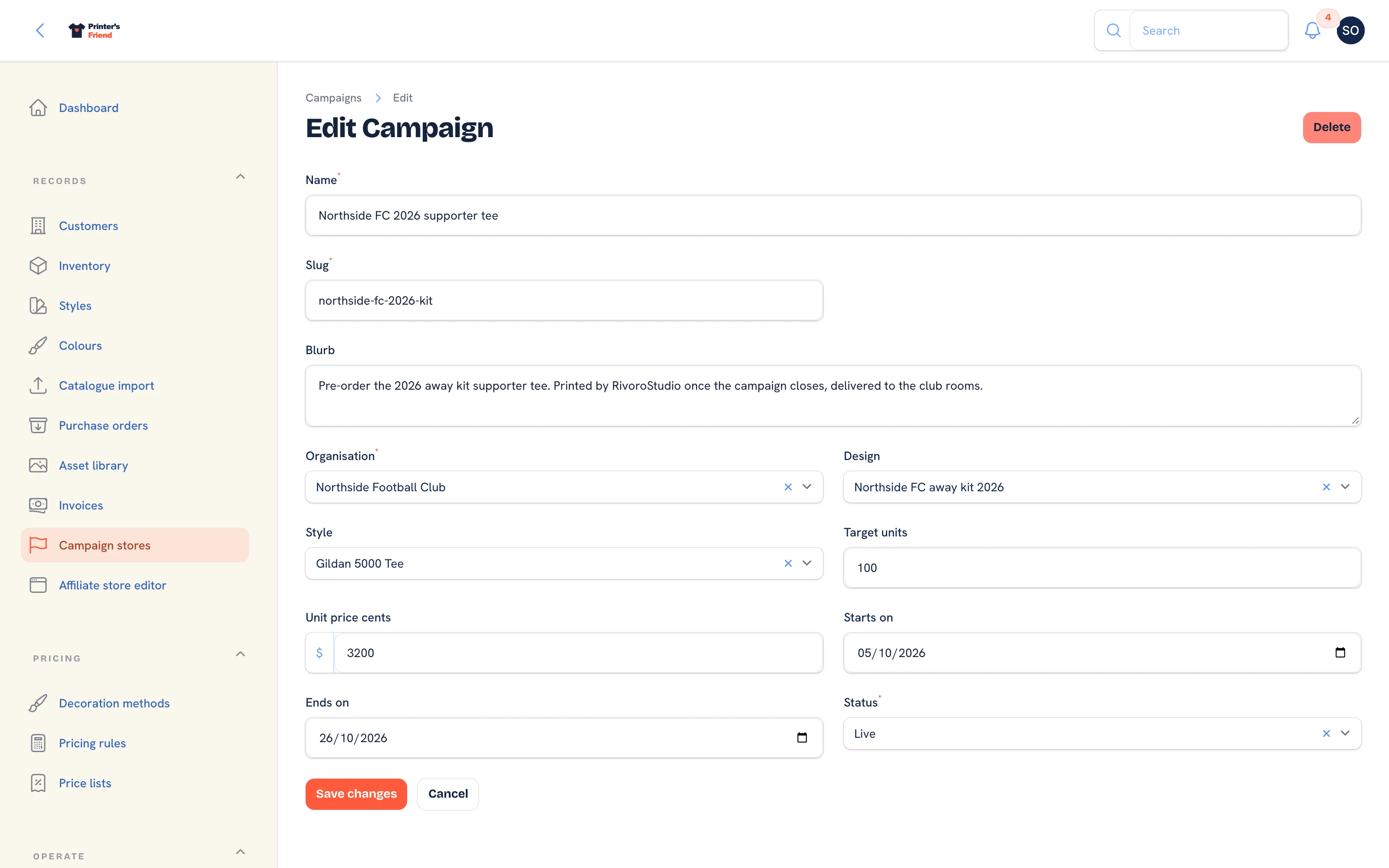 A live campaign on its edit page.
While It Runs
Watch Sold / target on the list. Halfway to the close date with a quarter sold is the moment to ask the organiser to share the page again, and the page carries a share row for that. When the campaign ends, set Status to Closed, review the quotes, accept them and gang the work into one batch.
Related Pages
- Affiliate Team Stores: a branded store for one club, school or company
- Quotes: build, price, send, chase and convert quotes
- Batch Production: plan a press run that covers several orders
- Coupon Codes: codes a customer types in the portal cart