

Appearance
Accounting: Xero and QuickBooks
The Accounting card on Insight, then Integrations connects your ledger so invoices, contacts, payments and credit notes reach it without being re-keyed. The connection is OAuth: you approve access on Xero's or Intuit's own screen and come straight back. There are no keys or tokens to paste.
Plan requirement
Accounting sync is included on the Premium and Enterprise plans.
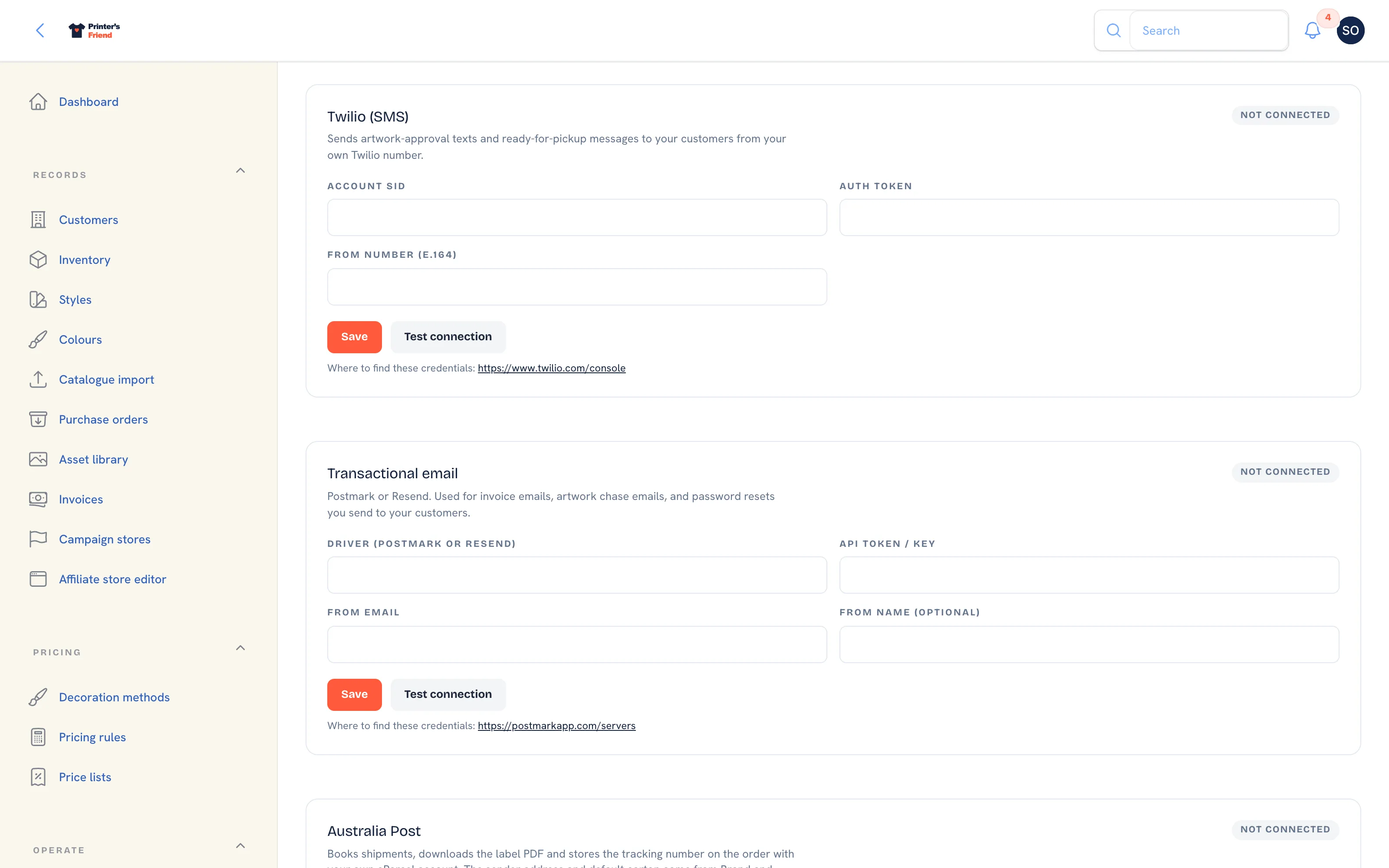 The Accounting card sits at the bottom of the Integrations page.
Availability
The card offers a Connect Xero or Connect QuickBooks button only for a provider the platform holds a developer app for. Until the platform enables one, the card reads "Accounting sync is not available yet" and shows no fields. The pricing page, the integrations page on printersfriend.com and this guide say the same thing, so the card is never the only place to find out.
Connecting
Once a button is offered:
- On the Accounting card, read the line "Connect your ledger. You will be sent to Xero or Intuit to approve access, then straight back here. No keys to paste."
- Click Connect Xero or Connect QuickBooks.
- Sign in at the provider and approve access for the organisation (Xero) or company (QuickBooks) you want to sync.
- You return to the Integrations page with the notification "Xero connected" or "QuickBooks Online connected" and the line "Invoices and payments will now sync to your ledger as they are issued and paid."
- The card now reads "Connected to Xero. Ledger ..." with the name of the organisation or the company id. Click Test connection at any time to confirm the stored token still authenticates.
If you cancel at the provider, the card shows "connection cancelled" and nothing is connected. If the response does not match a connection started from your workspace, the card asks you to start again from the Accounting card.
Only one provider is active at a time. Disconnect removes the stored tokens and nothing else; your ledger is untouched.
What Syncs
| Direction | What | When |
|---|---|---|
| Out | The invoice and its customer as a contact | When the invoice issues |
| Out | The payment | When a payment is recorded in Printer's Friend, by card through Stripe or by hand |
| Out | A credit note | When a return is credited |
| In | Payments recorded directly against the invoice in your ledger | Pulled every hour, looking back 25 hours so nothing is missed |
Tokens are refreshed before they expire, so the connection keeps working without attention.
The first push creates the customer in your ledger as a contact and records the ledger's contact id on the customer record in the read-only Xero/QB ID field. Every later push reuses it. If a regular account already exists in your ledger under a different name, merge the duplicate in the ledger after the first invoice lands.
Tax on a synced invoice follows your tax scheme. If your ledger's tax codes are set up differently, fix the mapping before you sync a month of invoices.
Reconcile first, then connect
Bring your ledger to a known-good state before you connect, so you can tell which entries came from the sync. Then sync one invoice and look at it in your ledger: contact, tax code, account code, amount. After that, let it run.
Troubleshooting
| Symptom | Check |
|---|---|
| The card says "not available yet" | The platform has not enabled that provider. Nothing on your side changes this |
| Duplicate contacts in the ledger | Two customer records for one trading entity, or a contact created in the ledger under another name before the first push |
| An invoice was rejected by the ledger | Tax code or account code mapping on the ledger side |
| Nothing is syncing | The ledger refused the token. Test connection shows the reply; Disconnect and connect again |
| A payment made in the ledger has not appeared | The pull runs hourly. Check again after the hour |
Related Pages
- Invoices: invoices, reminders, payments, refunds and credit notes
- Returns: goods coming back: receive, refund, credit or reject
- Customers and Contacts: import customers and contacts
- Tax, Currency and Invoices: the tax label, rate and currency on every document