

Appearance
Shipping: Australia Post
The Australia Post card on Insight, then Integrations connects your own eParcel account. With it connected, Generate shipping label on an order books the shipment with Australia Post, downloads the label PDF, stores it on the order and records the tracking number, which then flows into the dispatch email and SMS.
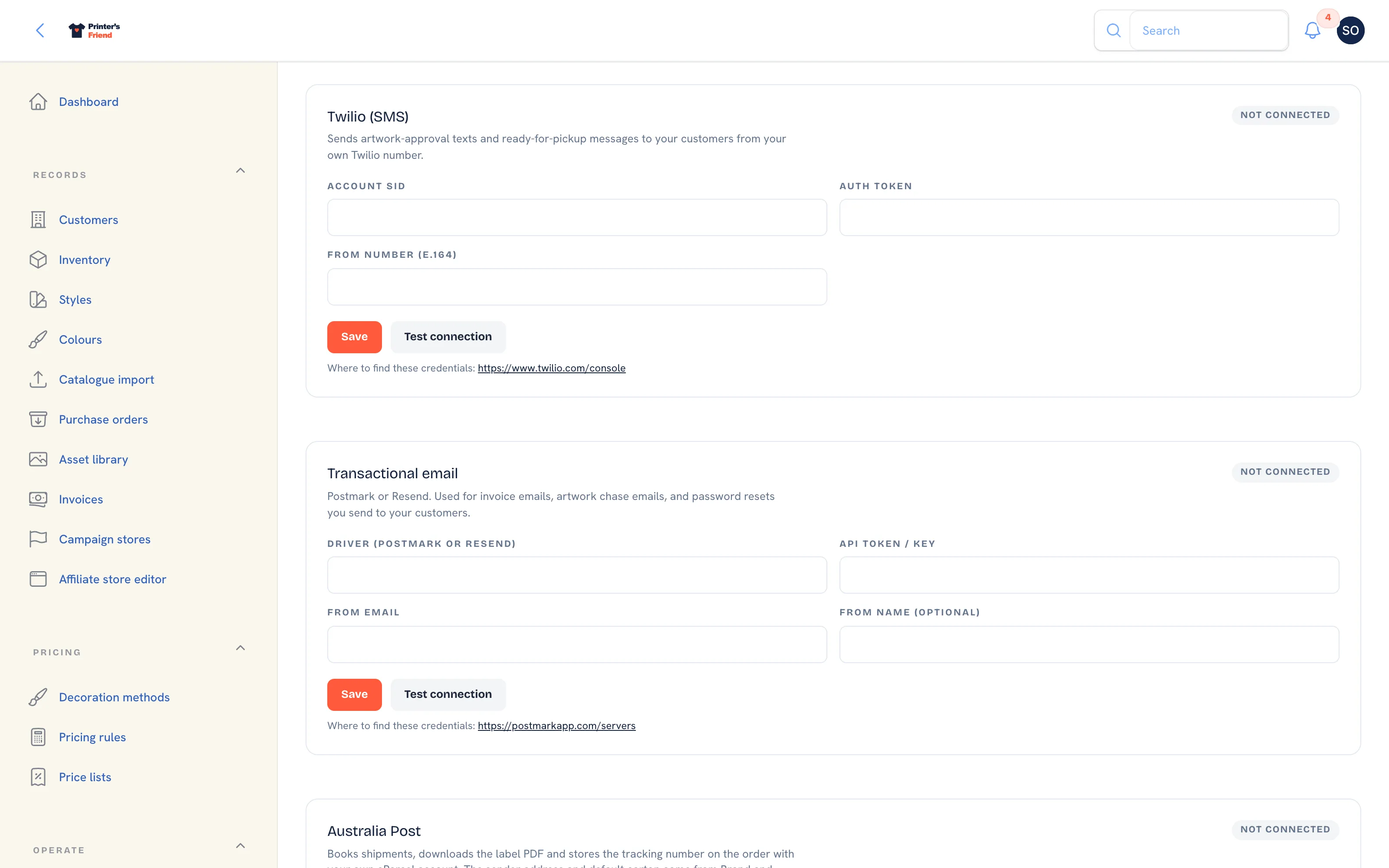 The Australia Post card. Without credentials the label action on an order is refused with a clear message.
Where It Lives
| Page | What it's for |
|---|---|
| Insight, then Integrations, the Australia Post card | Your eParcel API key, account number and optional product ID |
| Insight, then Brand & portal, the Sender address and default carton section | The sender printed on the label and the carton used when an order has none of its own |
| An order in QC + Pack or Dispatched | Generate shipping label and Print label |
Connecting
- On the Australia Post card, fill in API key and Account number from your Australia Post developer portal and eParcel account.
- Leave Product ID (optional, e.g. 7E55) blank to book with the default service code
7E55, or enter the product code of the eParcel service you want every label booked on. - Click Save, then Test connection. The pill changes to Connected.
Setting the Sender and the Default Carton
Australia Post prints the sender on the parcel and needs a carton size and weight for every booking.
- Open Insight, then Brand & portal and scroll to Sender address and default carton.
- Fill in Address line 1, Address line 2 (optional), Suburb, State, Postcode and Country code.
- Fill in Default carton length (cm), Default carton width (cm), Default carton height (cm) and Default carton weight (kg). These are used by every order that does not carry its own size and weight.
- Click Save.
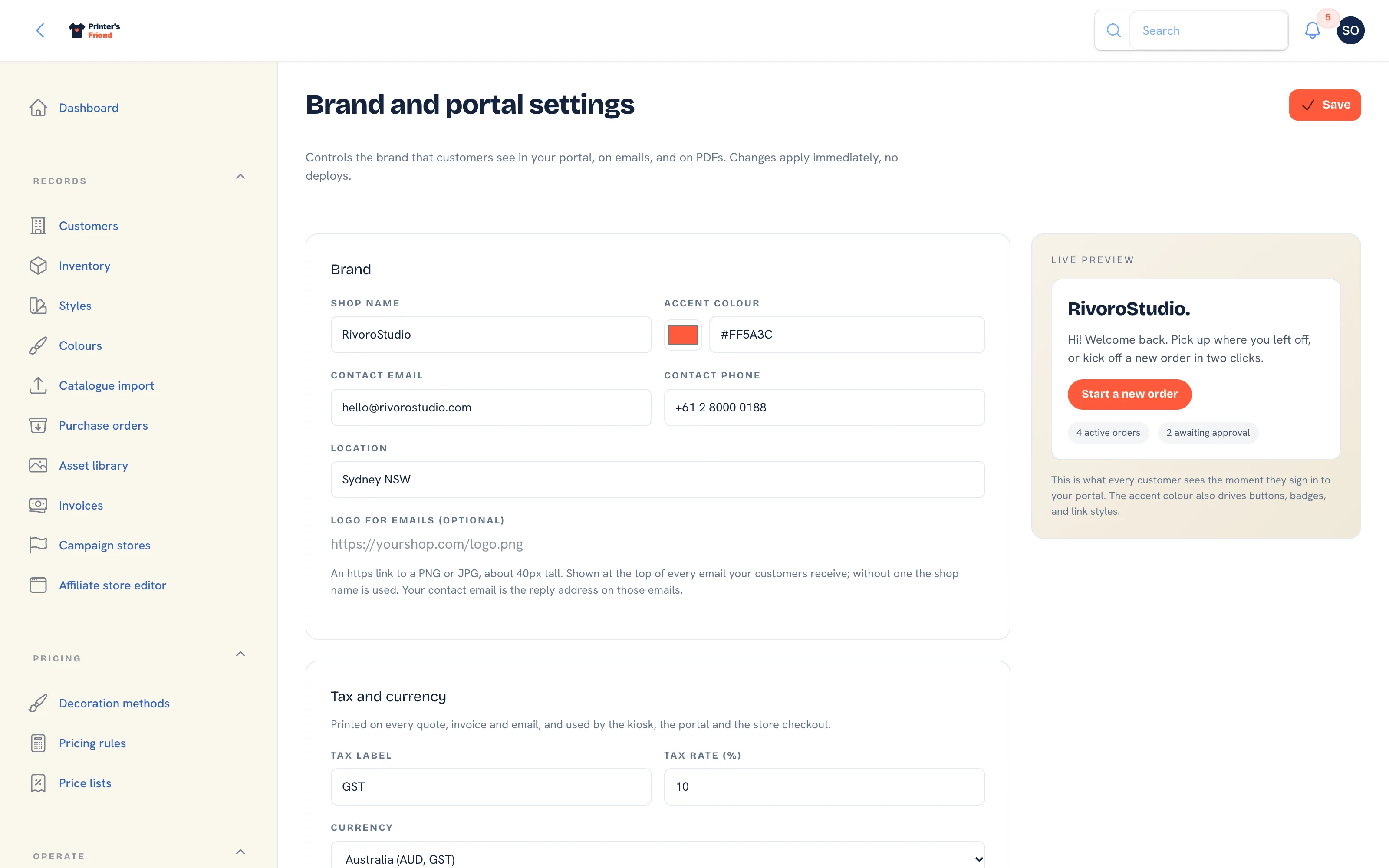 Brand & portal settings. The sender address and default carton section sits further down the same page, below the time zone.
An order's own carton fields on the order edit form win over the default when they are set.
Generating a Label
- Open the order. Generate shipping label appears once the order is in QC + Pack or Dispatched and has no tracking number yet.
- Click it. Printer's Friend books the shipment, requests the label and waits for Australia Post to produce the PDF.
- The notification "Shipping label ready" shows the tracking number and says "Use Print label to download the PDF." The order now shows the carrier and the tracking number.
- Click Print label to download the stored PDF. It serves the file saved on the order, so you can print it again later without another booking.
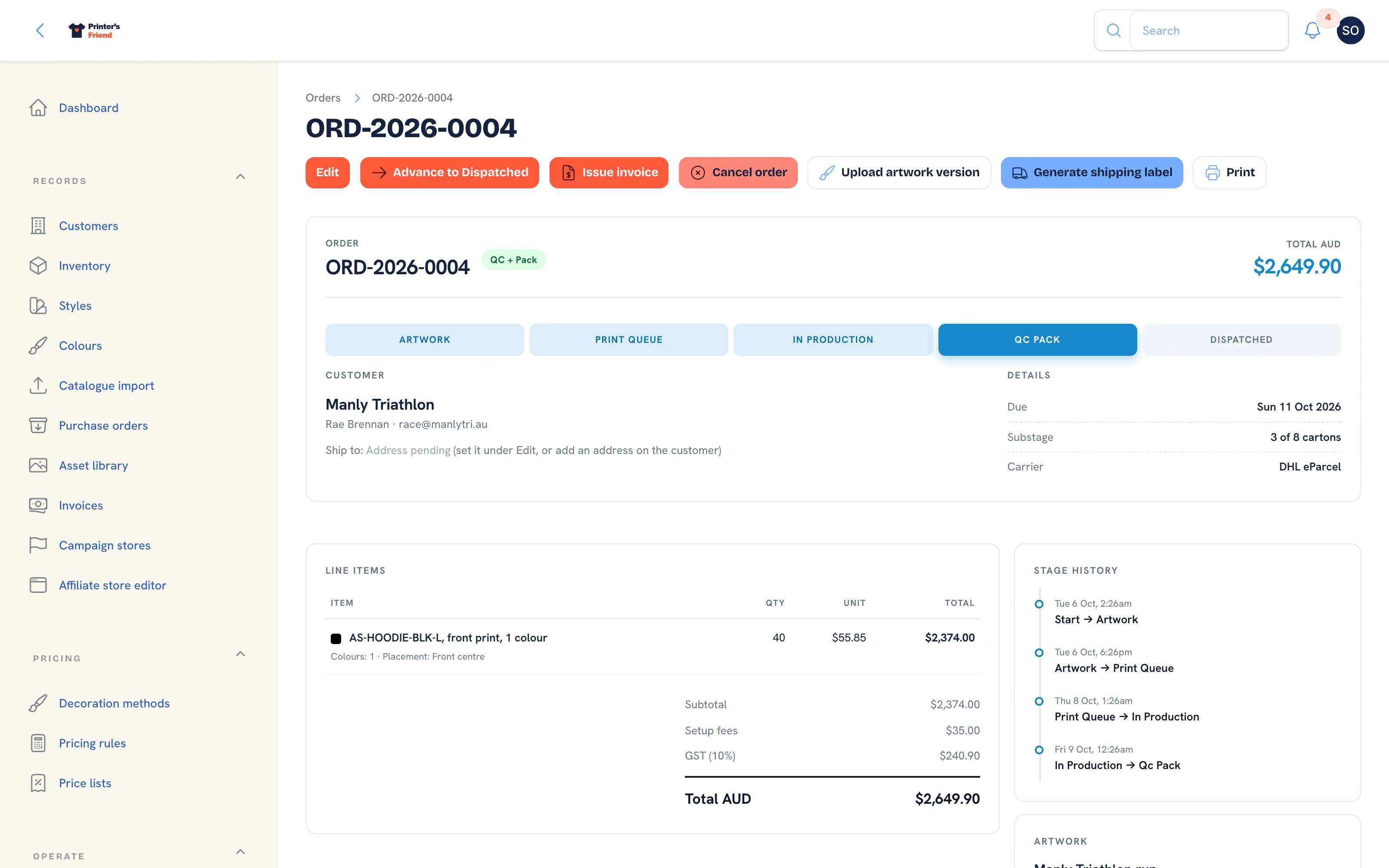 An order in QC + Pack, the stage where Generate shipping label appears.
The tracking number reaches the customer through the variable in the dispatch templates.
When the Action Is Refused
Nothing is booked and the notification names what to fix:
| Notification | Meaning |
|---|---|
| Carrier not connected | No eParcel credentials on the card |
| Label not created, with a message about the sender address | The sender address under Brand & portal is incomplete |
| Label not created, with a message about the carton | Neither the order nor the default carton has a size and weight |
| Label not created, with a message about the address | The customer's shipping address is missing from the order |
| Australia Post has not finished the label yet | Click Generate shipping label again in a minute |
Generate at pack time
Create the label while the box is still open, so the packer catches an address problem before the parcel is sealed. A wrong address is the most common cause of a returned parcel, so check the shipping address on the customer record for clubs whose delivery and billing addresses differ.
Other Carriers
Australia Post is the only direct integration. For any other carrier, type the tracking number and carrier on the order edit form and they flow into the dispatch email and SMS the same way. You lose the automatic label, and nothing else. If you never ship through a carrier, remove the tracking variable from your dispatch templates so the message does not carry an empty tracking line.
The default carrier on each customer record prefills the carrier on their orders.
Related Pages
- Addresses and Packing Slips: billing and shipping addresses, the packing slip and the shipping label
- Orders: the order page, stage moves and what each one triggers
- Brand and Portal Settings: shop name, colours, tax and currency, portal copy and the kiosk switch
- Email and SMS Templates: the email and SMS templates and their variables