

Appearance
Purchase Orders
A purchase order records what you have ordered from a supplier. Receiving the delivery against it is what puts the garments into stock, line by line, through the movement ledger.
Where It Lives
| Page | What it's for |
|---|---|
| Records, then Purchase orders | Every purchase order with its units, received progress and total |
| Suggest from low stock | Draft one order per brand for every SKU at or under its reorder point |
| New purchase order | Raise one by hand |
| The purchase order page | Download PDF, Send to supplier and Receive delivery |
| Edit | Change the lines while the order is a draft |
The List
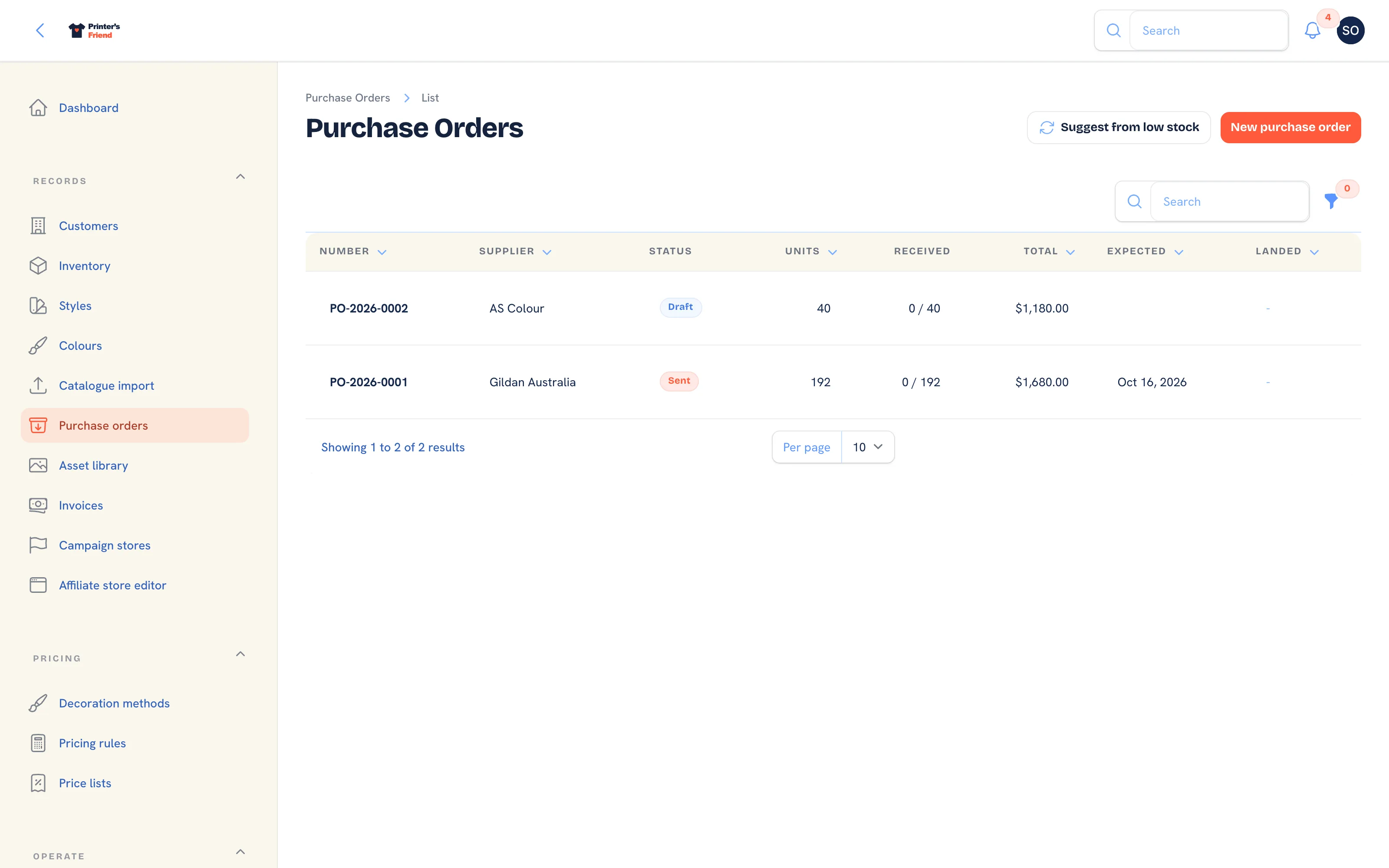 Purchase orders, newest first. Received shows landed units against ordered.
Columns: Number, Supplier, Status, Units, Received (landed against ordered), Total, Expected and Landed. Filter by Status. Numbers run PO-2026-0001 upwards within the year.
Suggesting Orders from Low Stock
- Click Suggest from low stock.
- Every active SKU whose available count is at or under its reorder point is grouped by brand, and one draft purchase order is created per brand with the brand as the supplier, an expected delivery ten days out and the note "Auto-suggested from low-stock alerts."
- Each line is sized from the SKU's consumption over the last ninety days, covering seventy days at that rate and never less than the SKU's reorder quantity, and costed at the supplier cost on the SKU. The notification reads how many draft purchase orders were suggested.
- Open each draft, review the lines and quantities, then send it.
Suggesting replaces today's drafts
Suggest from low stock deletes every draft purchase order created today, including ones you built by hand, and creates the suggested set afresh. Send a hand-built draft before you run the suggester, or raise it afterwards.
The suggester knows your reorder settings and your recent consumption. It does not know you are about to take on a 2,000-shirt contract. Review before sending.
Raising One by Hand
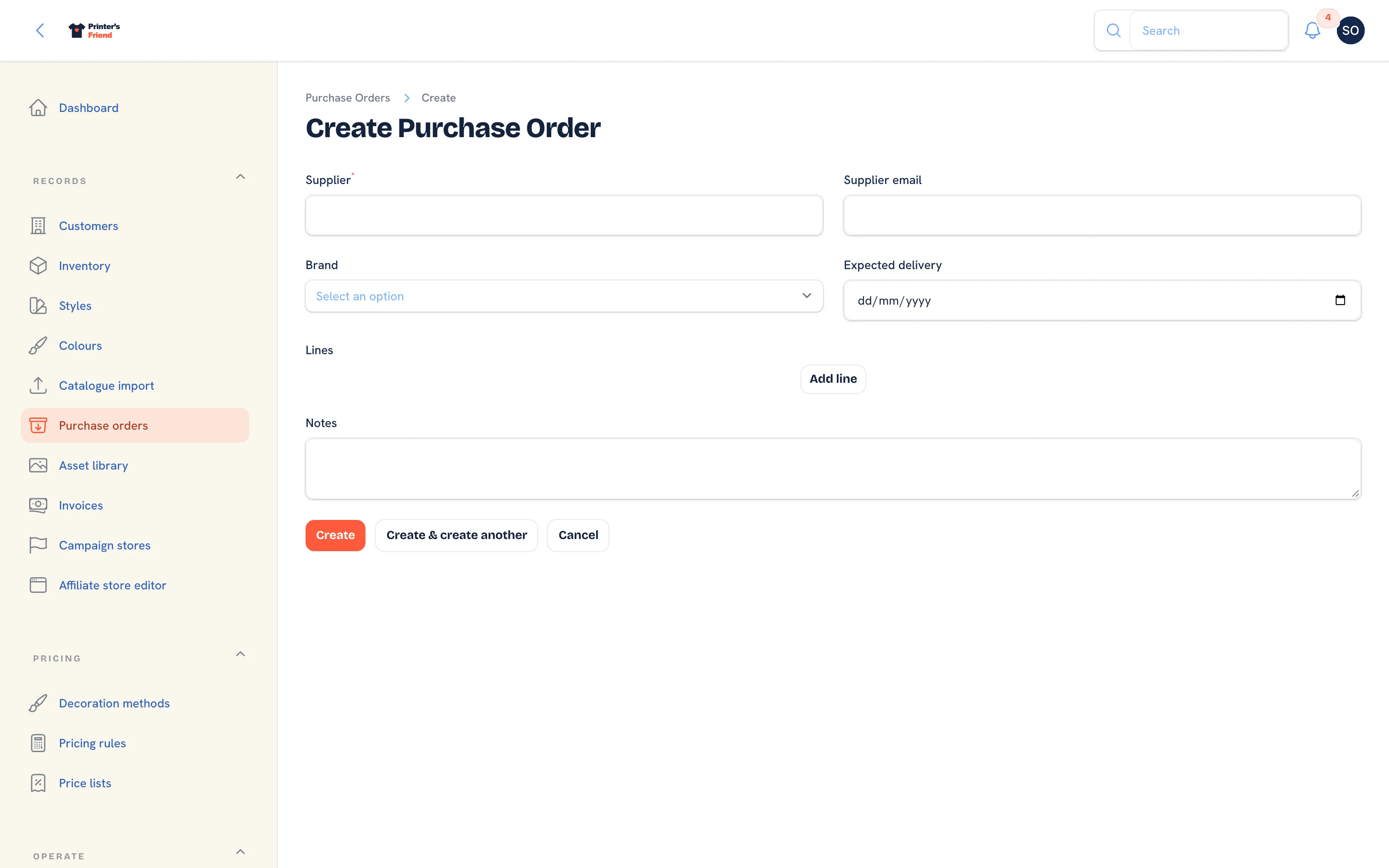 Raising a purchase order.
- Click New purchase order.
- Type the Supplier and the Supplier email the order will be sent to.
- Pick the Brand the order covers and set Expected delivery.
- Under the lines, click Add line for each SKU: the SKU, the Quantity and the Unit cost in your currency.
- Add Notes for the supplier and click Create. The order opens as a Draft with its totals calculated.
Unit cost is what feeds the cost snapshots that make margin in Reports real.
Sending It
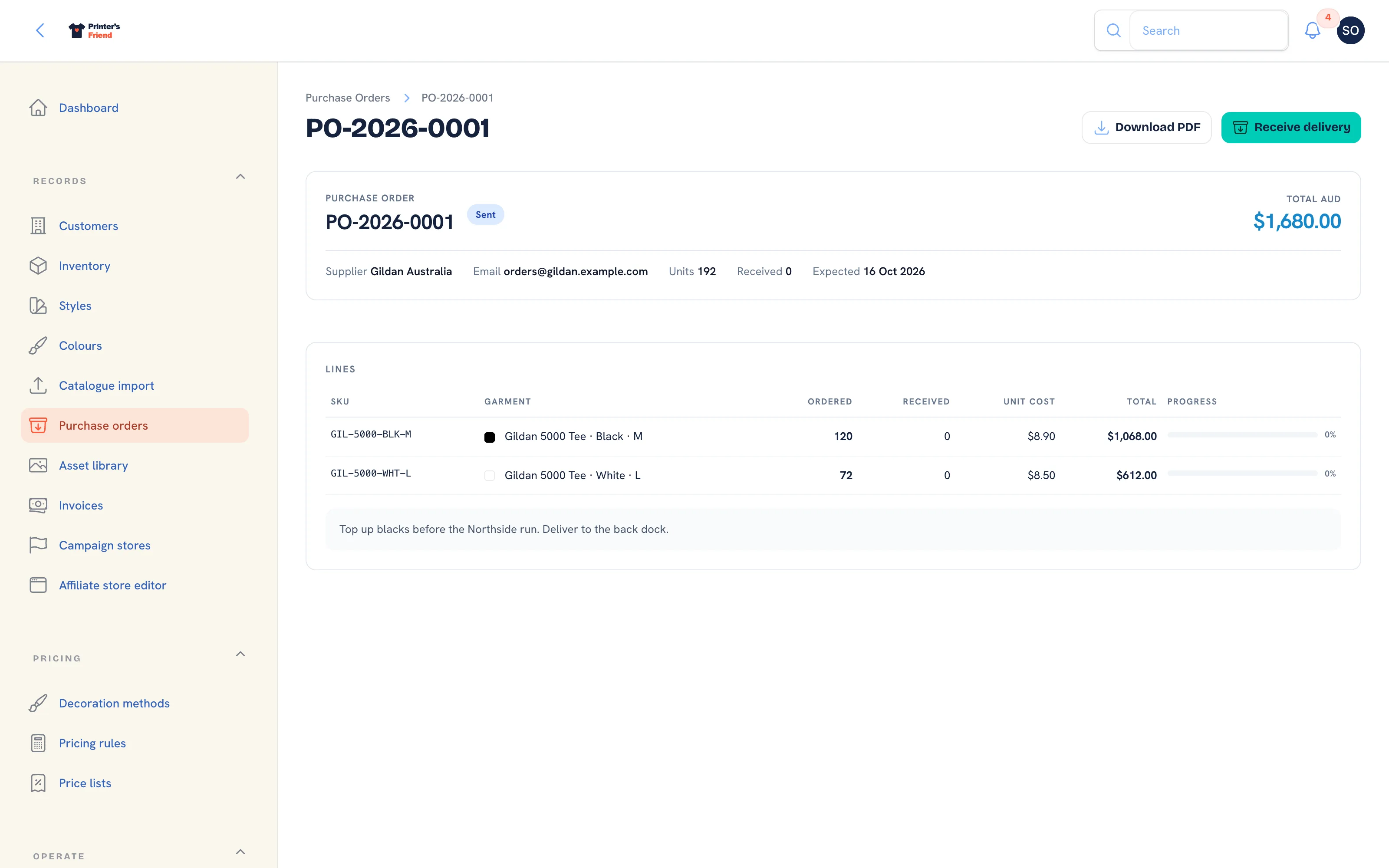 A sent purchase order. Receive delivery appears in the header.
- On the purchase order page, click Send to supplier. It is offered while the order is a draft.
- Confirm the Supplier email, which defaults to the one on the order.
- The purchase order PDF is rendered and emailed with the units, total and requested delivery date, and the status becomes Sent. The notification reads "Purchase order emailed to" followed by the address. If the PDF could not be rendered the email still goes, says the PDF follows separately, and the timeline records why.
A sent order cannot be edited, because the document the supplier holds must match yours. Edit redirects back to the order with a warning. Download PDF is available at any status.
Receiving a Delivery
- Click Receive delivery. It is offered while the order is Sent.
- The dialog lists one field per line that is still outstanding, labelled with the SKU code and "Ordered 180, received 0 so far", each defaulting to the outstanding quantity. Enter what arrived; a line that did not arrive is set to 0.
- Click Submit. Every unit is received through the movement ledger with the purchase order as its reference, the lines update, and the notification reads either "received, delivery is partial" or "received, purchase order complete".
Partial receipts are normal: take the 180 that arrived and the order stays Sent for the 20 that did not. Once every line is fully received the status becomes Received and the landed date is set. Receiving also emails any portal customer waiting on a back-in-stock notice for that SKU.
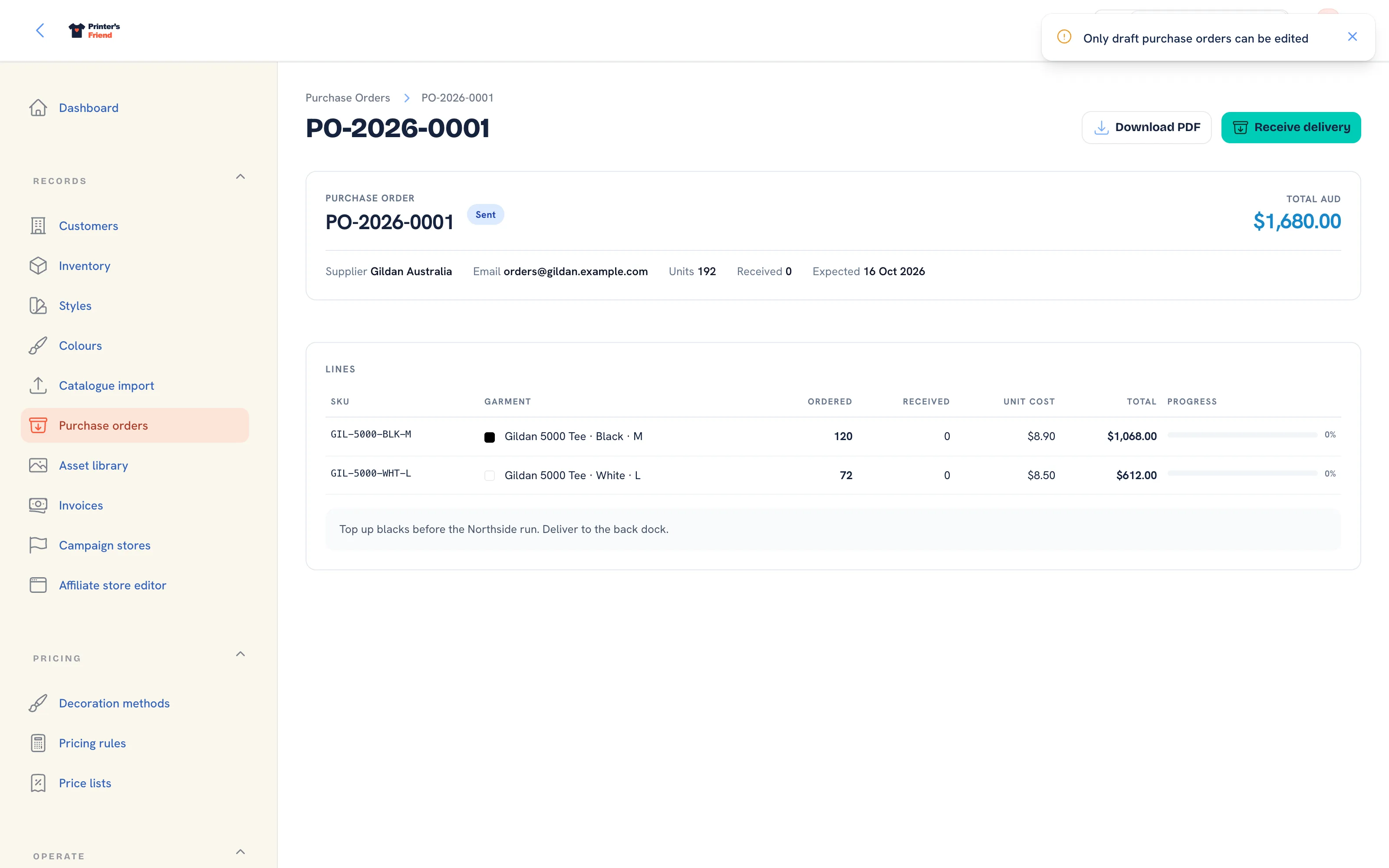 Editing lines. Only a draft can be edited.
Statuses
| Status | Meaning |
|---|---|
| Draft | Being built. Lines can be edited and the order deleted |
| Sent | With the supplier. Deliveries are received against it |
| Received | Every line has landed |
| Cancelled | Closed without delivery |
Two Habits
Receive on the day the boxes land, so stock that is physically in the building is available to jobs. Count as you receive: a short delivery caught at the door is the supplier's problem, and one found at the next cycle count is yours.
Related Pages
- Inventory: stock with a movement ledger, reorder points and shelf labels
- Suppliers and Purchasing: supplier ranges, the AS Colour card and purchase orders at setup
- Cycle Counts: count a rack and post every variance through the ledger
- Reports: revenue, margin, labour, commission and stock for a period