

Appearance
Messages
Messages are the threaded conversations between your customers and your shop. A customer starts a thread from the portal; you answer it here, and the whole exchange lives on the customer record instead of in somebody's inbox.
Where It Lives
| Page | What it's for |
|---|---|
| Operate, then Messages | Every thread with its customer, last message and whether it awaits a reply |
| The thread page | Read the conversation, Reply, Mark resolved or Reopen |
| The customer portal, Messages | Where customers start threads and read your replies |
The Threads List
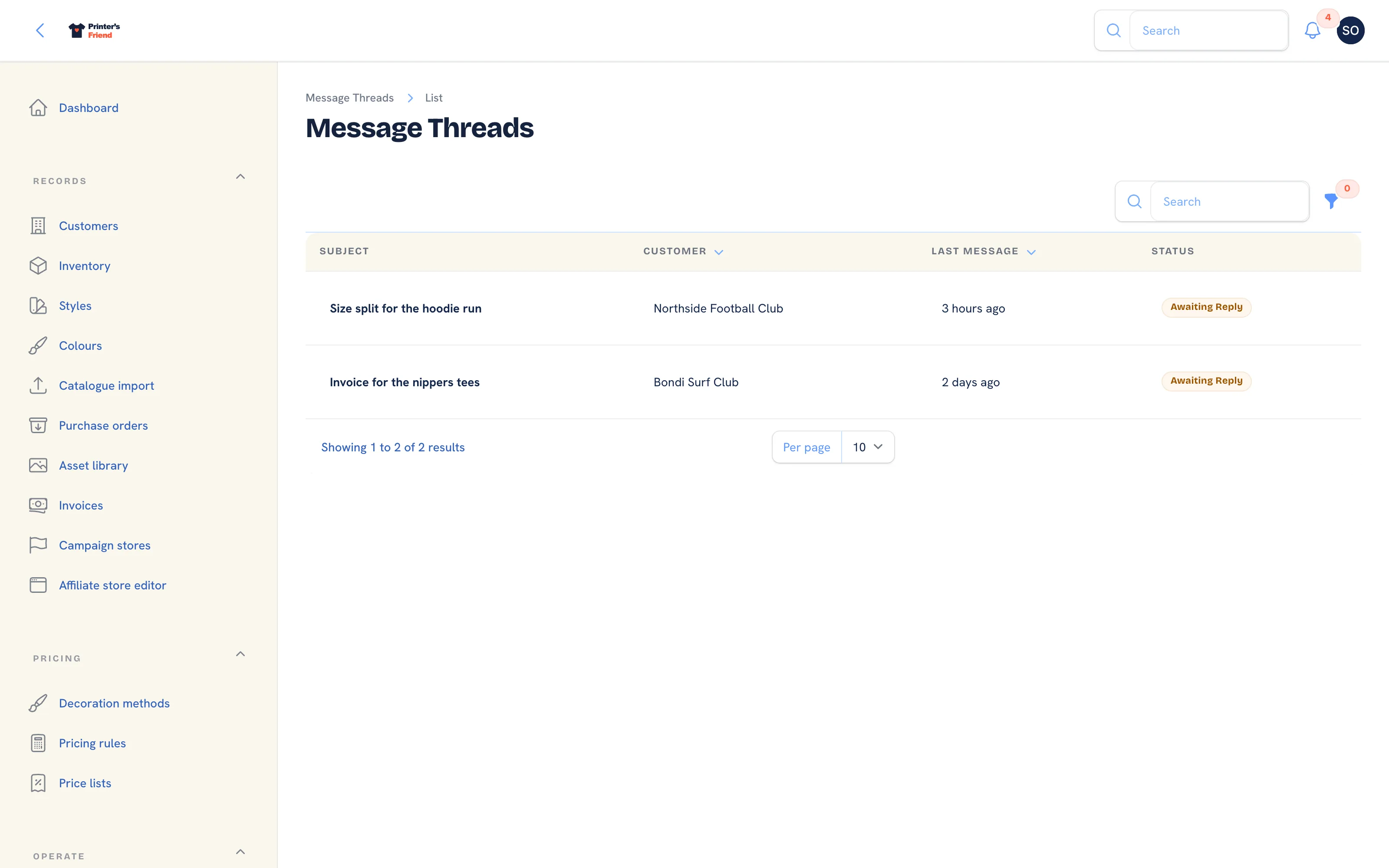 Threads, most recent first. Awaiting reply means the last word was the customer's.
Columns: Subject, Customer, Last message and Status, which reads Awaiting reply when the last message came from the customer and Replied when it came from staff. Filter by Resolved. There is no create button: threads are started by customers in the portal.
How a Thread Starts
A customer with a portal login opens Messages in the portal, gives the thread a subject and writes the first message. Every active staff member is notified. A customer can also reply on an existing thread, which notifies staff again.
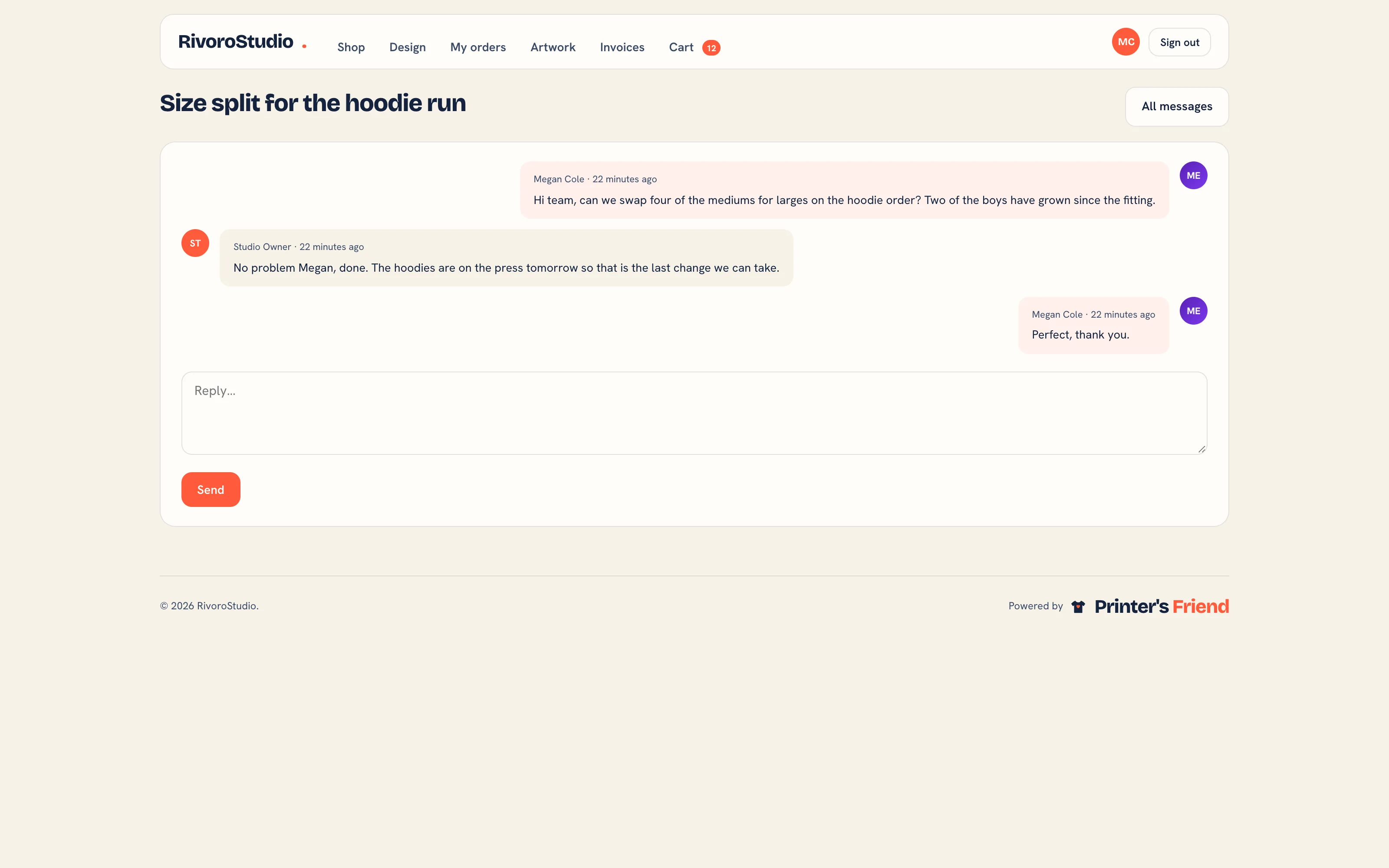 The customer's side of a thread.
Working a Thread
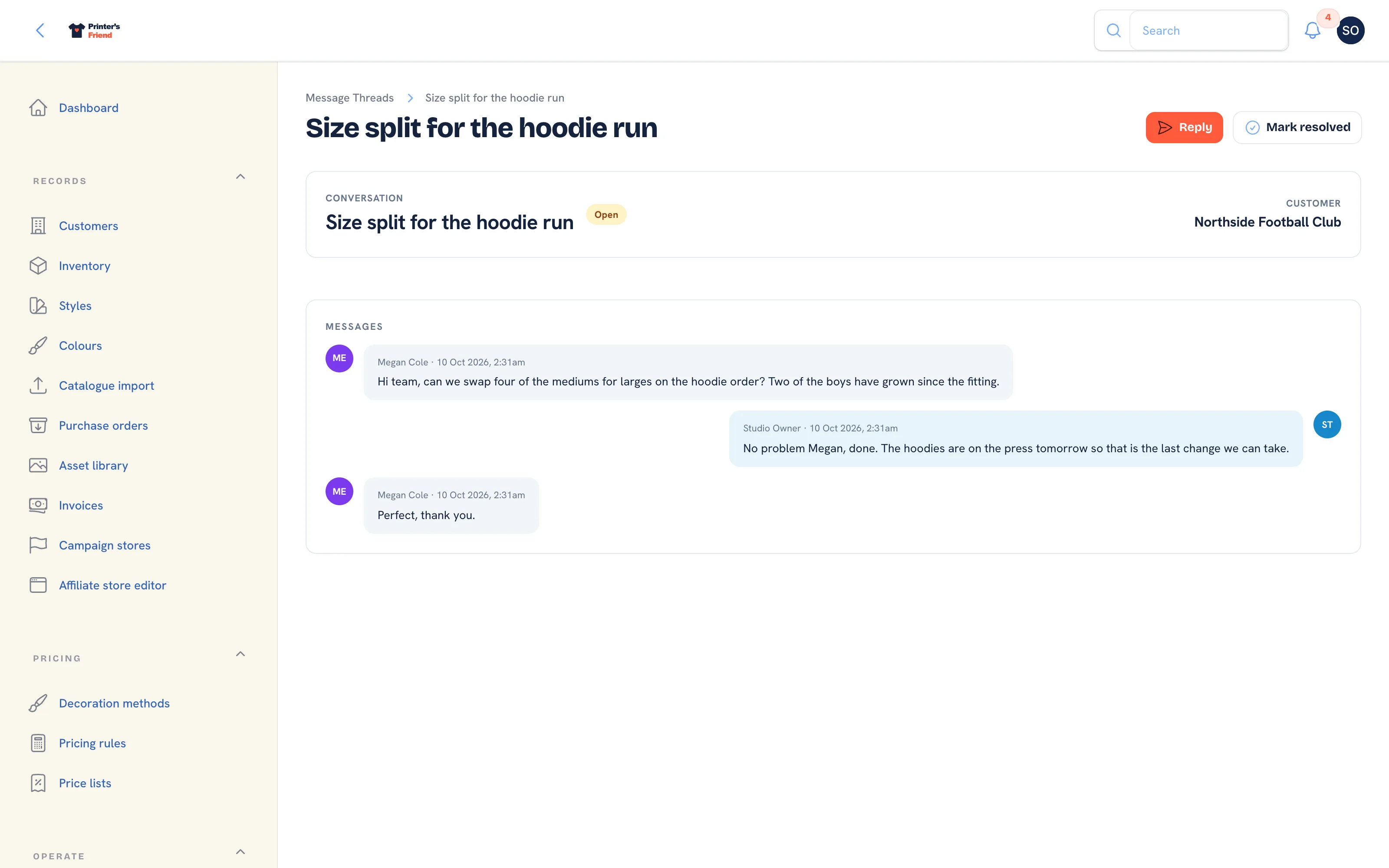 A thread. Customer messages sit on the left, staff replies on the right.
- Open the thread. The header shows the subject, whether it is Open or Resolved, and the customer. Each message shows who sent it and when.
- Click Reply, type the Message and click Submit. The reply appears in the thread, the customer sees it in the portal, and an email tells them a reply is waiting: it goes to the portal user who wrote most recently, or to the customer's primary contact.
- Click Mark resolved when the matter is closed. The header reads Resolved, and Reopen puts it back.
Reply in the thread, not to the notification email
The email that tells staff a message arrived is a notification, and a reply sent from your inbox never reaches the thread or the customer record. Click Reply on the thread instead: the customer sees it in the portal and is emailed that a reply is waiting.
Why It Beats Email
The exchange is attached to the customer, so the next person to pick it up has the context, and nothing is lost to a personal inbox when someone is on leave. A decision taken in a thread, such as "approved the extra 20 hoodies at the same price", is on the record three weeks later.
Habits
- Resolve threads when they are done. An unresolved list that is never cleared stops being a to-do list.
- Answer in the thread, not by replying to the notification email, because a reply by email is invisible to the next person who opens the job.
Who Can Do What
Owners, managers, sales and designers work threads. The viewer role has read access to Messages; production and finance do not see it. Roles are set in Team and permissions.
Related Pages
- The Customer Portal: configure the portal, invite contacts and manage their logins
- Customers: the customer record, contacts, portal logins and addresses
- Email and SMS Templates: the email and SMS templates and their variables
- Team and Permissions: roles, rates, deactivating leavers and the owner rules