

Appearance
Twilio SMS
The Twilio (SMS) card on Insight, then Integrations connects your own Twilio account and number. With it connected, the SMS versions of your templates go out alongside the emails, and SMS broadcasts send from the same number.
Plan requirement
SMS is included on the Starter, Premium and Enterprise plans. On Free, SMS templates record a failed send naming the plan that includes it.
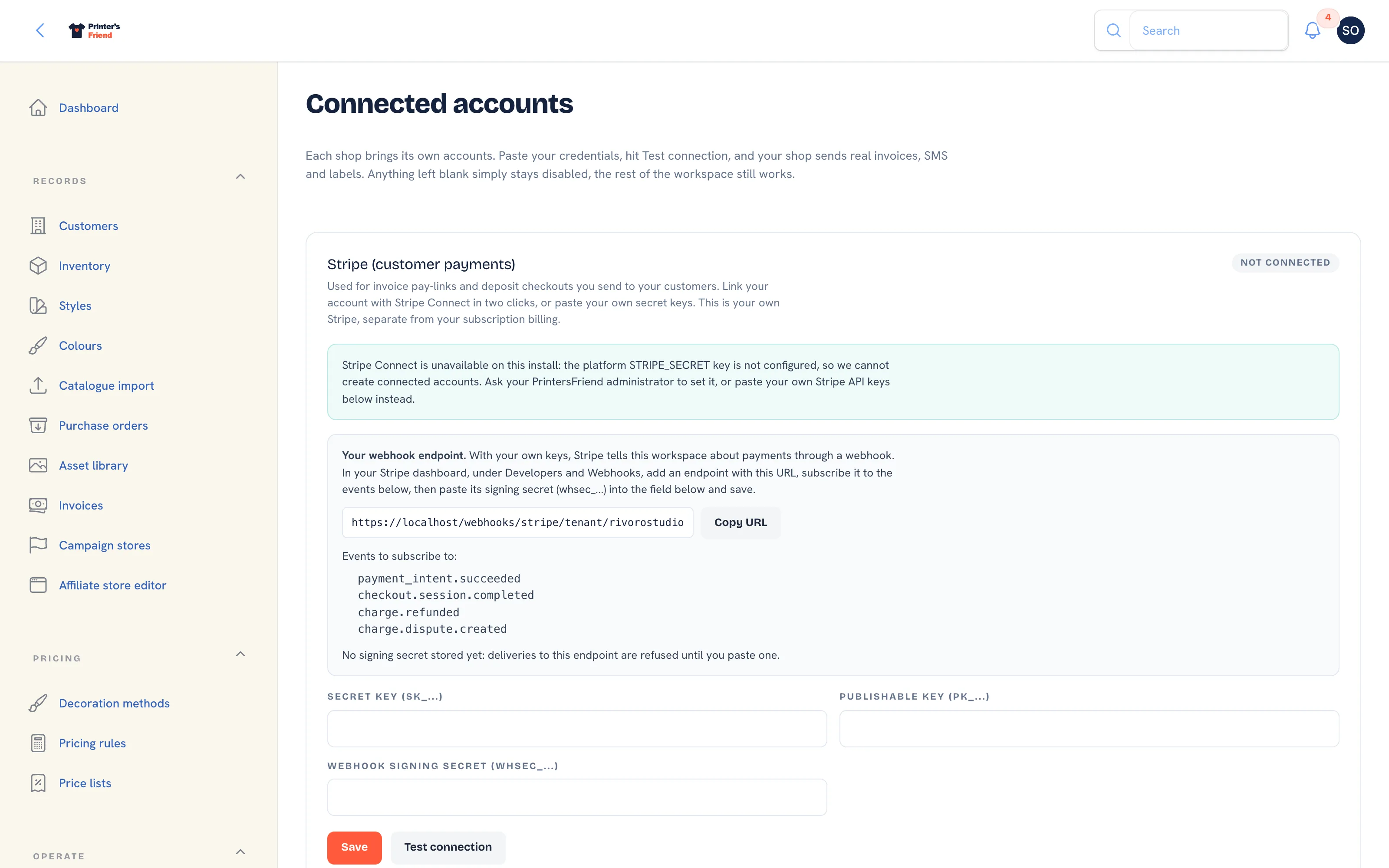 The Twilio card, second on the Integrations page.
Connecting
- In the Twilio console, copy the Account SID and Auth token from the dashboard, and note the number you bought.
- On the Twilio card, fill in Account SID, Auth token and From number (E.164). E.164 means a plus sign and the country code, for example
+61412345678. A local format such as0412 345 678is refused by Twilio. - Click Save, then Test connection. The pill changes to Connected.
- In the Twilio console, open your number and set the inbound messaging webhook to
https://printersfriend.com/webhooks/twilio/inbound. Your workspace is identified by the receiving number, and the request is verified against your own auth token.
Which Messages Go by SMS
Each of these has an SMS template under Insight, then Email & SMS templates, with the body you can edit:
| Template | When it sends |
|---|---|
| Artwork approval SMS | A proof is sent for approval, with the signed approval link |
| Print queue SMS | The order enters the print queue after approval |
| Dispatch SMS | The order is dispatched, with |
| Kiosk order confirmation SMS | A walk-in order is placed on the kiosk |
SMS broadcasts from Insight, then Email broadcasts also go through this card.
An SMS leaves only when all four hold: the contact has a phone number, Twilio is connected, your plan includes SMS, and the contact has not replied STOP. When any of them fails, the dispatch is recorded as failed with the reason on the order's activity timeline, and the email still goes out. The kiosk confirmation screen changes its wording when no text will be sent.
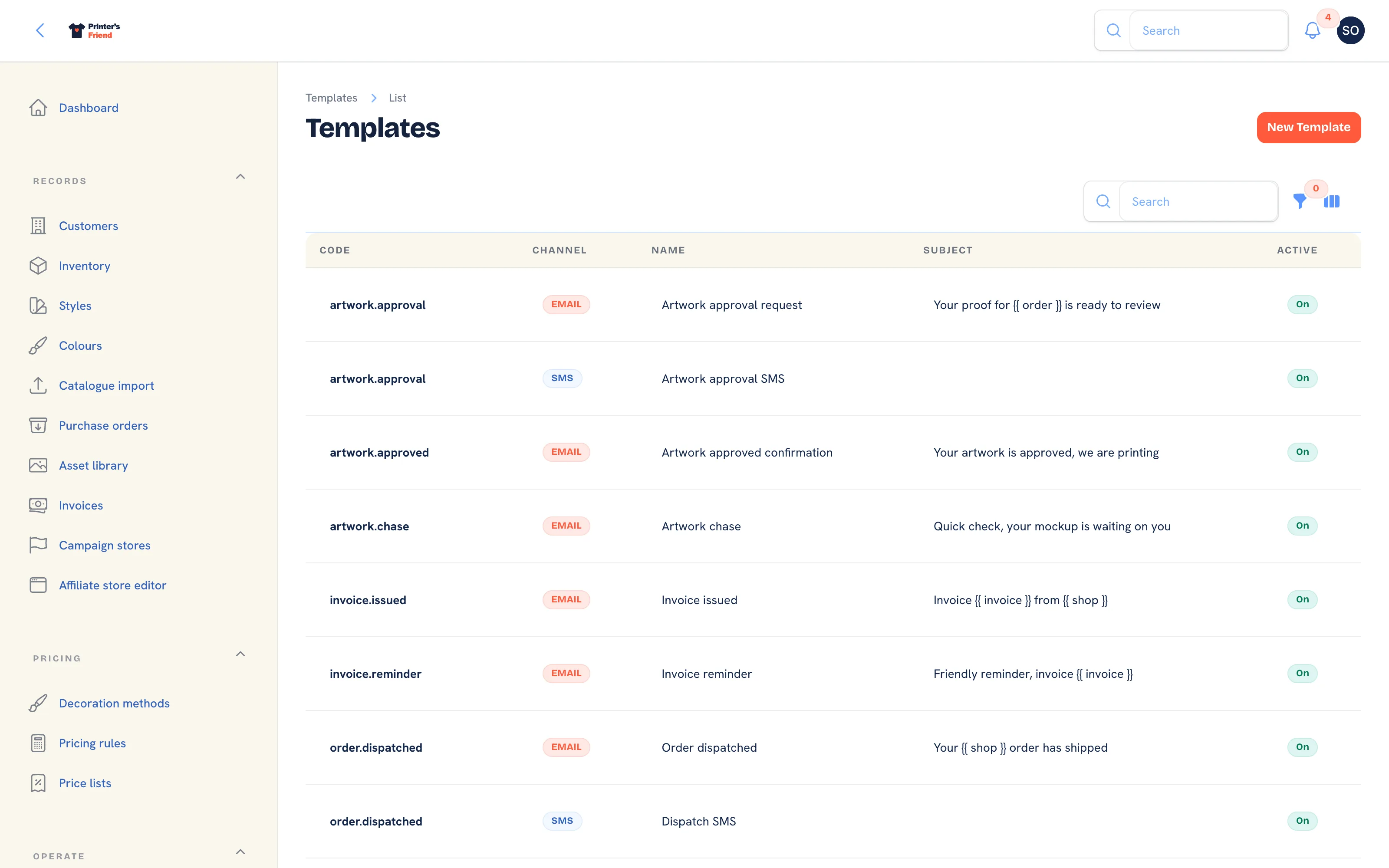 Email and SMS templates. Each SMS template sends only when the four conditions above hold.
Every SMS that Twilio accepts counts towards SMS sent on the Billing page.
STOP and START
| Keyword texted to your number | Effect |
|---|---|
| STOP, STOPALL, UNSUBSCRIBE, CANCEL, END, QUIT | Every contact with that phone number is opted out. No further SMS, transactional or marketing, is sent to it |
| START, UNSTOP, YES | The contacts are opted back in |
Twilio sends its own carrier-mandated confirmation for the default keywords, so the customer gets a reply without you sending one. An inbound message from a number that is not one of your Twilio numbers, or with a bad signature, is rejected with no side effects.
Keep texts short
A long SMS is billed by Twilio as several segments, and the dispatch SMS is usually your highest-volume message. Leave URLs out unless the customer needs them now; the approval SMS needs its link, the print queue SMS does not.
Testing
Make sure your own team record under Settings, then Team carries your mobile number, then open an SMS template under Email & SMS templates and click Send test. The text arrives at that number through your Twilio account, or the notification tells you why it did not (no mobile number on your record, Twilio not connected, or the plan).
Troubleshooting
| Symptom | Check |
|---|---|
| No SMS at all | The plan includes SMS, the Twilio card is Connected, and the SMS template is active |
| Sends fail for some numbers | Number format. Contacts need a country code |
| A customer stopped receiving texts | They may have texted STOP, which opts out every contact with that number. Texting START from the same number opts them back in |
| STOP is not being honoured | The number's inbound webhook in Twilio is not pointed at the endpoint above |
| Twilio rejects every send | The From number is not a number on that Twilio account, or is not in E.164 |
Related Pages
- Email and SMS Templates: the email and SMS templates and their variables
- Artwork and Approvals: upload proofs, send approval links and handle change requests
- Orders: the order page, stage moves and what each one triggers
- The Walk-in Kiosk: the iPad kiosk for counter customers and the orders it creates
- Plans and Limits: the limits on each plan and what happens at them