

Appearance
Create Your Account
Signing up creates a workspace: your own shop on Printer's Friend with its own address, its own customers, prices, jobs and invoices, and nothing shared with any other shop. This page covers the signup form, the checkout, the welcome email and your first sign-in.
Where It Lives
| Page | What it's for |
|---|---|
| printersfriend.com/signup | Pick a plan, name your shop and start the trial |
| Stripe Checkout | Hold a card for the trial. Nothing is charged until day 14 |
| The welcome email | The Set your password link that opens your workspace |
yourshop.printersfriend.com/app/login | Staff sign-in from then on |
| printersfriend.com/sign-in | Finds the right sign-in page when you know your workspace address |
Sign Up
- Go to printersfriend.com/signup.
- Under Choose your plan, pick Starter, Premium or Enterprise. The price on each card is per month in the currency named at the top of the form. See Plans and limits. You can change plan later from Billing without losing anything.
- Fill in Your name, Shop name and Work email. The shop name becomes your workspace address and the brand name on your documents. The email receives the welcome link.
- Check Billing region: United States (USD), Australia (AUD, GST), Eurozone (EUR, VAT) or United Kingdom (GBP, VAT). It is preselected from your location. Changing it reloads the page with the plans requoted in that currency.
- Press Start 14 day free trial. You are taken to Stripe Checkout.
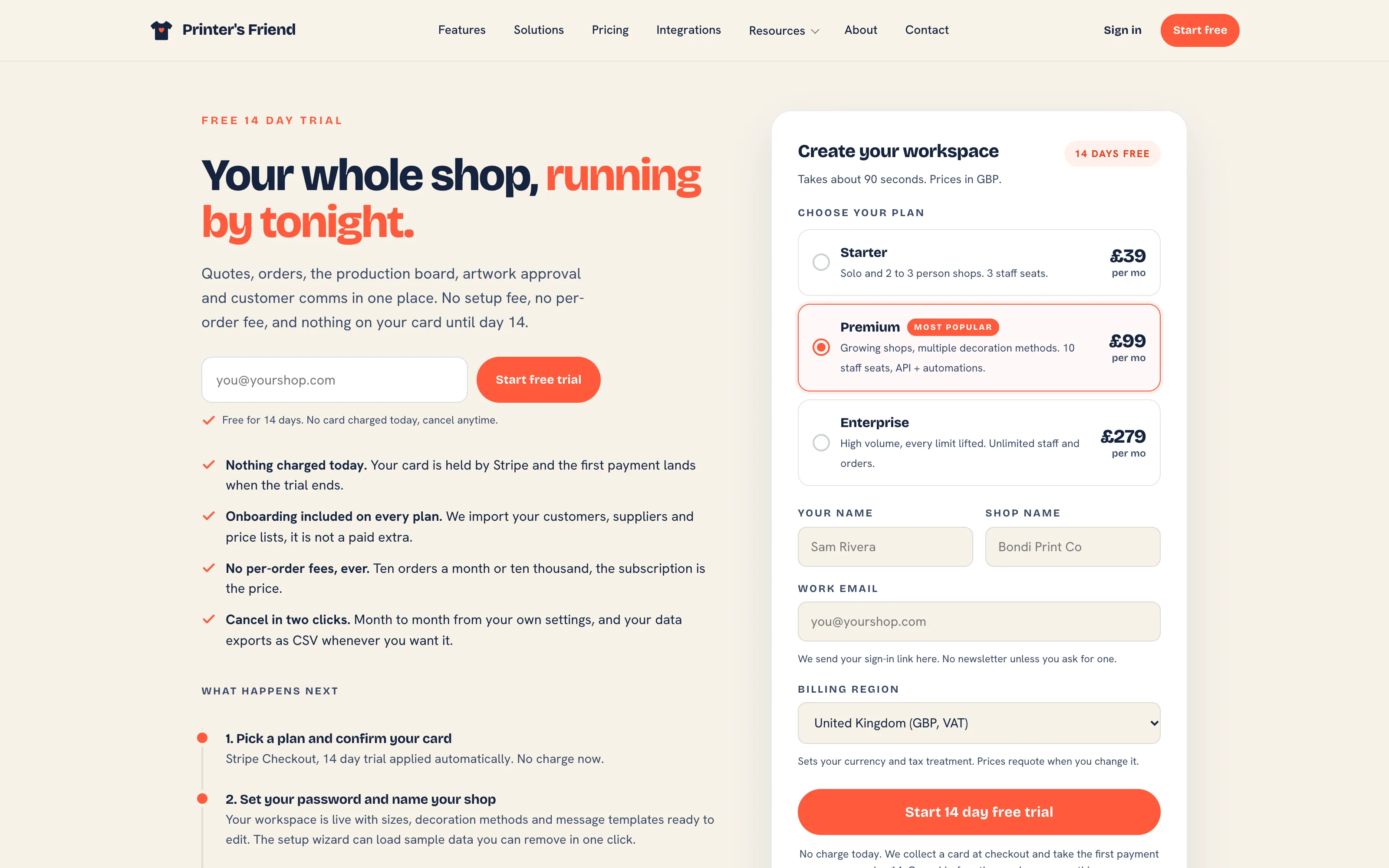 The signup form. Prices requote when the billing region changes.
The billing region sets your tax scheme and currency
The region you pick decides the currency your subscription is charged in and the tax scheme your workspace starts with: GST for Australia, VAT for the United Kingdom and the Eurozone, sales tax for the United States. The tax label, rate and currency on your own quotes and invoices can be changed afterwards in Tax, currency and invoices. The billing currency of your subscription cannot. New Zealand is quoted in AUD and Canada in USD; both set NZD or CAD for their own documents afterwards.
The line under the button says that starting your trial accepts the Terms of Service and Privacy Policy. The date and the version of the terms you accepted are recorded on your workspace.
Checkout
Stripe Checkout asks for a card and a billing address. The subscription starts with a 14 day trial, so nothing is charged today. The first payment is taken when the trial ends, and cancelling before then costs nothing. Tax is added at checkout where Printer's Friend is registered to collect it.
If the email you entered already signs in to a live workspace, the form refuses and names that workspace's sign-in page. If the only workspace on that email has lapsed or been cancelled and you were its owner or manager, you are sent to a page headed "Your workspace is still here", with a Sign in and restart button that opens Billing on that workspace. One email address runs one shop; a person who runs two shops uses two addresses.
After Payment
Stripe returns you to a page headed "Payment confirmed. Check your email." Your workspace is created as soon as Stripe confirms the payment, and the welcome email follows within a minute. It tells you:
- Your workspace address,
yourshop.printersfriend.com, built from your shop name. If another shop already has that name, a number is added. - Your plan, its monthly price in your billing currency, and the date of the first charge.
- A Set your password button. The link works for 7 days. After that, use Forgot password on your sign-in page.
Passwords are at least 12 characters. Completing the password form also verifies your email address, so there is no separate verification step.
Owners and managers must set up an authenticator app before they can use the workspace. After your password is set you are taken to the set-up page: scan the code with any authenticator app and keep the recovery codes somewhere safe. Other roles can set one up from their profile.
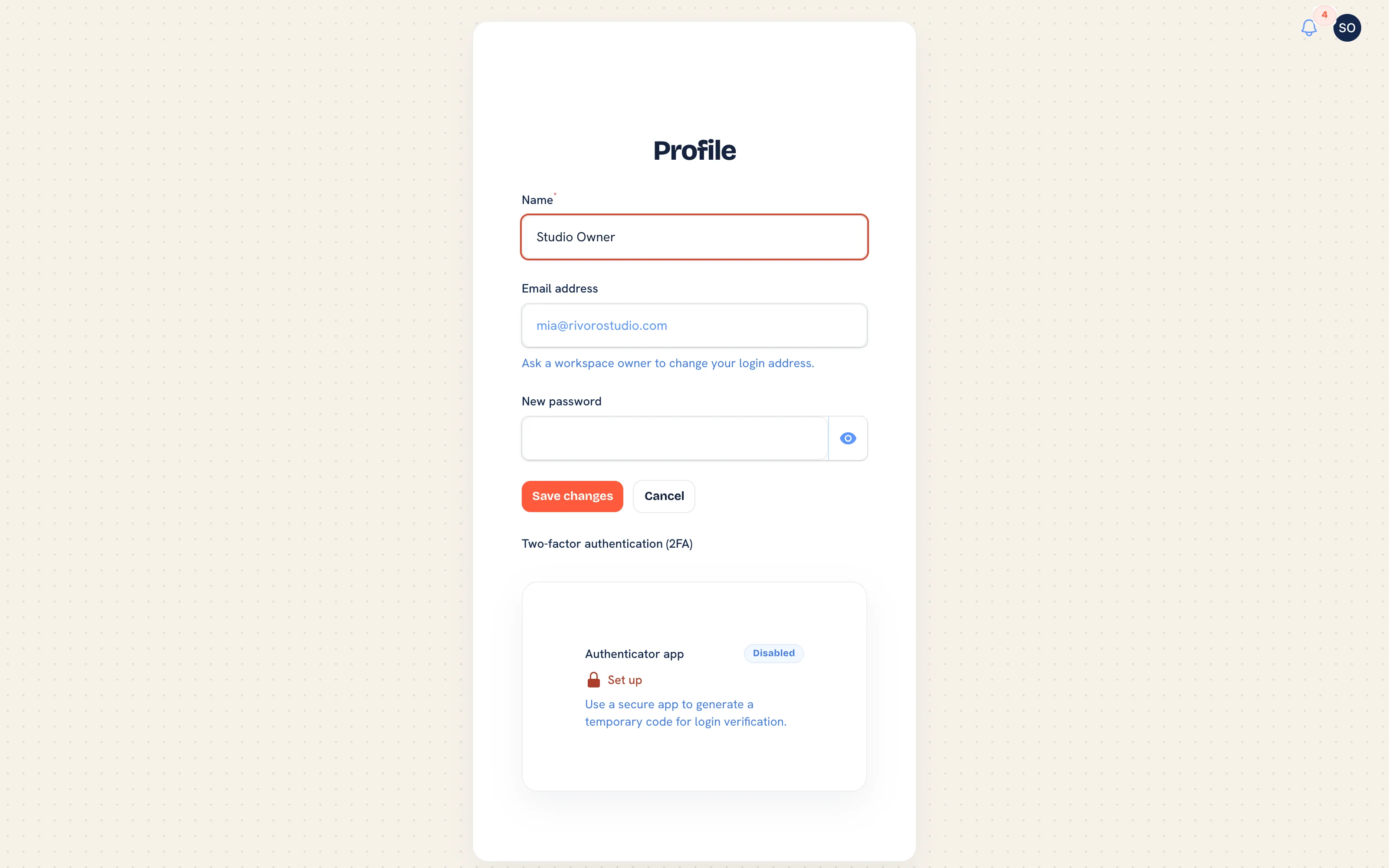 Your profile. Every role manages their authenticator app here.
Your first sign-in lands on the setup wizard.
Signing In Later
Staff sign in on the workspace address, never on printersfriend.com itself.
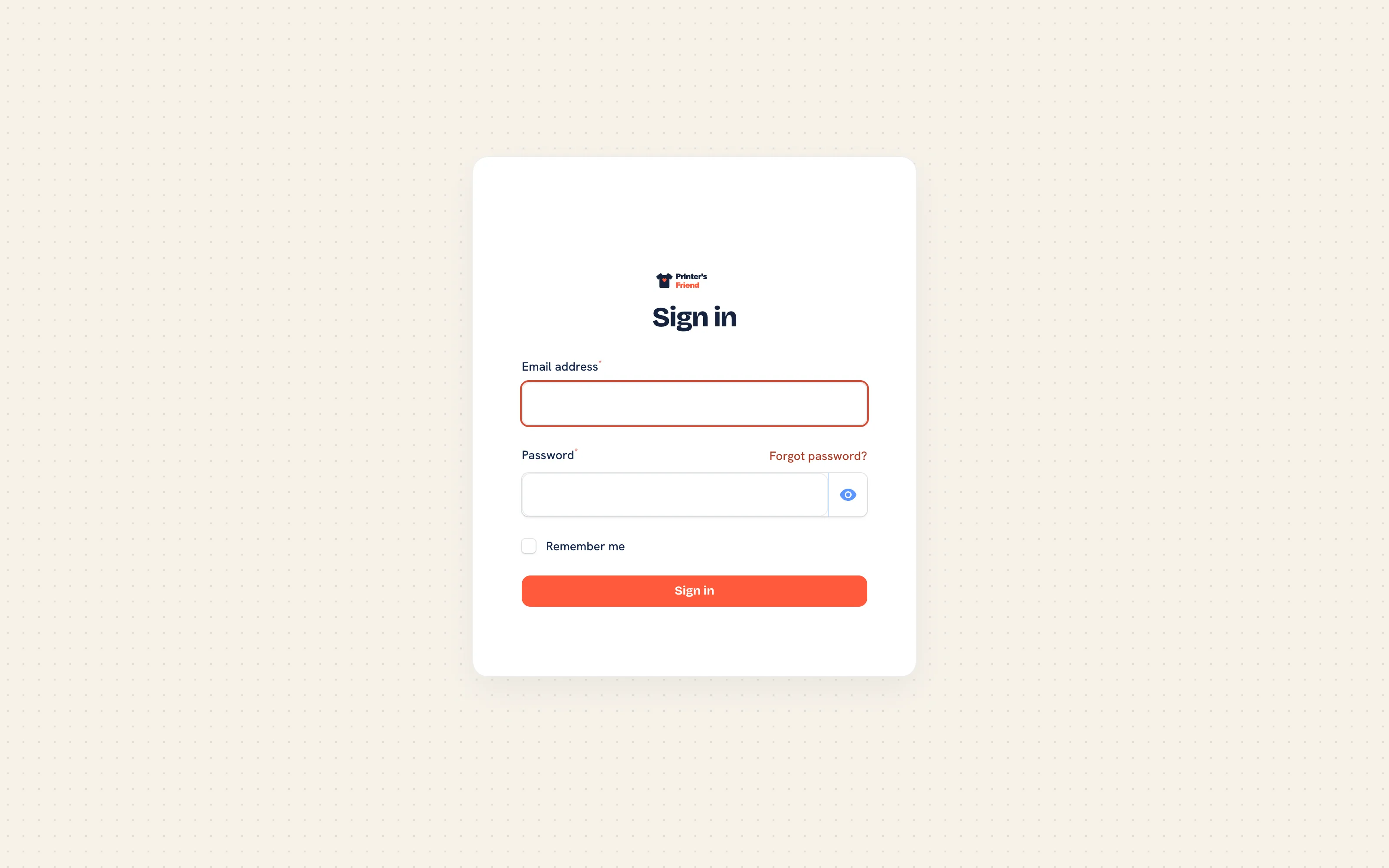 Staff sign-in at yourshop.printersfriend.com/app/login.
If you know your workspace address but not the full link, go to printersfriend.com/sign-in, choose I work at a print shop, type the first part of the address and press Continue to sign in. Customers choose I am a shop's customer on the same page and are sent to that shop's portal sign-in instead.
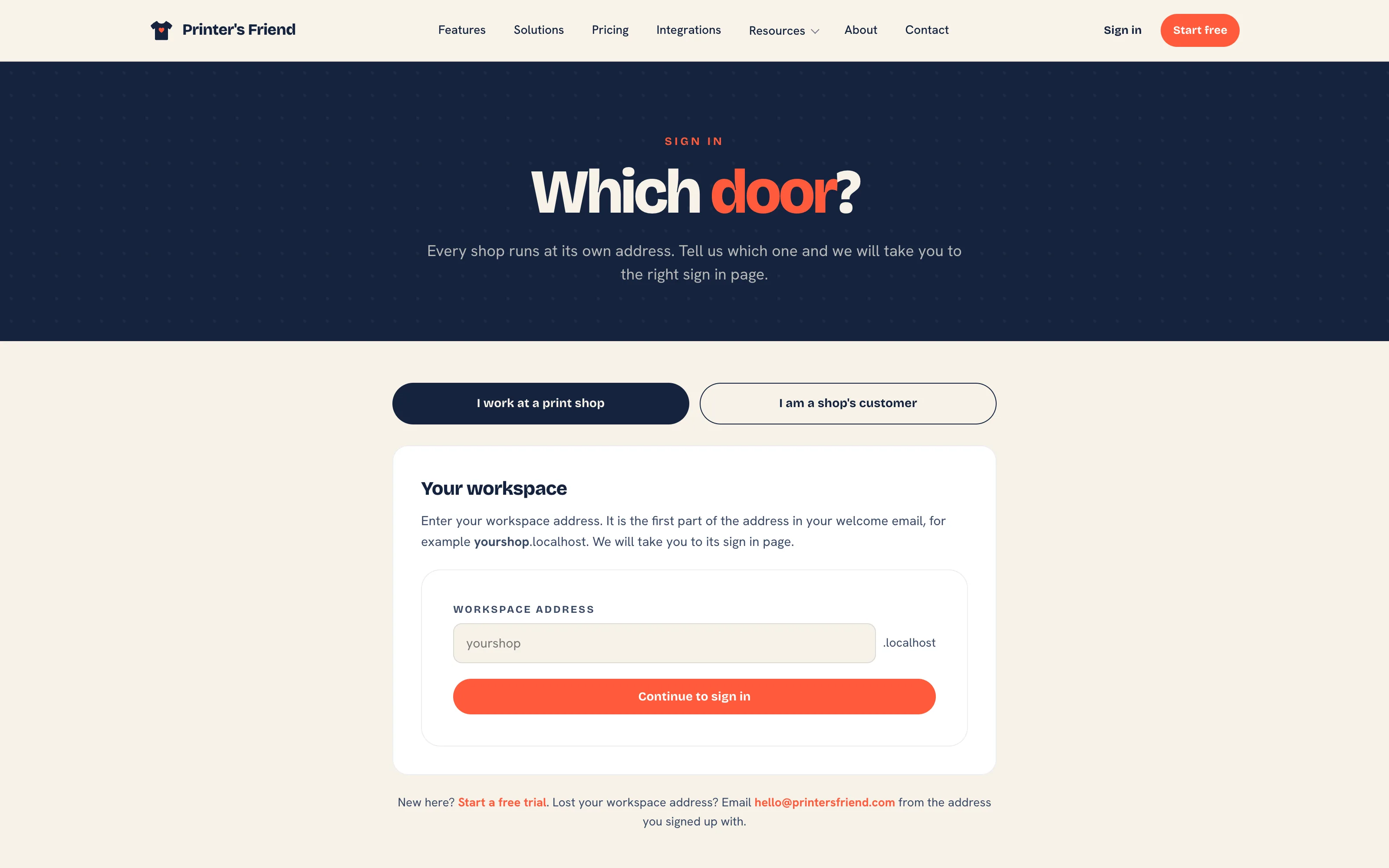 The sign-in chooser sends staff to their workspace and customers to their shop's portal.
Opening the workspace on printersfriend.com itself sends you to Find your workspace, which asks for the same address.
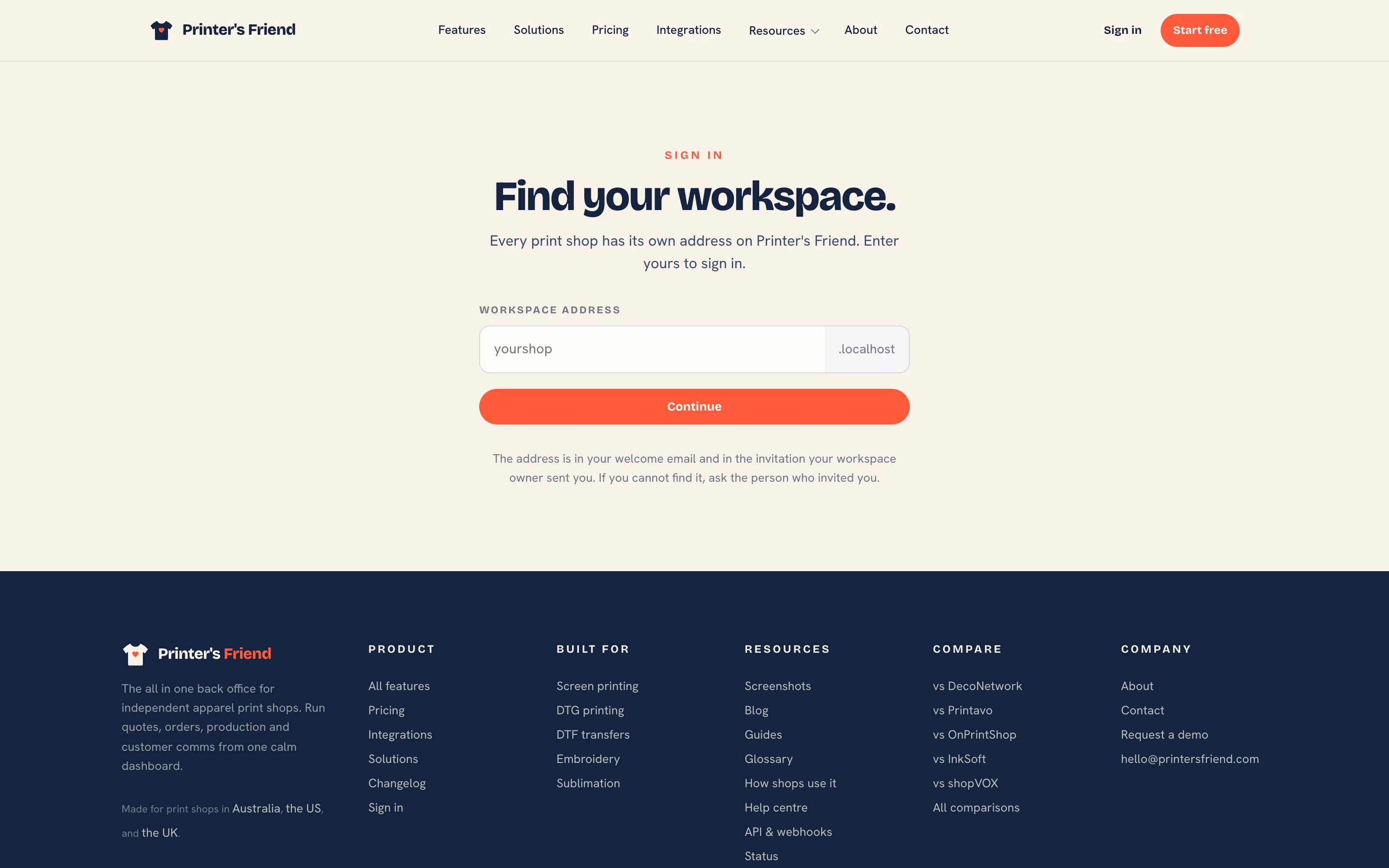 Find your workspace. It never lists shops; it only redirects to one that exists.
Forgot password on the sign-in page emails a reset link. Reset links belong to one workspace, so a link issued on one shop's address cannot reset a login on another.
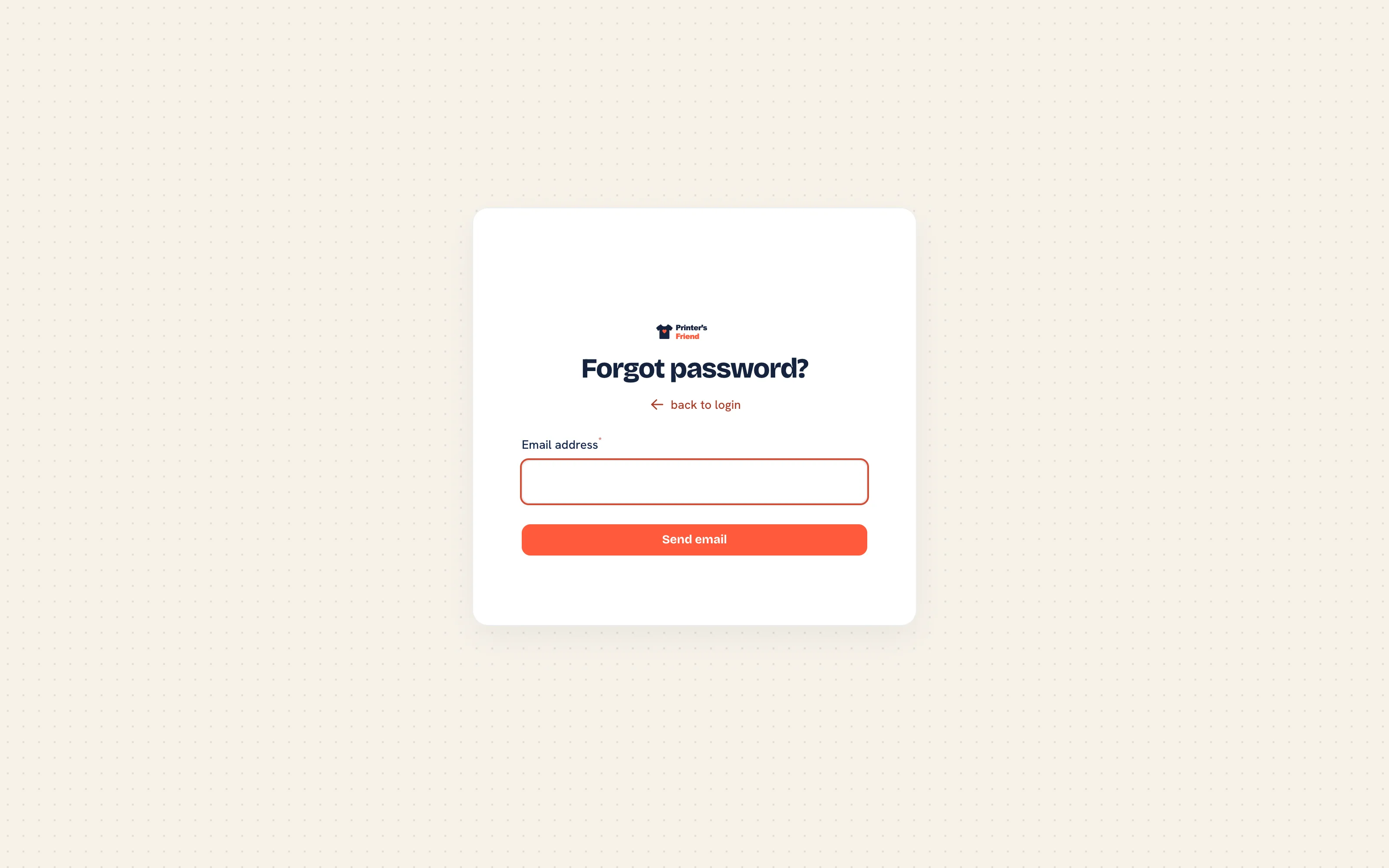 Password reset request at yourshop.printersfriend.com/app/password-reset/request.
Two Stripe Accounts
| Account | What it is | Where it is managed |
|---|---|---|
| Your subscription | What you pay Printer's Friend | Insight, then Billing. See Subscription and billing |
| Your own Stripe | What your customers pay you | Insight, then Integrations. See Payments with Stripe |
They are separate accounts and separate money. Connecting your own Stripe is a setup step, not part of signing up.
Next
Related Pages
- Plans and Limits: the limits on each plan and what happens at them
- The Setup Wizard: the setup wizard that runs on the first sign-in
- Your Free Trial: the free trial and what happens when it ends
- Setup Overview and Checklist: the fifteen step installation guide