

Appearance
4. Price Lists
Pricing, then Price lists. A price list is a named rate band that customers sit on. It is how you give a football club a club rate, a reseller a wholesale rate and a walk-in the list price, without keeping three spreadsheets.
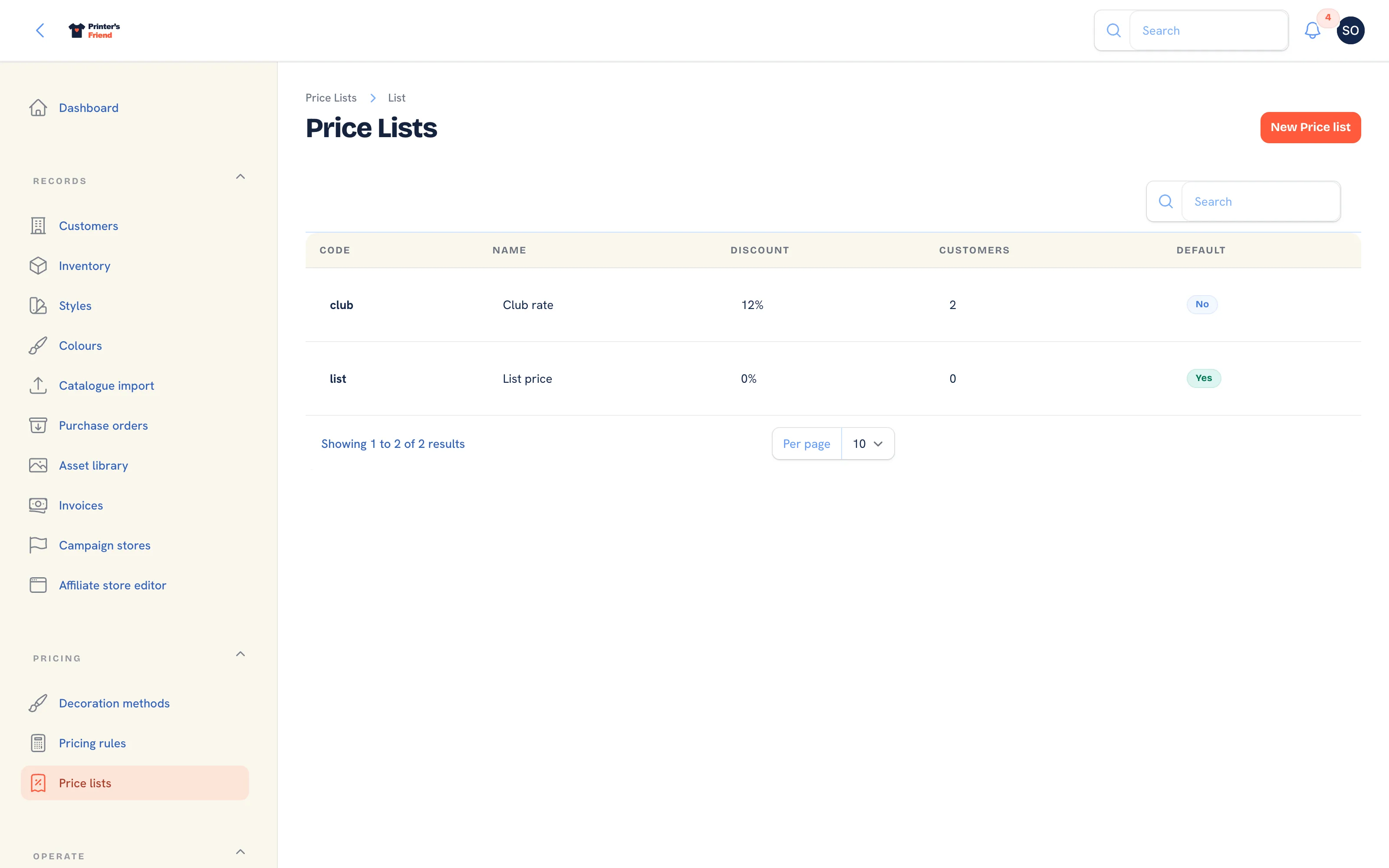 Price lists. The Customers column shows how many organisations sit on each.
Where It Lives
| Page | What it's for |
|---|---|
| Pricing, then Price lists | The list, with how many customers are on each |
| New price list | Add a band |
| Edit on a row | Change the discount or the default flag |
| Price list on each customer | Which band that customer is on |
Adding a Price List
- Press New price list.
- Type the Name staff see, for example
Club rate. - Type a short Code, for example
cluborwholesale. The customer CSV import matches aprice_listcolumn against this code or the name. - Set Discount percent, for example
12. - Switch on Default for new customers if new customers should land on this list.
- Press Create.
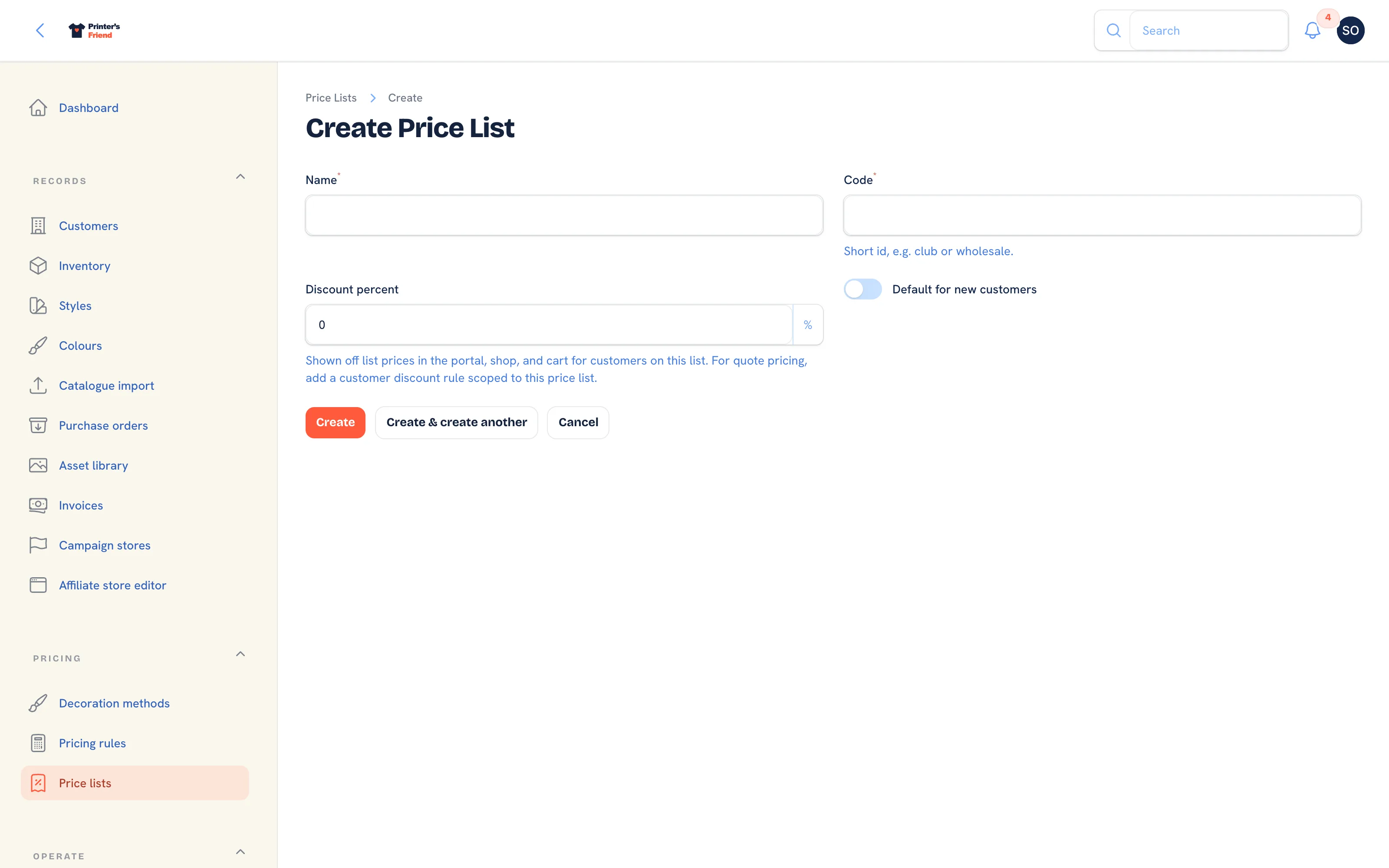 Adding a price list.
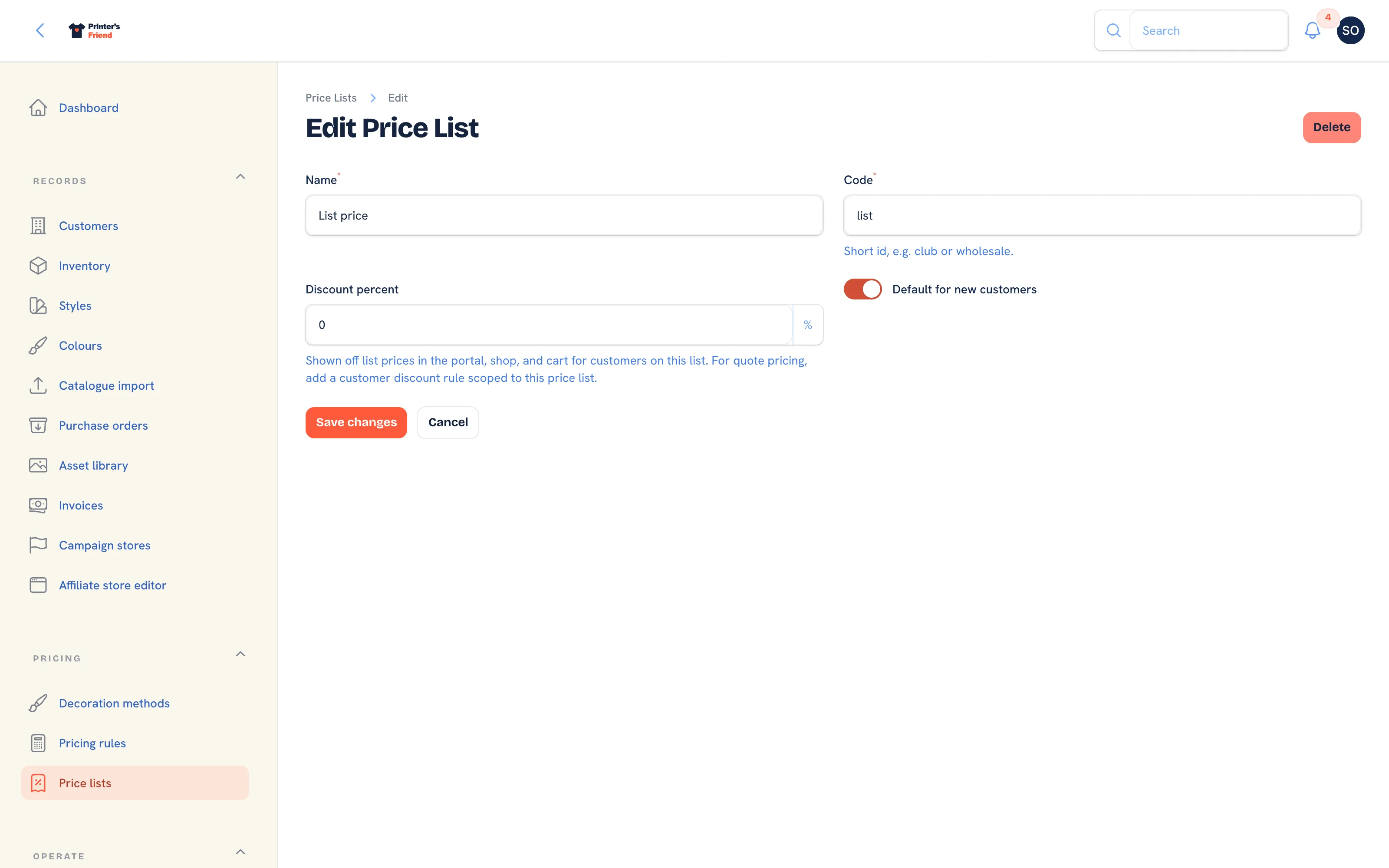 Editing a price list. The discount applies everywhere the customer is priced.
What the Discount Does
The discount percentage comes off the list price of every garment line wherever a customer on the list is priced: a staff quote, the portal catalogue and cart, a team store and a campaign page all run through the same engine. On a quote it appears in the rules trail as Price list: Club rate.
Do not add a matching customer discount rule
A customer discount rule scoped to the price list is applied on top of the list's own percentage, so 12% on the list plus a 12% rule is a 22.6% discount. Use the percentage on the list for the band, and keep customer discount rules for deals that go beyond it.
A Sensible Starting Set
| List | Discount | Who is on it |
|---|---|---|
| Retail | 0% | Walk-ins and one-off consumers. Mark this Default for new customers |
| Club | 10 to 15% | Sports clubs, schools, community groups |
| Wholesale | 20 to 30% | Resellers, uniform companies, agencies |
Add lists for the deals you have, not the ones you might have.
Assigning Customers
On the customer record, Records, then Customers, then Edit, set Price list. The setup wizard's customer import can assign lists in bulk from a price_list column, with a Default price list for rows that name none; see The setup wizard. A customer with no list is quoted at list price.
Make retail the default
New customers created by the kiosk, a store, a campaign or by hand land on whichever list is marked default. Make sure that is your retail list and not your wholesale one.