

Appearance
FAQ: Shop Floor Hardware
Every floor surface is a web page. There is nothing to install and no special hardware: a TV with a browser, a tablet at each station, and any phone with a camera cover the whole floor. The setup guide is Shop floor hardware; this page answers the questions that come up once the hardware is on the wall.
The Wall TV
What do I need for the floor board?
Any TV or monitor, 1080p or better, driven by anything that runs a browser: a small PC, a streaming stick with a browser, or a spare tablet.
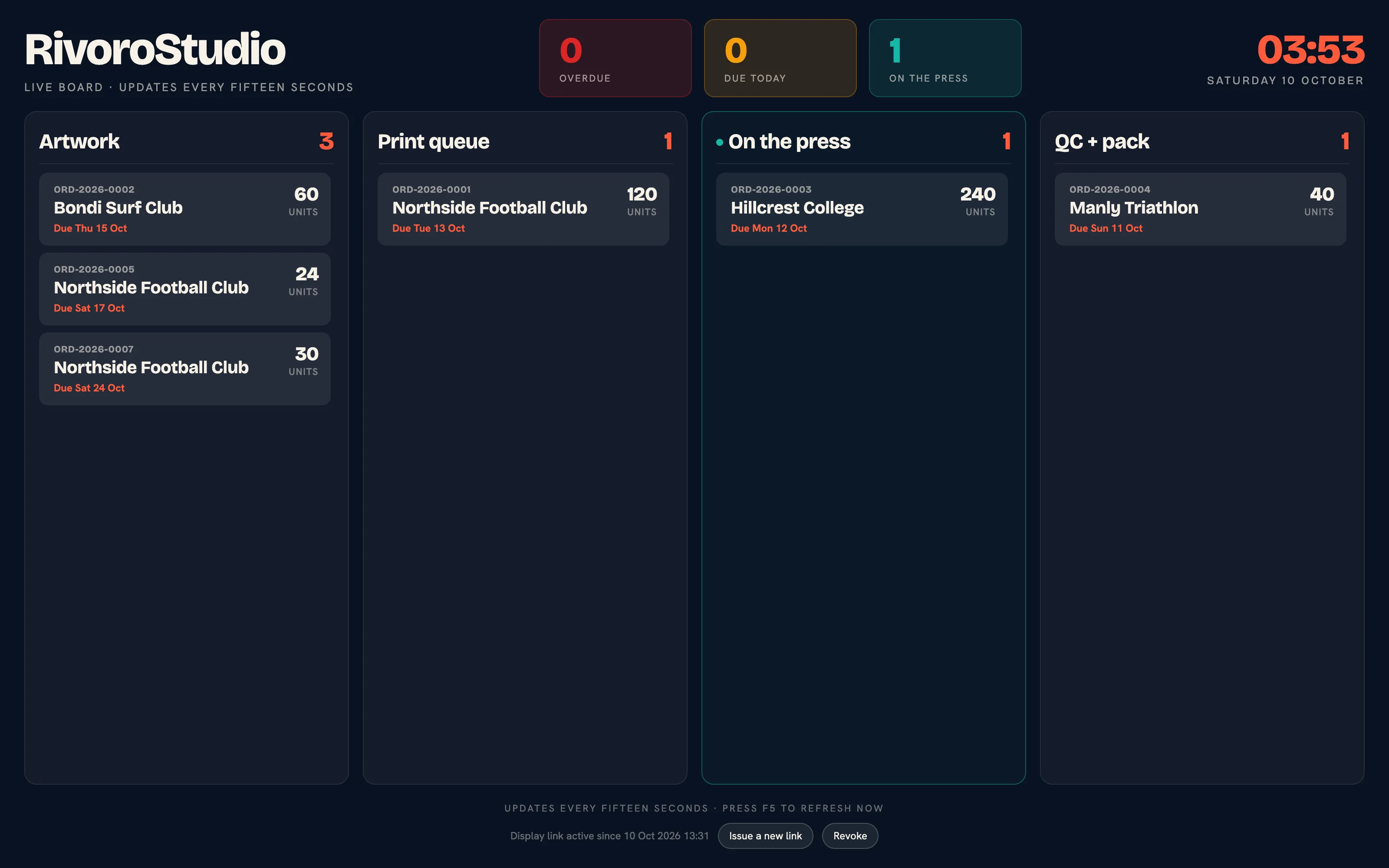 The floor board at /workspace/floor-board.
How do I stop the TV landing on a login page?
Use a display link. Signed in as staff on the floor board, click Create a display link for a TV. The page shows the link once with the note "Display link, shown once. Paste it into the TV's browser and keep it private: anyone with it can see the board." Paste it into the TV's browser. The link is signed, read-only and needs no login. Issue a new link replaces it and Revoke stops every TV using it on its next refresh. One link per shop is live at a time.
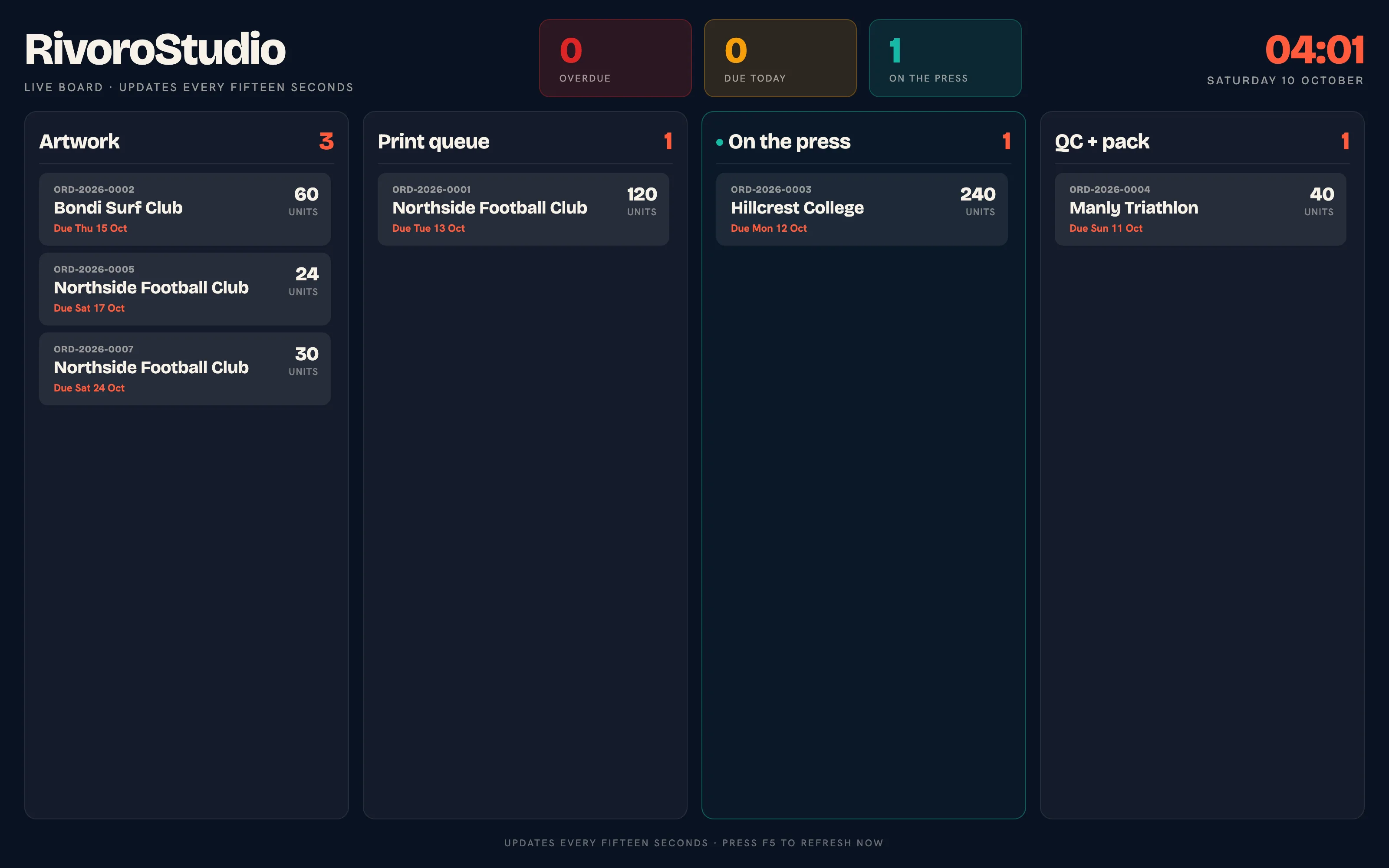 The floor board on a display link.
The same link opens the operator stations by adding the role, so a printer's screen can show the printer board on the same link.
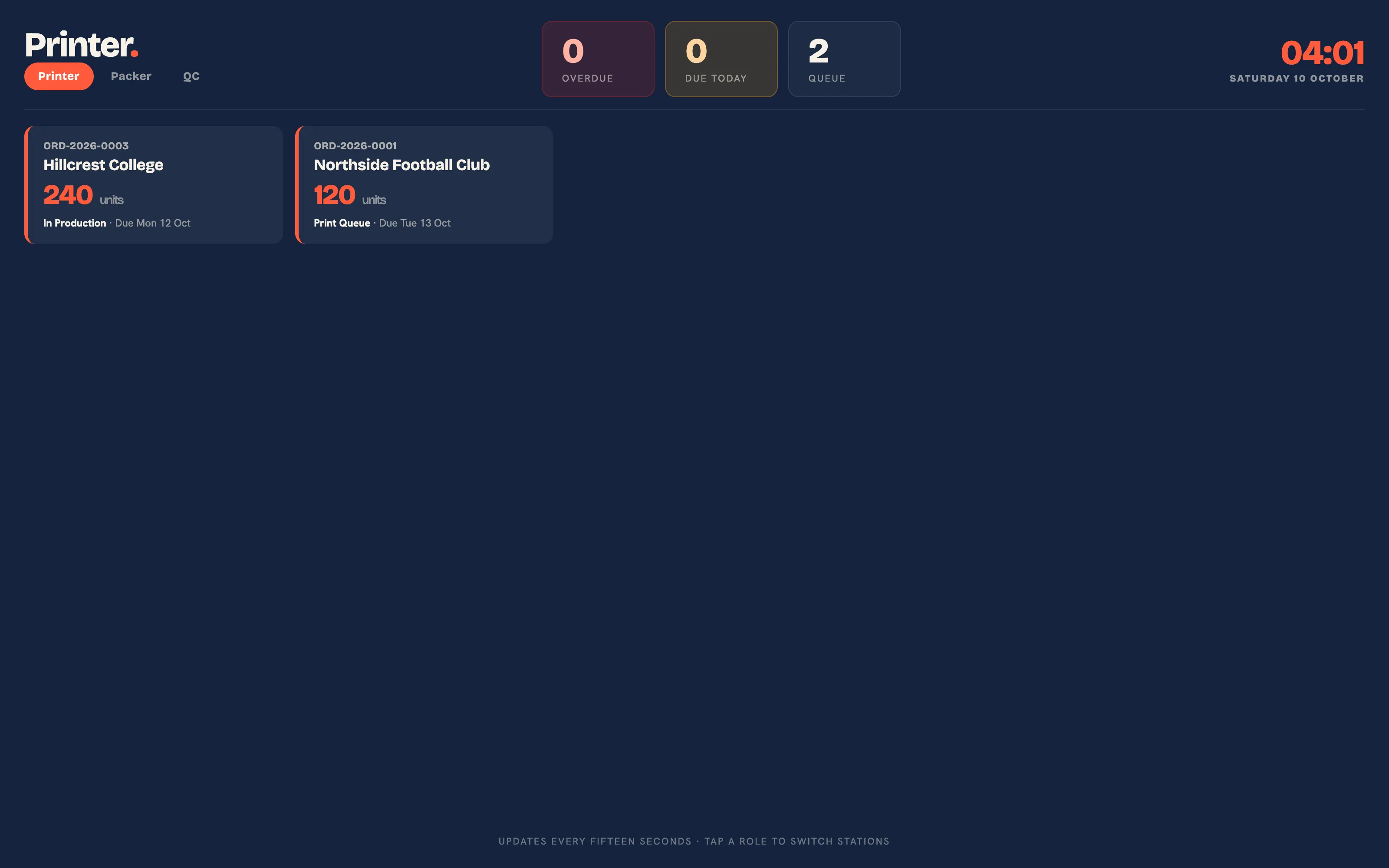 The printer station on a display link.
How often does the board update?
Every fifteen seconds, on every open screen, without a refresh. A move made on one screen shows on the others within that time.
Why is a card marked late?
An order is late once the end of its due day has passed in your shop's time zone, set under Brand & portal. A job due today is never late before midnight local time.
Stations, Scanning and the Clock
What runs at a station?
A tablet in landscape, or a phone, showing /workspace/operator/printer, /workspace/operator/packer or /workspace/operator/qc. Each shows only that station's work and refreshes every fifteen seconds.
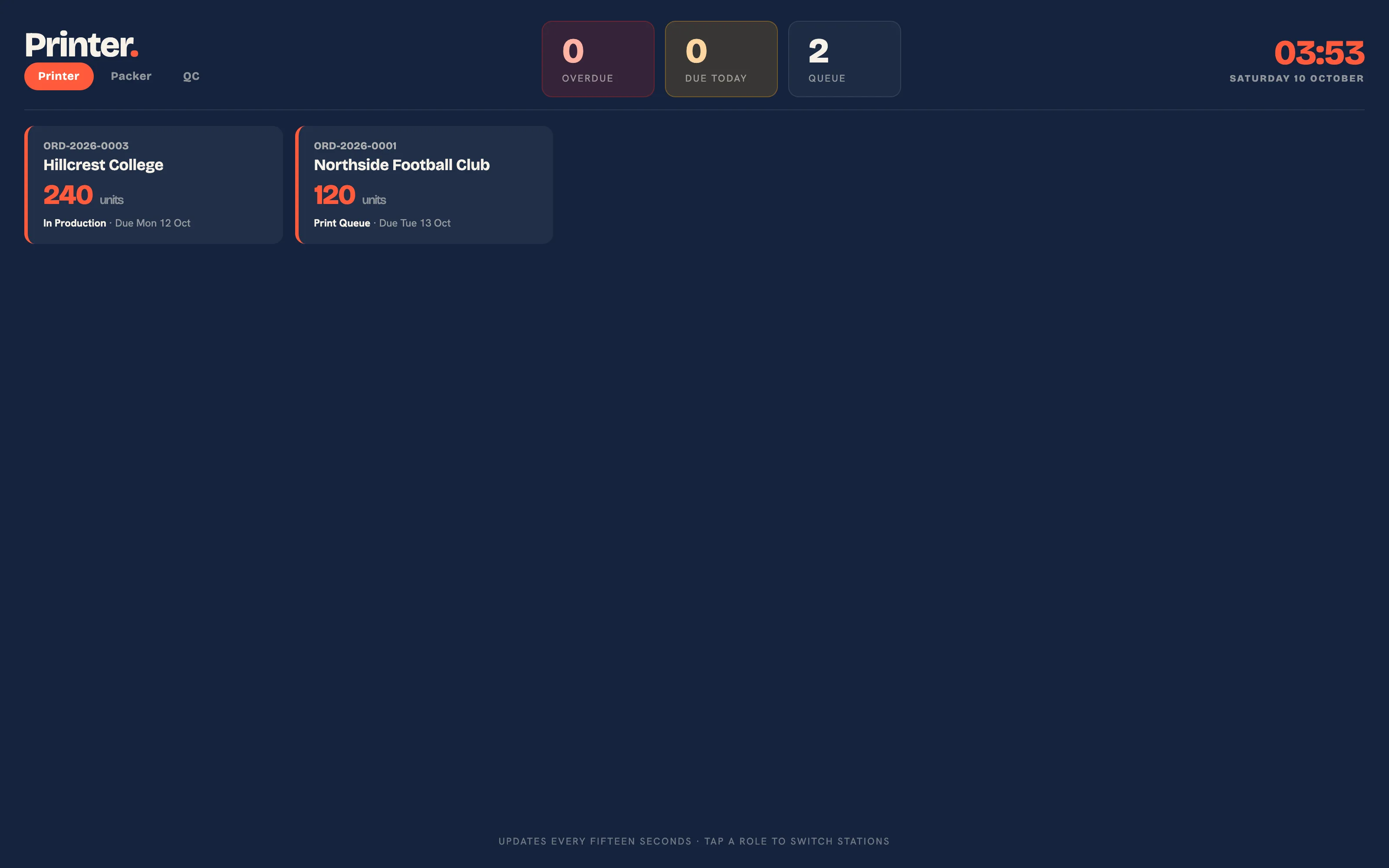 The printer station.
Does the barcode scan need a scanner?
The scan page at /workspace/scan is built for one. It shows a single text field with the cursor already in it; aim a USB or Bluetooth barcode scanner at the barcode on the work order and the scanner types the order number and presses Enter, which advances the job one stage. Without a scanner, type the order number and press Enter. The page lays out for a phone with no sideways scrolling, so a phone with a Bluetooth scanner works at the press.
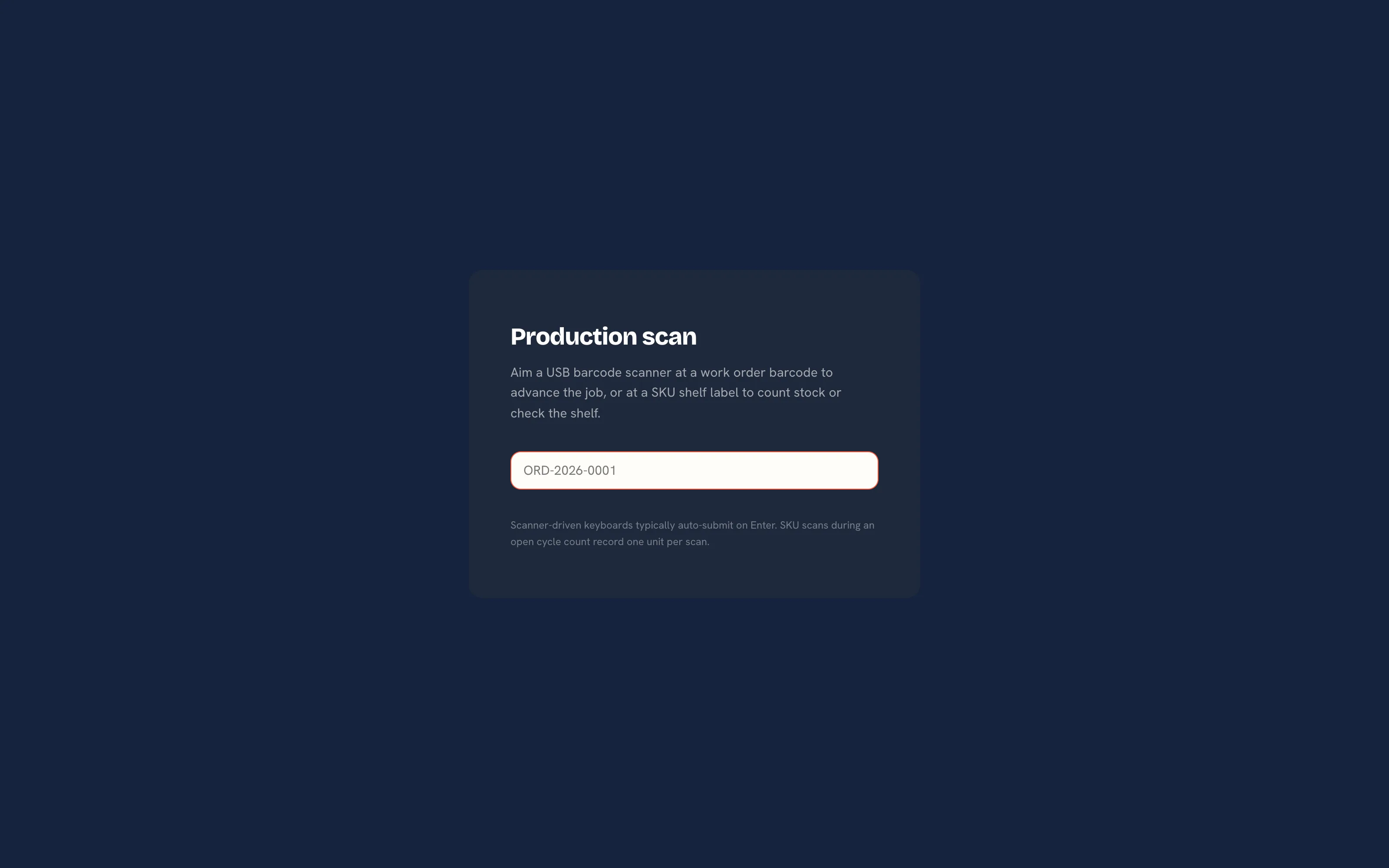 Barcode scan.
Can staff drag cards on a tablet?
Yes. On the production board a card can be dragged by touch, and each card has a Move button that opens the list of stages for moving it without dragging.
How does the time clock work on the floor?
Staff open /workspace/timeclock on any phone or tablet, pick the order and clock on; clocking off closes the entry and costs the time at the labour rate on their team record. Deactivating a staff member closes their open entries.
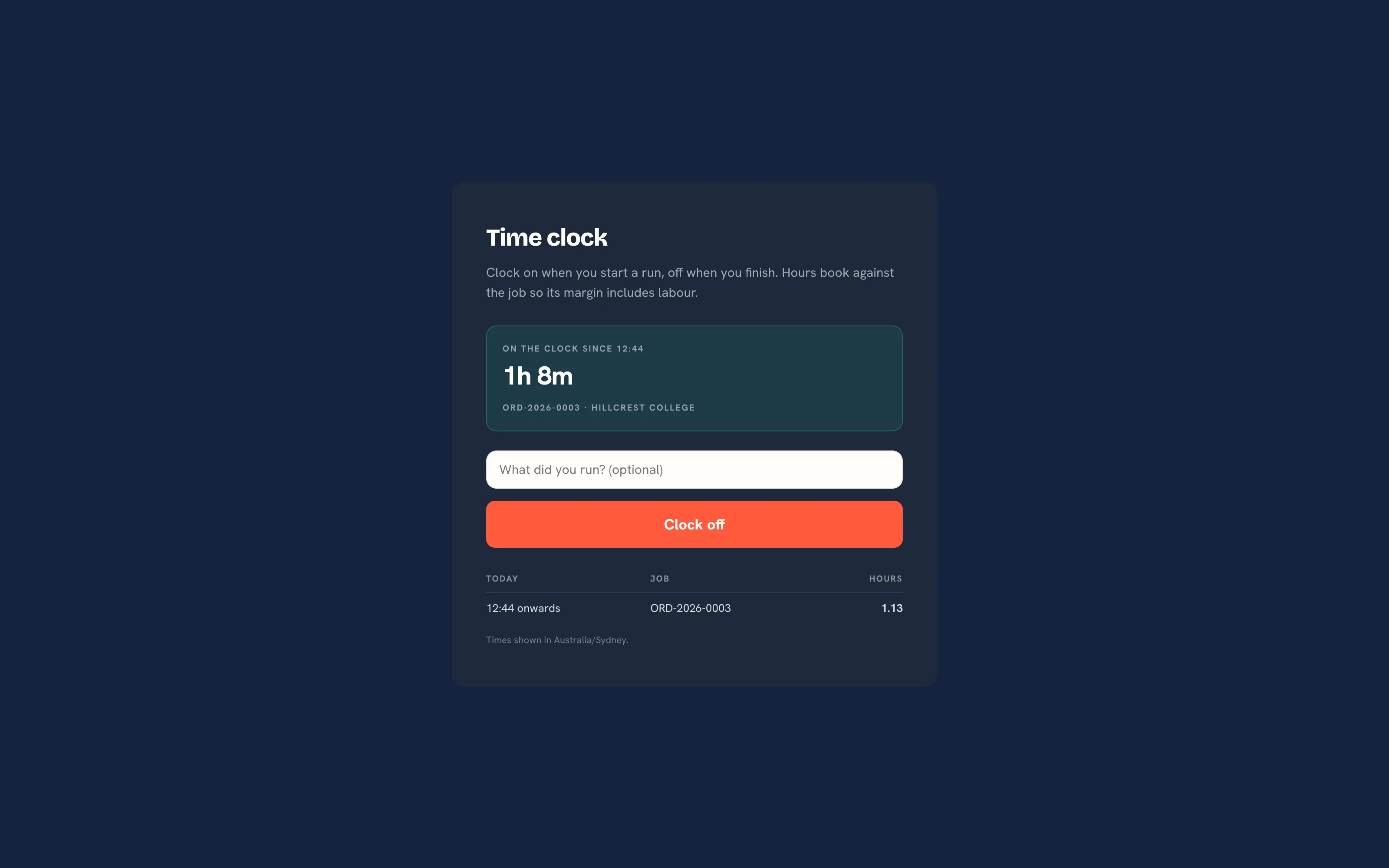 The time clock.
Can I print shelf labels?
Yes. /workspace/skus/labels prints a barcode label per SKU for the shelf. Scanning a shelf label on the scan page shows that SKU's on hand, reserved and available figures with a link to adjust stock; during an open cycle count each scan records one unit counted.
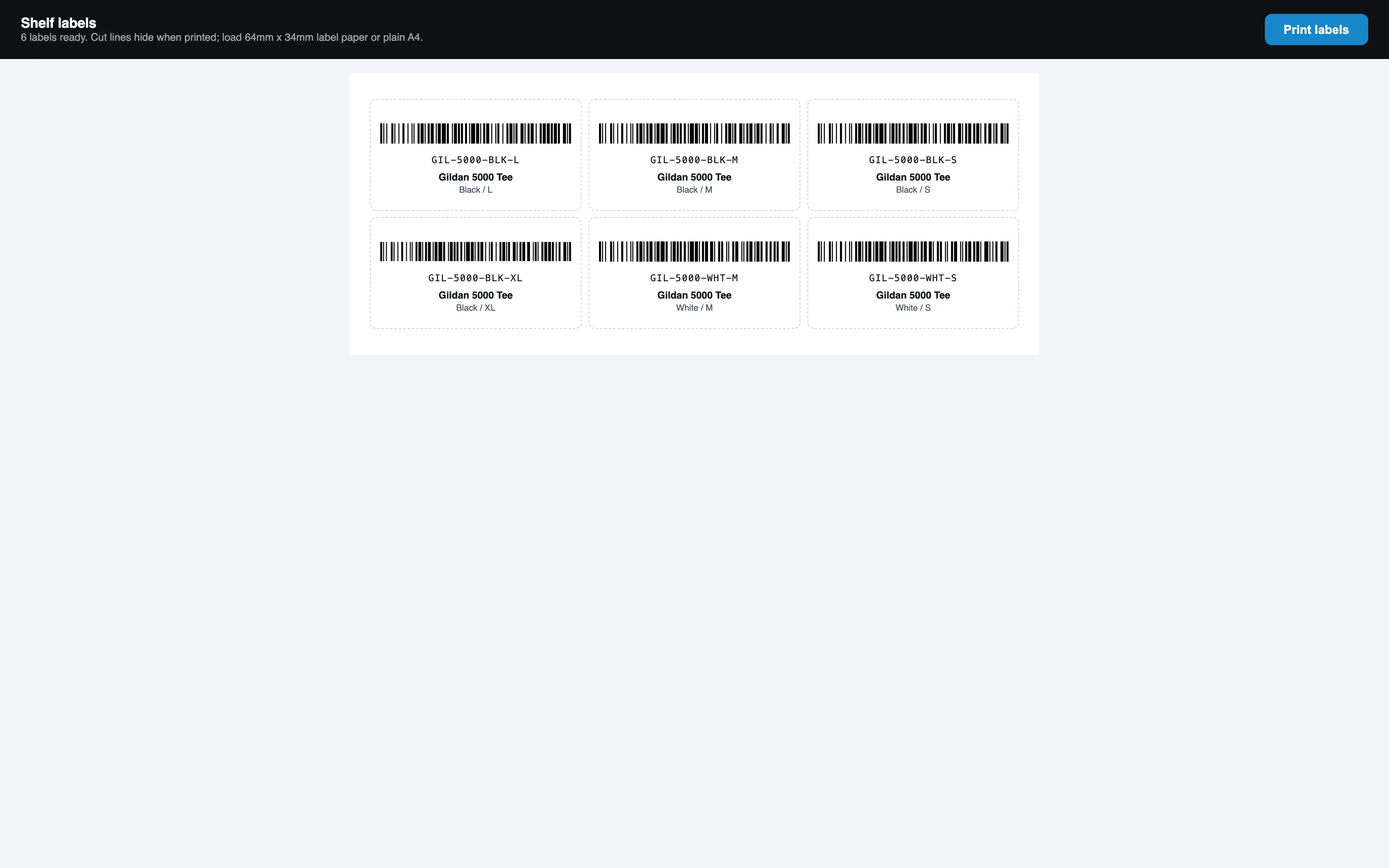 SKU shelf labels.
The Walk-in Kiosk
What does the kiosk need?
An iPad in a counter stand, any size. The kiosk runs in the browser and resets itself after each order.
Why does the kiosk show "not found"?
The kiosk is off by default. Three things have to be true: the kiosk is switched on under Brand & portal, a six digit PIN has been set there, and the device has been unlocked with that PIN at /workspace/kiosk/unlock. The kiosk also answers 404 on printersfriend.com itself, because it only runs on a workspace address.
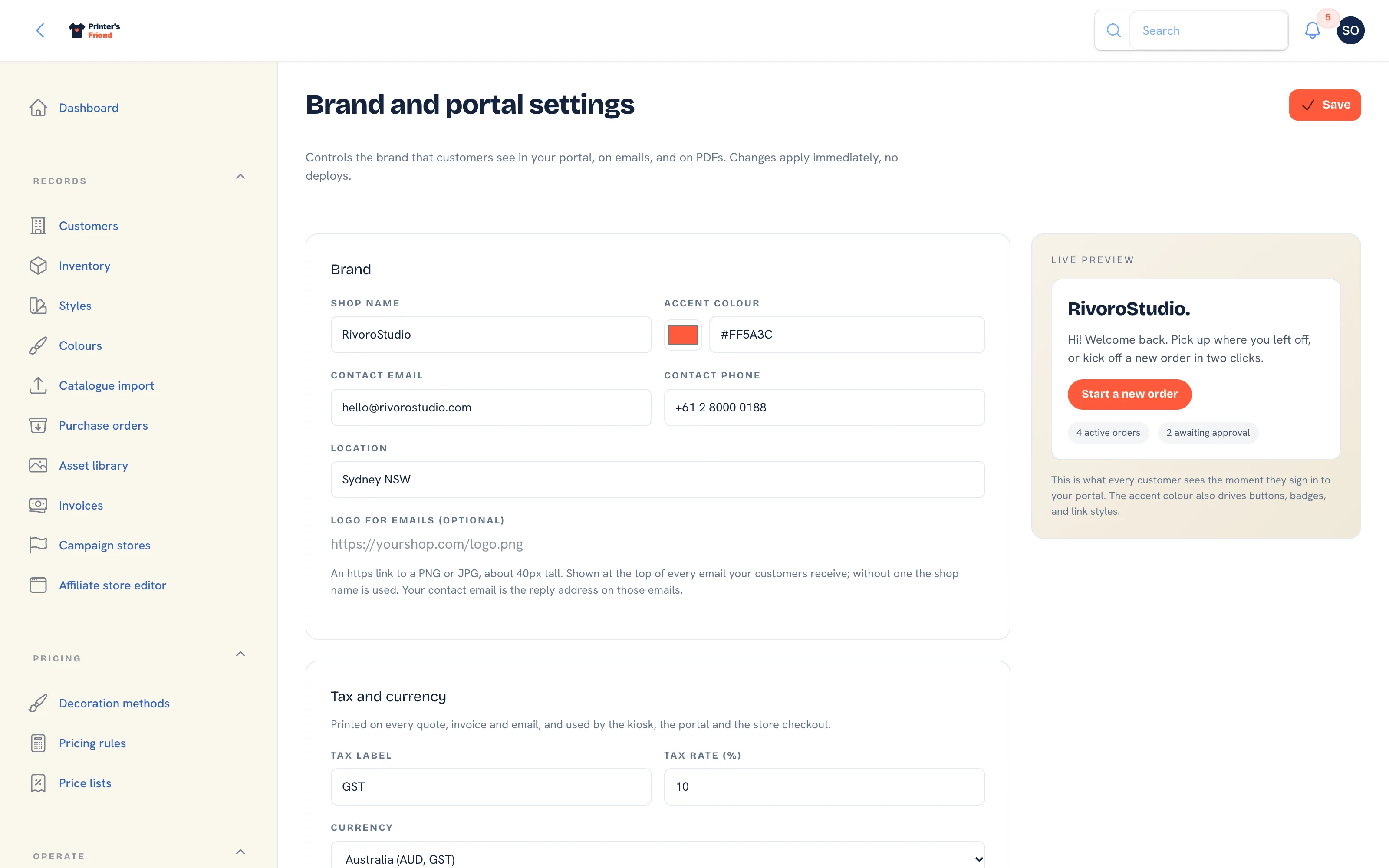 Brand & portal settings, where the kiosk switch and PIN live.
How do I unlock a device?
- On the iPad, open
yourshop.printersfriend.com/workspace/kiosk/unlock. - Enter the six digit Kiosk PIN and tap Unlock. The page says the kiosk stays open on this device for 30 days, or until the PIN changes.
- The kiosk welcome screen opens. Add it to the home screen so staff can reopen it in one tap.
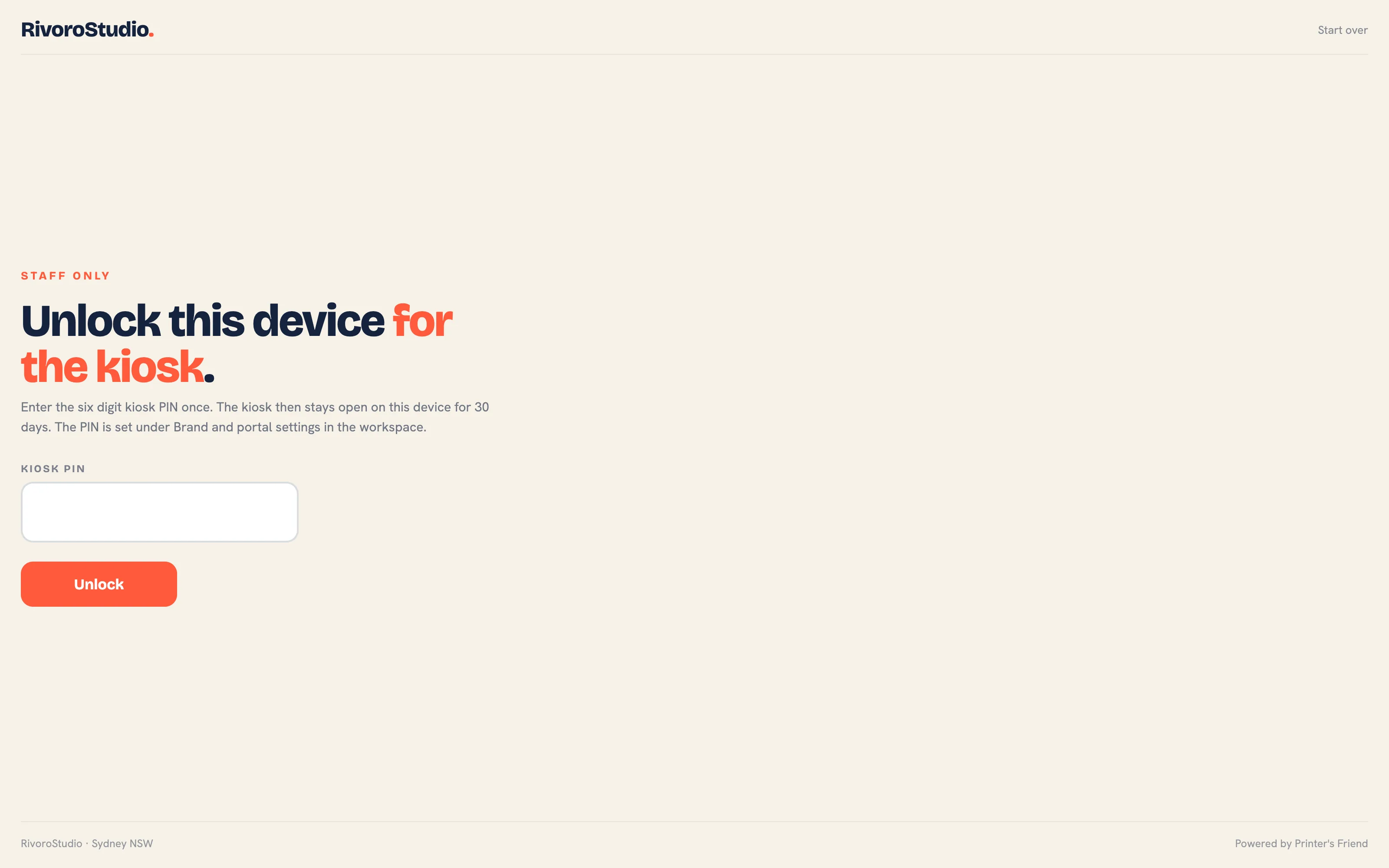 Unlock this device for the kiosk.
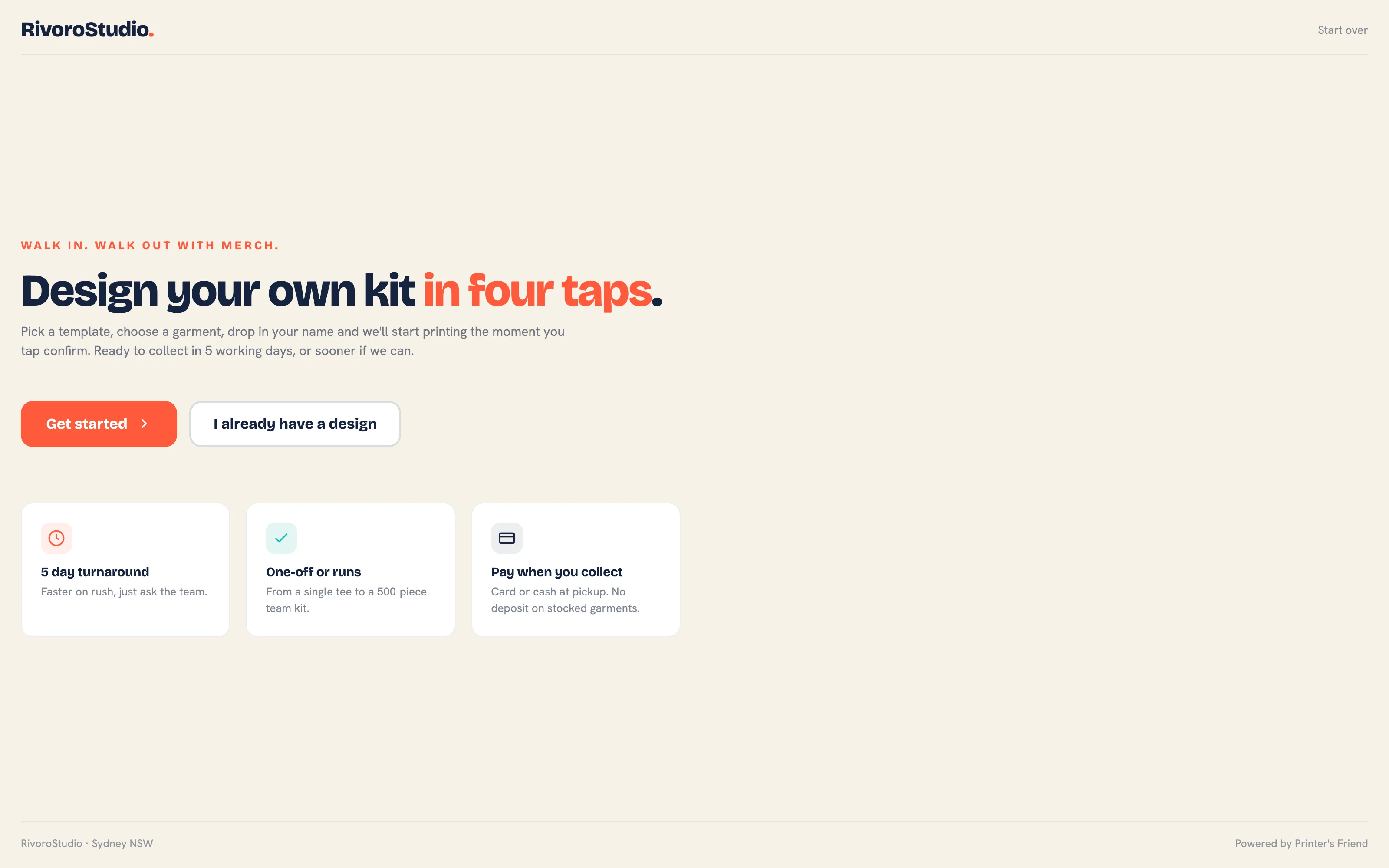 The kiosk welcome screen.
Does the kiosk send the customer a text?
Only when Twilio is connected, your plan includes SMS and the customer typed a mobile number. Otherwise the confirmation screen says the proof will come by email. See Twilio SMS.
Someone changed the PIN. Why is every iPad locked?
Changing the PIN locks every device that unlocked under the old one. Unlock each device again with the new PIN.
Phones
Which surfaces work on a phone?
The barcode scan, the time clock, the operator stations, the customer portal, the approval link and the kiosk unlock screen all lay out for a phone. The full workspace wants a laptop.
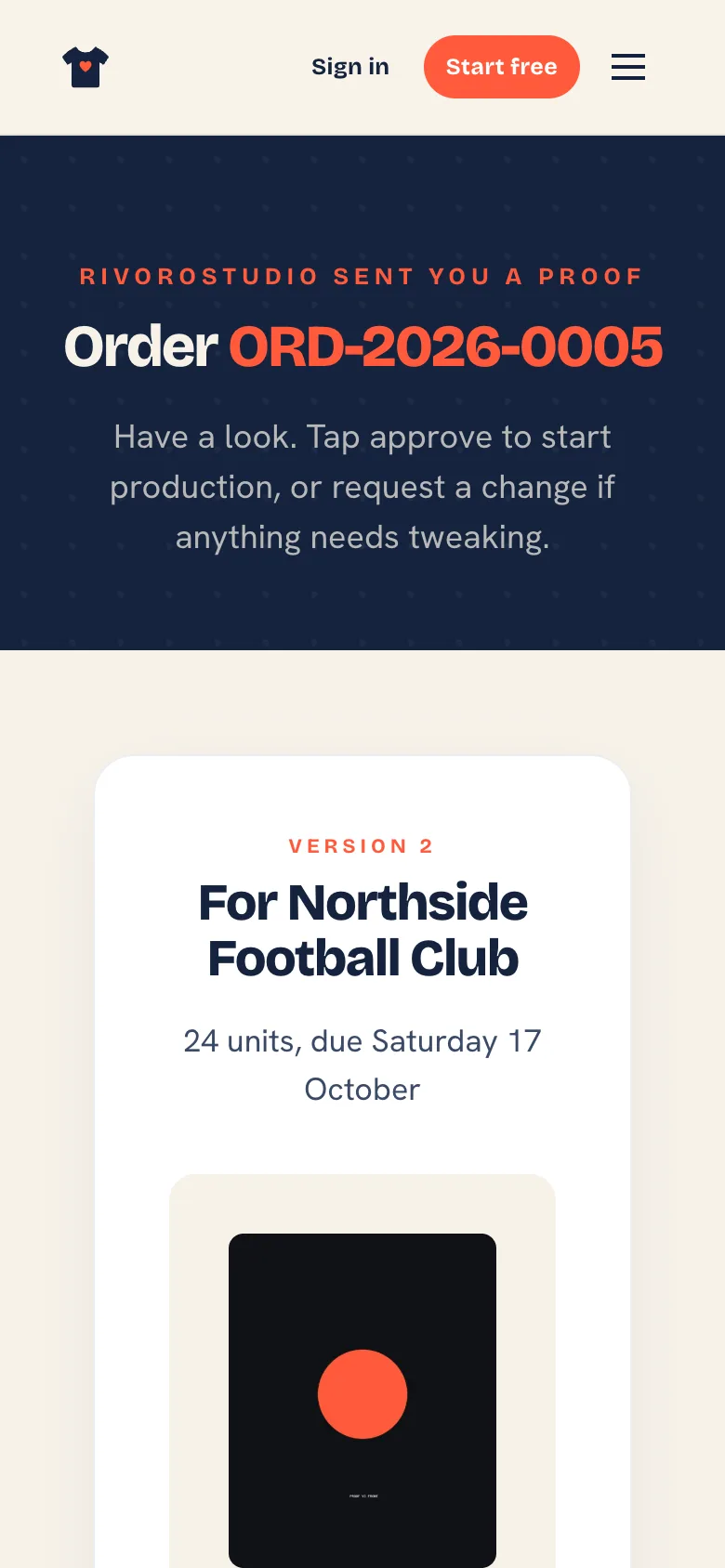 The approval link a customer opens from the proof email, on a phone.
Related Pages
- Shop Floor Hardware: the wall TV, operator stations, barcode scan and the time clock
- The Walk-in Kiosk: the iPad kiosk for counter customers and the orders it creates
- Production Board: move jobs between stages by drag, tap or barcode scan
- Time on Jobs: clock staff on and off jobs and cost the hours
- Troubleshooting: symptoms with the usual cause first