

Appearance
15. Go-Live Checklist
Work through this before real customers and real money go through the workspace. It takes twenty minutes and catches the handful of things that are embarrassing to find later.
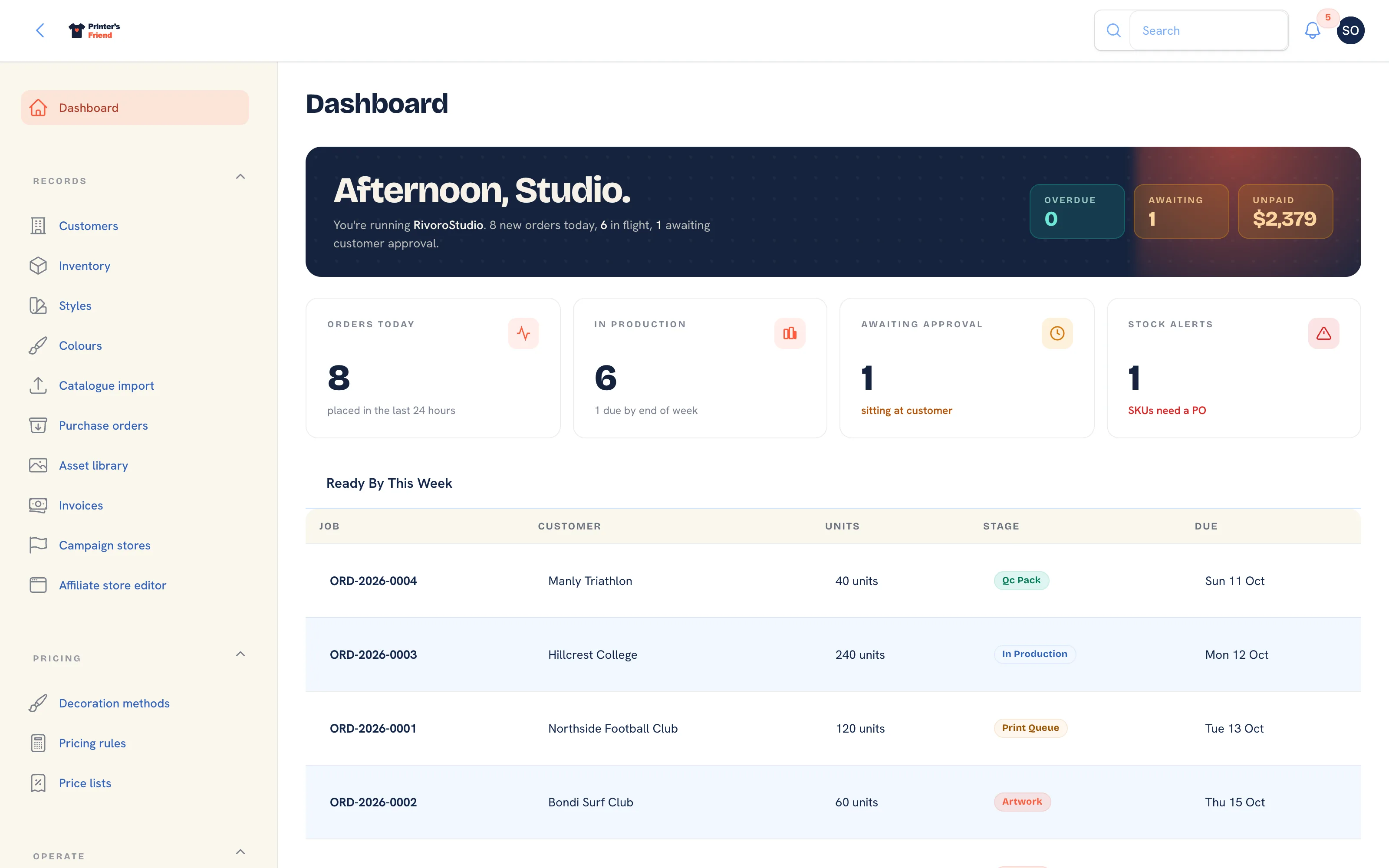 The dashboard on a live workspace.
Money and Documents
Pricing
Product and Stock
Communication
People and Access
The Floor
Customer-facing
A First Week That Works
| Day | Do |
|---|---|
| 1 | Quote every new enquiry in Printer's Friend. Keep the old process for jobs already in flight |
| 2 | Convert those quotes and run them across the board. Note what staff ask about |
| 3 | Send proofs for approval and let dispatch issue the invoices |
| 4 | Put the floor board up and start using the scan page and the time clock |
| 5 | Invite your three best trade customers to the portal |
| Week 2 | Move the remaining open jobs across and stop the old process |
Quoting goes first because a pricing mistake shows up harmlessly there. Customer-facing messages come later, once you trust the data behind them.
When Something Is Wrong
- A quote looks wrong: read the rules trail on the quote, then Testing your rules.
- A customer paid but the invoice shows unpaid: the webhook is not arriving. See Payments with Stripe and Troubleshooting.
- A message did not send: the record shows a warning with the reason, and the activity timeline records it. Check the template is active and the integration is connected.
- Something changed and you do not know who did it: Audit log.
Next
You are set up. Running the shop covers the daily rhythm, and selling online covers storefronts, team stores and campaigns.