

Appearance
What You Need Before You Start
Printer's Friend runs in the browser. There is nothing to install, no plugin and no VPN; every surface is an address on yourshop.printersfriend.com.
Browsers and Devices
Use a current browser with JavaScript and cookies enabled for your workspace address. The surfaces are built for particular screens.
| Surface | Built for |
|---|---|
| Workspace | A laptop or desktop. The tables are wide |
| Production board | A laptop or a tablet; cards can be dragged or moved with a tap |
| Floor board | A wall TV or monitor, opened on a signed display link so it never lands on a sign-in form |
| Operator stations, time clock | A tablet or phone at the station, signed in as the person using it |
| Barcode scan | A phone or tablet with a USB or Bluetooth barcode scanner that types; the page fits a phone screen |
| Kiosk | An iPad on the counter, unlocked once with the shop PIN |
| Customer portal and approval links | Whatever the customer has, phone included |
Your Login
Passwords are at least 12 characters. Owners and managers must set up an authenticator app before they can use the workspace; other roles may set one up from their profile. Have an authenticator app on your phone before you sign up.
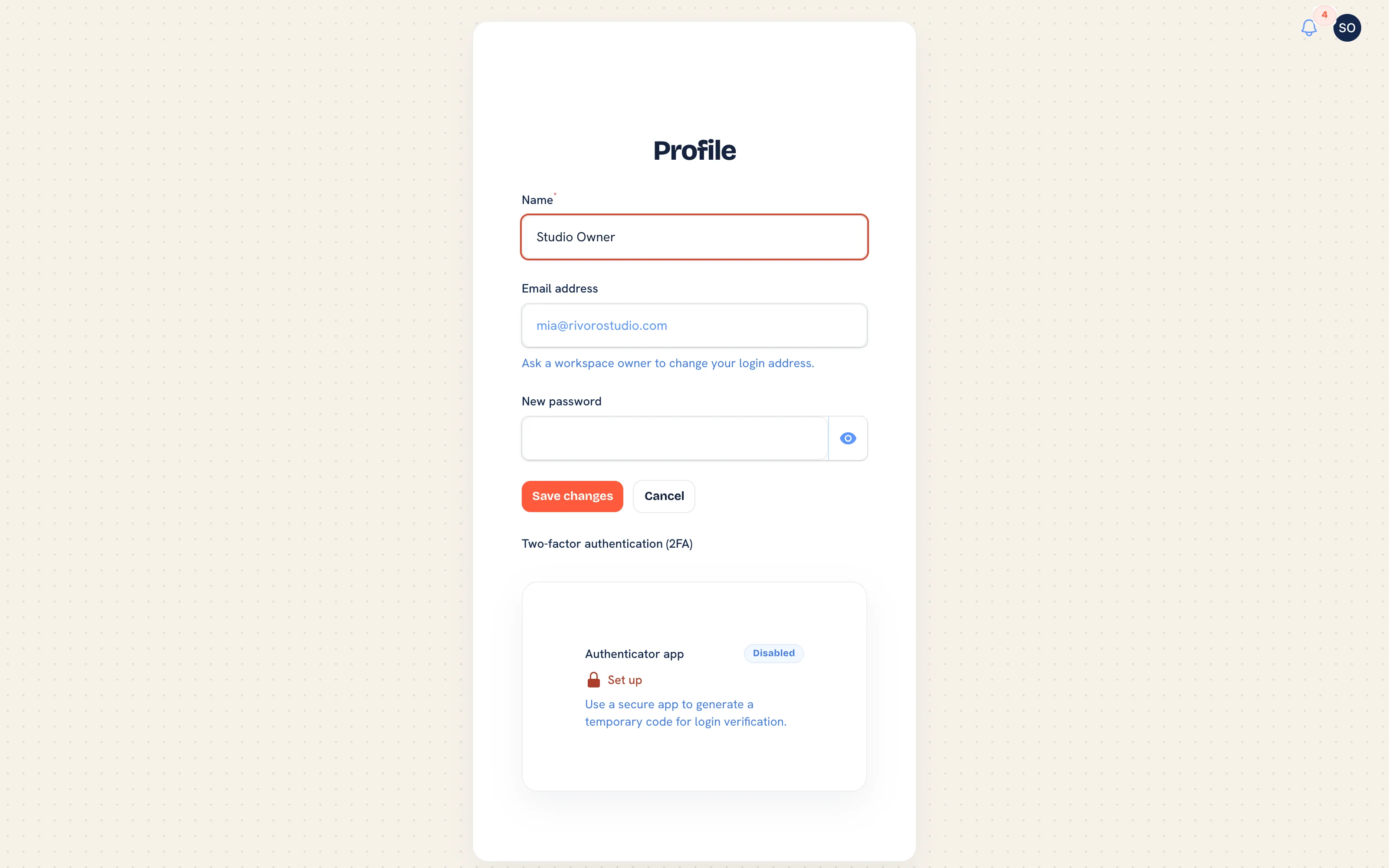 Your profile, where the authenticator app is set up and recovery codes are regenerated.
Accounts to Have Ready
None of these is needed on day one. Setup goes faster when the credentials are to hand.
| Account | Needed for | Where it goes |
|---|---|---|
| Stripe | Pay links on invoices and deposit checkouts | Payments with Stripe |
| Twilio | SMS to customers, on Starter and above | Twilio SMS |
| Postmark or Resend | Customer email from your own domain | Transactional email |
| Australia Post eParcel | Shipment labels and tracking numbers | Shipping |
| Xero or QuickBooks Online | Pushing invoices to your ledger, on Premium and above, once the sync is available | Accounting |
A live AS Colour catalogue sync is planned. Your supplier's range comes in through a CSV today, so what you need from each supplier is an export of their range, or the spreadsheet you already keep. See Suppliers and purchasing.
Information to Gather
Finding these mid-setup is what turns an afternoon into a week.
- Your trading name, contact email and phone exactly as they should appear on an invoice.
- Your tax label and rate, and your registration number for the invoice template.
- Your payment terms per customer type: Net 7, 14, 30 or 60, end of month, or cash on delivery.
- Your current price list, however it exists today.
- Your sell price per unit for each decoration method at the quantities you run, and the setup fee you charge.
- The maximum colour count you print per method.
- Your garment range as a CSV: brand code, style code, colour code and size per row at minimum. The import page offers a template.
- Your customer list as a CSV with at least a name column.
- The names, emails and roles of the staff who need a login, plus their hourly labour rate if you want job costing to include labour.
- Your logo as an https link for email headers, and your shop's address for shipping labels.
File Limits
Proof and asset uploads take AI, EPS, PDF, SVG, PNG or JPG files up to 50 MB. A catalogue CSV can be up to 10 MB and a customer CSV up to 5 MB; split larger files.
Bring your worst-priced job
The fastest check on a pricing setup is to re-quote a job you have already done and compare. Pick an awkward one: multi-position, mixed sizes, a club rate. If that comes out right, the everyday jobs will.
Related Pages
- Create Your Account: create your workspace
- The Setup Wizard: the setup wizard that runs on the first sign-in
- Setup Overview and Checklist: the fifteen step installation guide
- Connected Accounts: the connected accounts: Stripe, email, SMS, accounting, shipping and suppliers