

Appearance
7. Suppliers and Purchasing
Your blanks come from suppliers; their range reaches the workspace through the catalogue import, and purchase orders go back to them by email. There is no supplier record to set up: a purchase order carries the supplier's name and email, and a supplier's range is a CSV.
Where It Lives
| Page | What it's for |
|---|---|
| Records, then Catalogue import | Load a supplier's range from a CSV. See Catalogue and SKUs |
| Insight, then Integrations, the AS Colour card | The planned live sync: token, test, Sync now |
| Records, then Purchase orders | Raise, send and receive purchase orders |
Loading a Supplier's Range
Export the range from the supplier's trade portal, or use the spreadsheet you keep, and put it into the import template: one row per SKU with brand_code, style_code, colour_code and size, plus the optional name, category, colour, hex, stock, reorder and price columns. Repeat per supplier. The brand code keeps each supplier's styles apart, and re-importing an updated file leaves the names and prices you have edited alone.
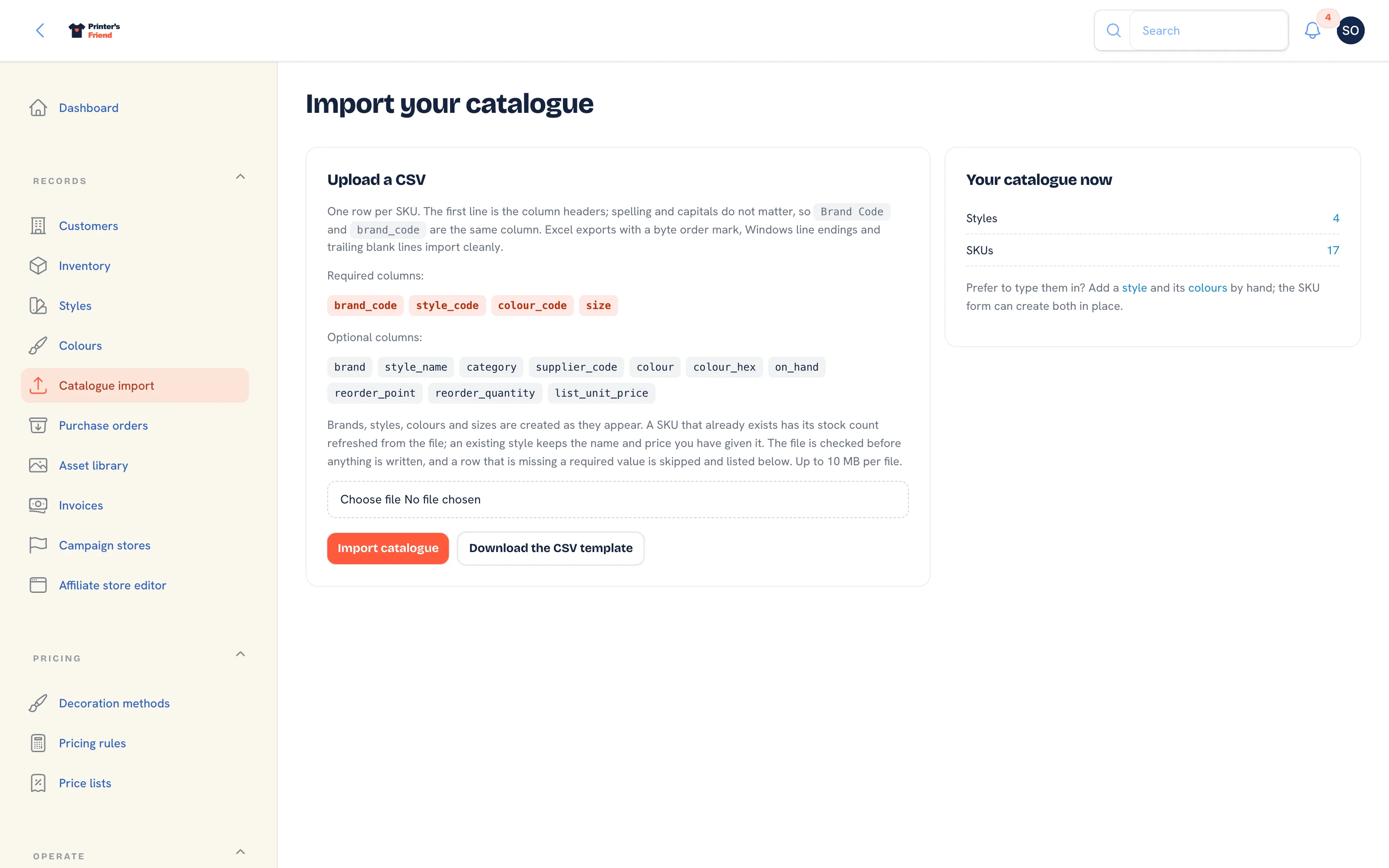 Catalogue import. One file per supplier range.
Fill list_unit_price before you quote
A SKU imported without list_unit_price gives a quote nothing to price the garment from, so fill the column before you quote from the range. Re-importing an updated file later leaves the names and prices you have edited alone.
The AS Colour Card
A live AS Colour catalogue sync is planned and has not been verified against a real trade account. The card is on the Integrations page and says so.
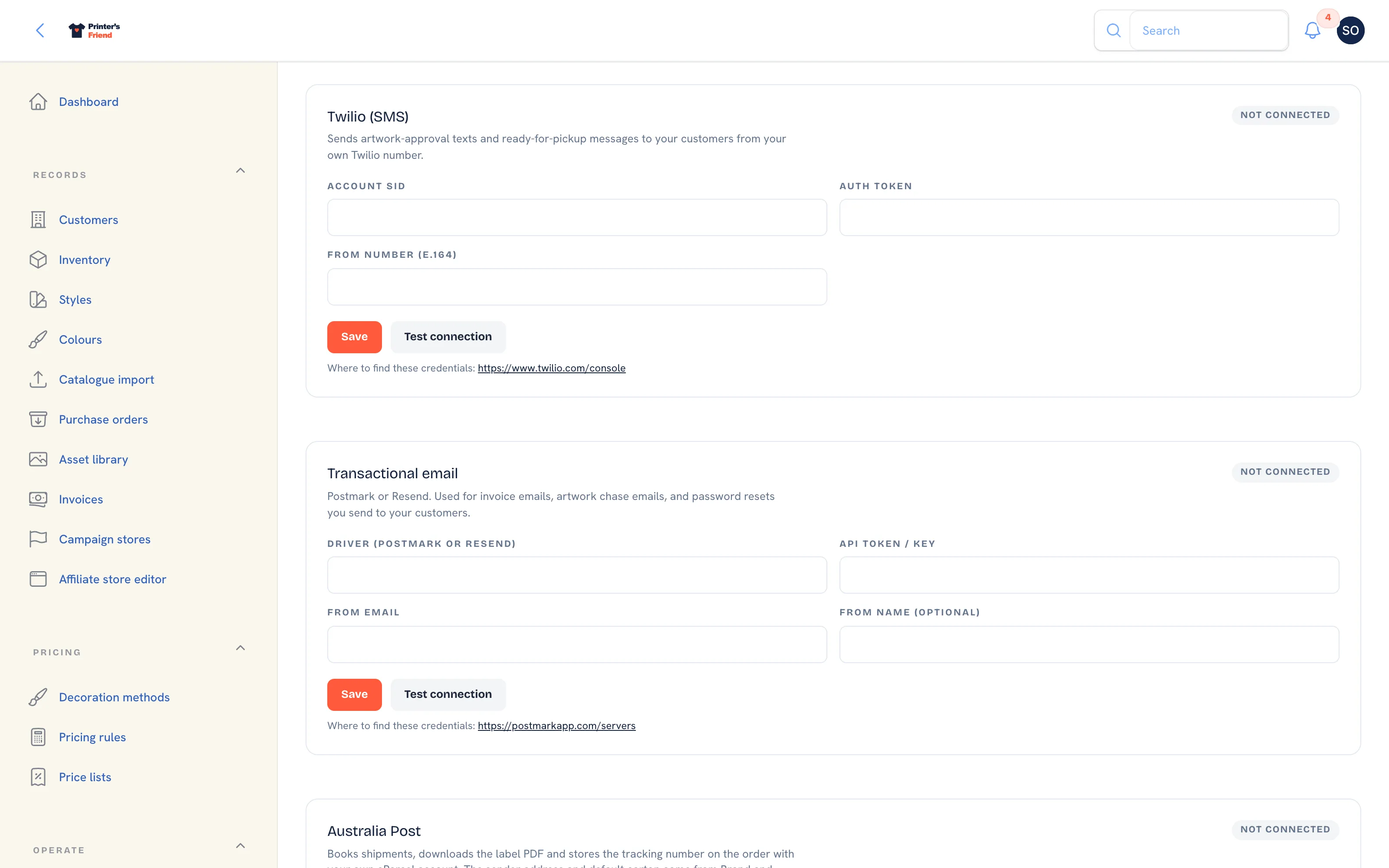 The AS Colour card under Integrations. The CSV import is the route to use today.
The card holds an API token field with Save, Test connection and Sync now, for when the sync ships. Today the AS Colour range comes in through the CSV import like every other supplier's. What each control does, and what the card refuses and why, is on Supplier catalogues.
Plan requirement
When it ships, a live supplier sync is included on Starter, Premium and Enterprise, not on Free. The CSV import is on every plan.
Purchase Orders
Records, then Purchase orders. A purchase order names the Supplier and Supplier email on the order itself.
- Press New purchase order, or Suggest from low stock to draft orders from SKUs at or under their reorder point.
- Type the Supplier name and Supplier email, add lines and press Create.
- On the purchase order, Download PDF or Send to supplier, which emails the PDF to the supplier email with the purchase order template.
- When the delivery arrives, press Receive delivery and enter what came in per line. Received quantities go into stock through the ledger.
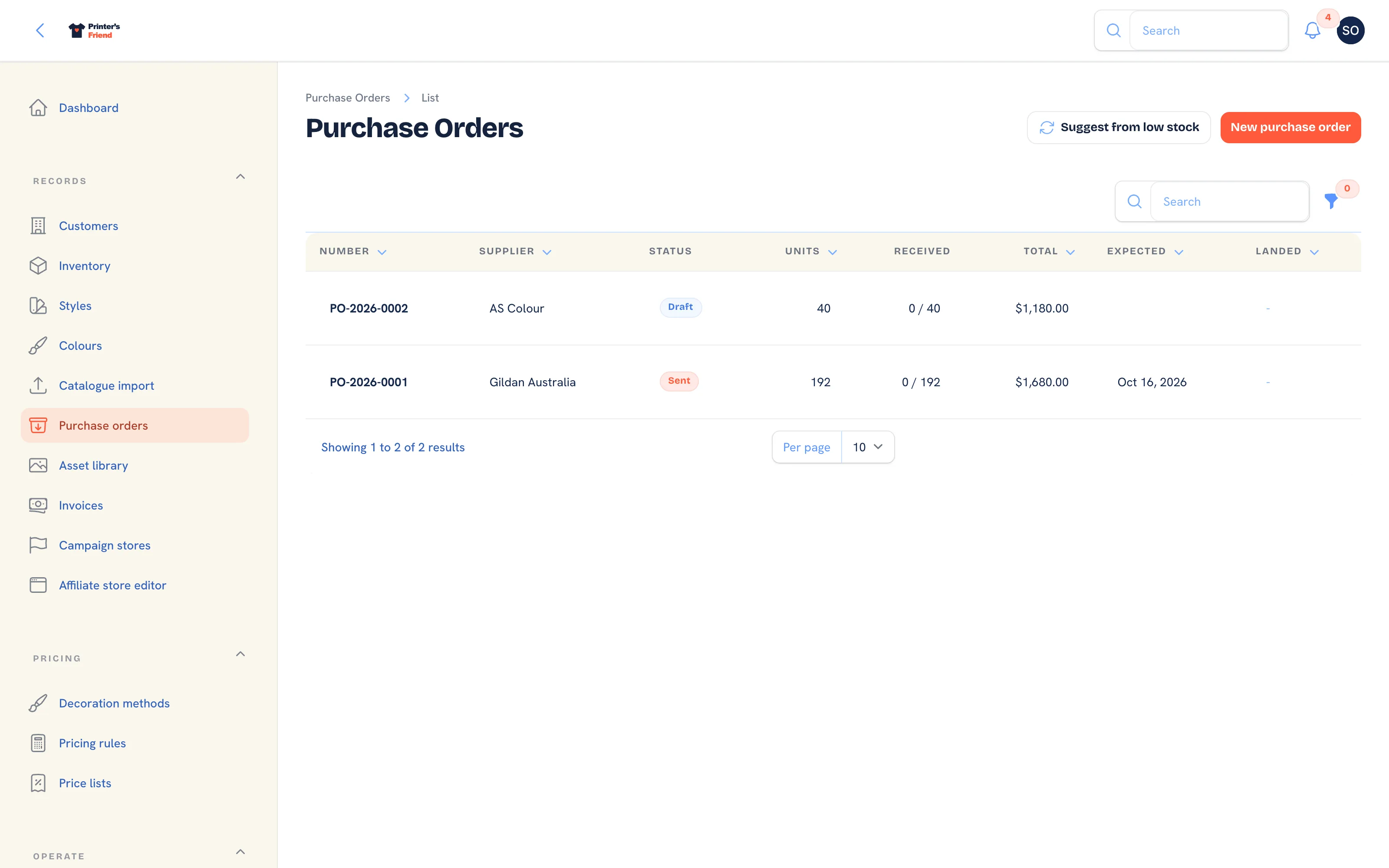 Purchase orders. Suggested orders come from SKUs under their reorder point.
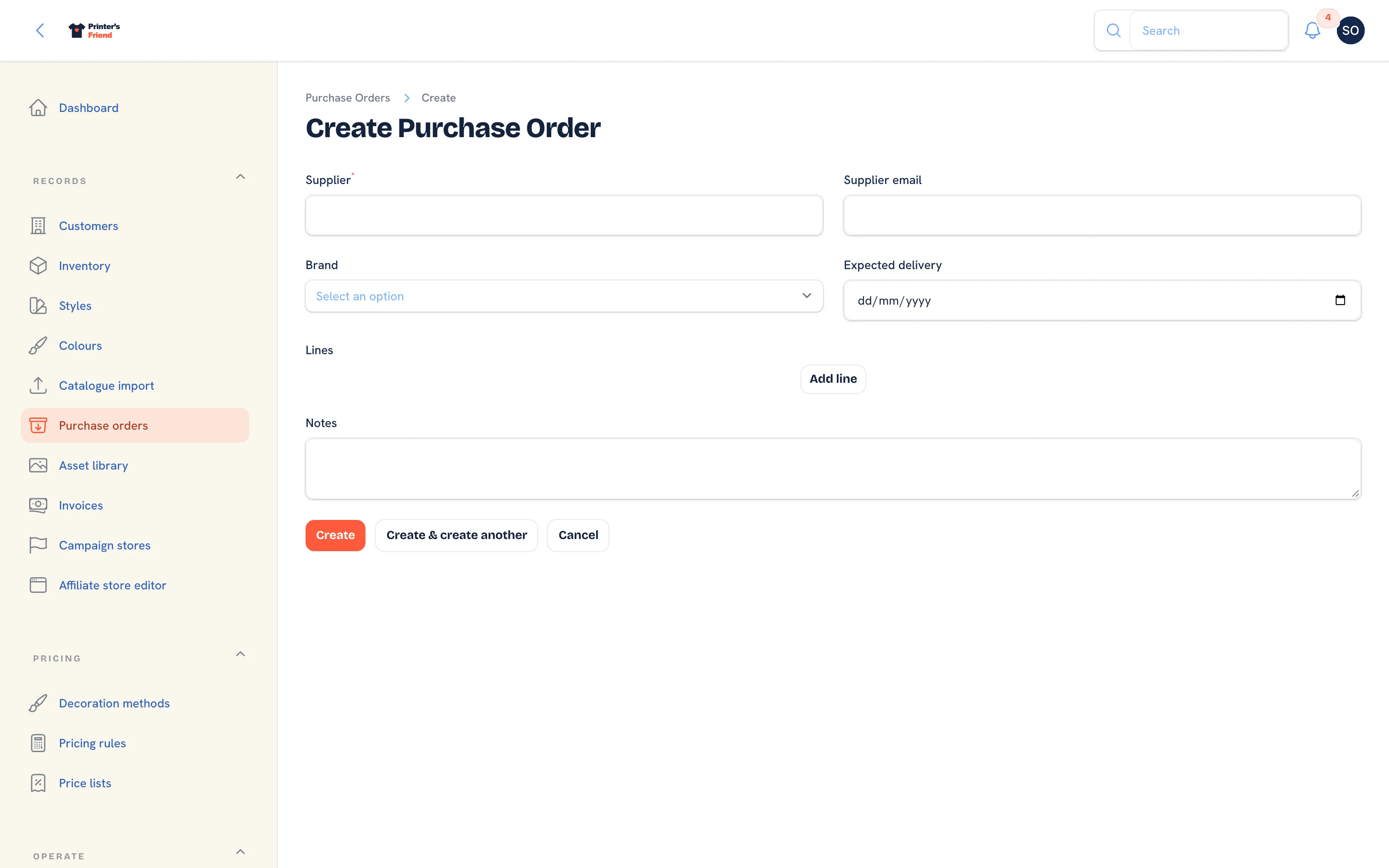 Raising a purchase order. The supplier is named on the order.
The full purchasing flow is on Purchase orders.
What to Do at Setup
- Import each supplier's range from a CSV, with
list_unit_pricefilled in so quotes price the garment. - Set reorder points and quantities on your top twenty SKUs.
- Run Suggest from low stock once to see what it produces on your data.