

Appearance
Inventory
Inventory is your blanks: every SKU with its on-hand, reserved and available counts, its reorder settings and its supplier cost. Every change to a count is a row in an append-only movement ledger, which is what makes a count explainable later.
Where It Lives
| Page | What it's for |
|---|---|
| Records, then Inventory | Every SKU with its counts, reorder bar and status |
| New SKU and Edit | The SKU's style, colour, size, reorder point and reorder quantity |
| Adjust stock on a row | Change a count with a reason |
| Print labels | Barcoded shelf labels for the selected SKUs |
| Catalogue import | Load a supplier's range from CSV. See 6. Catalogue and SKUs |
The SKU List
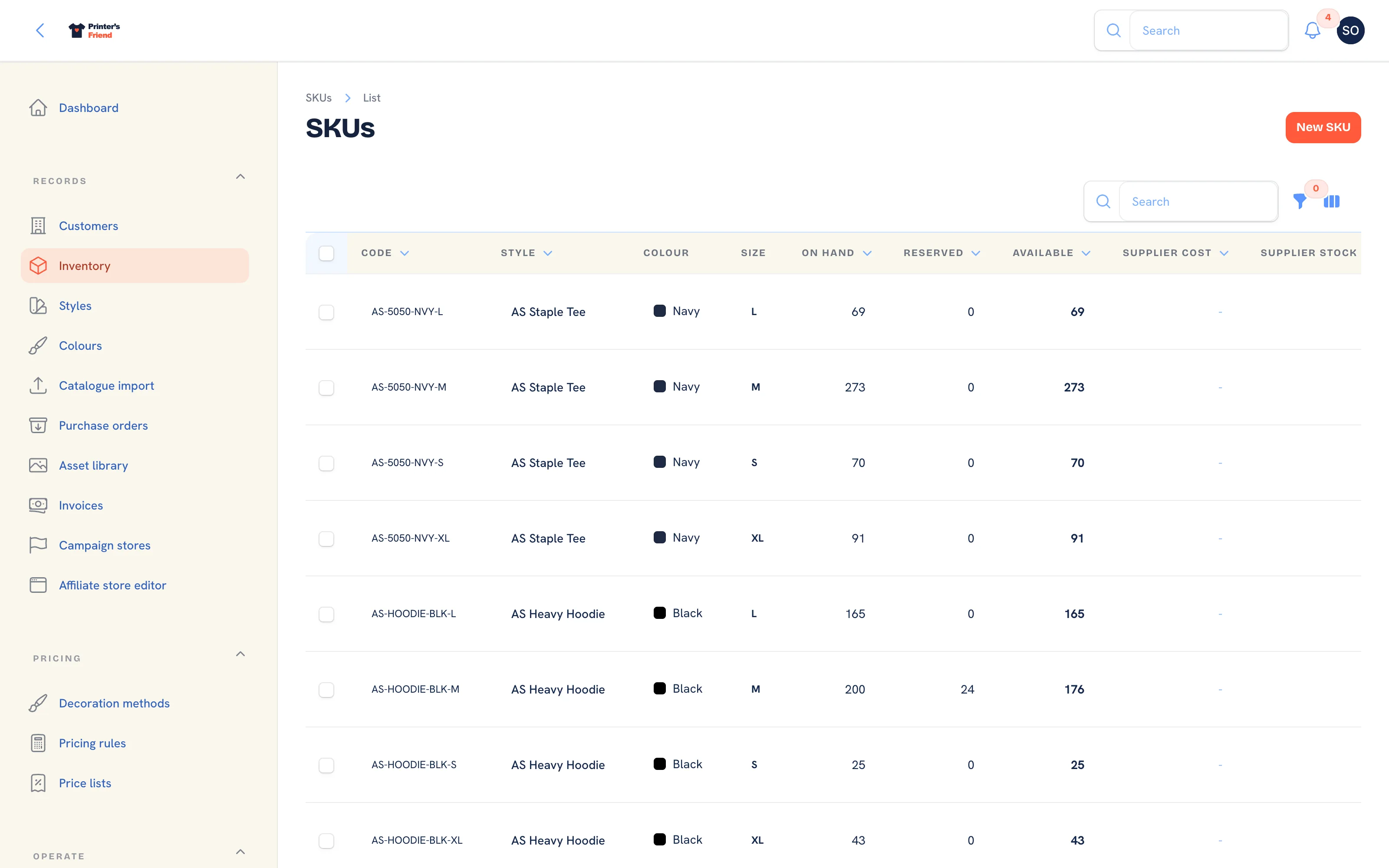 SKUs with their counts and reorder status.
| Column | Meaning |
|---|---|
| Code | The SKU, generated as BRAND-STYLE-COLOUR-SIZE |
| Style, Colour, Size | What it is, with the colour swatch |
| On hand | Physically in the building |
| Reserved | Held for orders that have not yet entered production |
| Available | On hand less reserved |
| Supplier cost | What you pay, used for cost snapshots and margin |
| Supplier stock | What your supplier holds. A live supplier sync is planned; until it ships this column stays empty |
| Reorder | A bar of available against the reorder point |
| Status | Healthy, Low (available at or under the reorder point) or Reorder now (nothing available) |
Filter by Style, Low stock only or active status. A workspace with no SKUs yet shows Import catalogue from CSV in place of the table.
How Stock Moves on Its Own
| Event | Effect on the SKU |
|---|---|
| A quote is accepted | The quantity is reserved |
| An order is cancelled | What the order still held is released |
| A proof is approved | The reservation is hardened. No count changes; the ledger records it |
| An order enters In production for the first time | The quantity is consumed: on hand goes down, and only what the order held comes off reserved |
| A purchase order delivery is received | On hand goes up by what arrived |
| A return is marked received | Each stocked item is credited back to on hand |
| A cycle count is closed | Each counted variance is posted as its own adjustment |
Every one of these writes a ledger row with the reason and the document it relates to. On hand is the sum of its movements.
Production is never blocked by the count
When a job enters production and the shelf is short, on hand goes negative, a shortfall row is written and the activity feed names the SKU, the order and the units short. The job proceeds. Receive the delivery that brought the garments in, or adjust the count with a reason, so the shelf reads true again. See When a job is short of stock.
Adjusting Stock
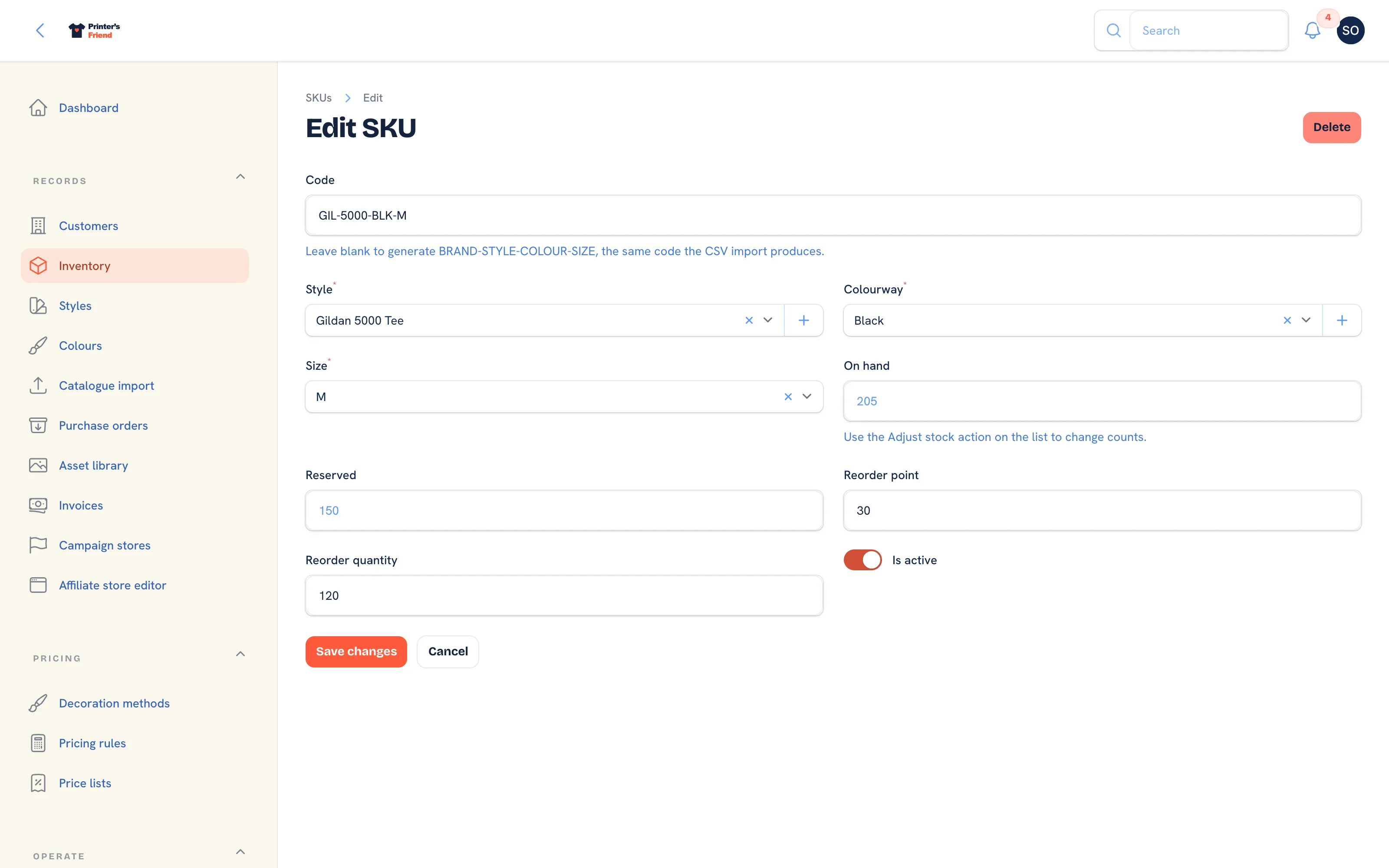 The SKU form. On hand cannot be typed here; the Adjust stock action on the list changes it.
- On Records, then Inventory, find the SKU and click Adjust stock on its row.
- Enter the Adjustment: a positive number adds stock, a negative number removes it.
- Type the Reason, for example "damaged carton", "samples taken" or "misprints written off".
- Click Submit. The notification reads "Stock adjusted by" with the delta and the SKU code, and a ledger row carries the reason.
An adjustment that would take on hand below zero is refused with the SKU's current count. For a recount of a whole rack use a cycle count, which posts every variance for you.
Editing a SKU
Edit on a row opens the SKU: Code (leave blank to regenerate it from brand, style, colour and size), Style, Colourway and Size, the read-only On hand and Reserved, Reorder point, Reorder quantity and Is active. The style and colourway selects can create a new style, brand or colourway in place. An inactive SKU is left out of low stock counts and cycle counts.
Reorder Points
The reorder point is what turns the list into a purchasing system. A SKU whose available count is at or under its reorder point is Low; one with nothing available is Reorder now. Both appear in the dashboard's Stock alerts tile and under Low stock only, and Suggest from low stock in Purchase orders drafts an order for them. How to set sensible points is in 6. Catalogue and SKUs.
The dashboard's Inventory forecast catches the other case: a SKU that is about to run out from the last thirty days of consumption but has not yet crossed its reorder point.
Shelf Labels
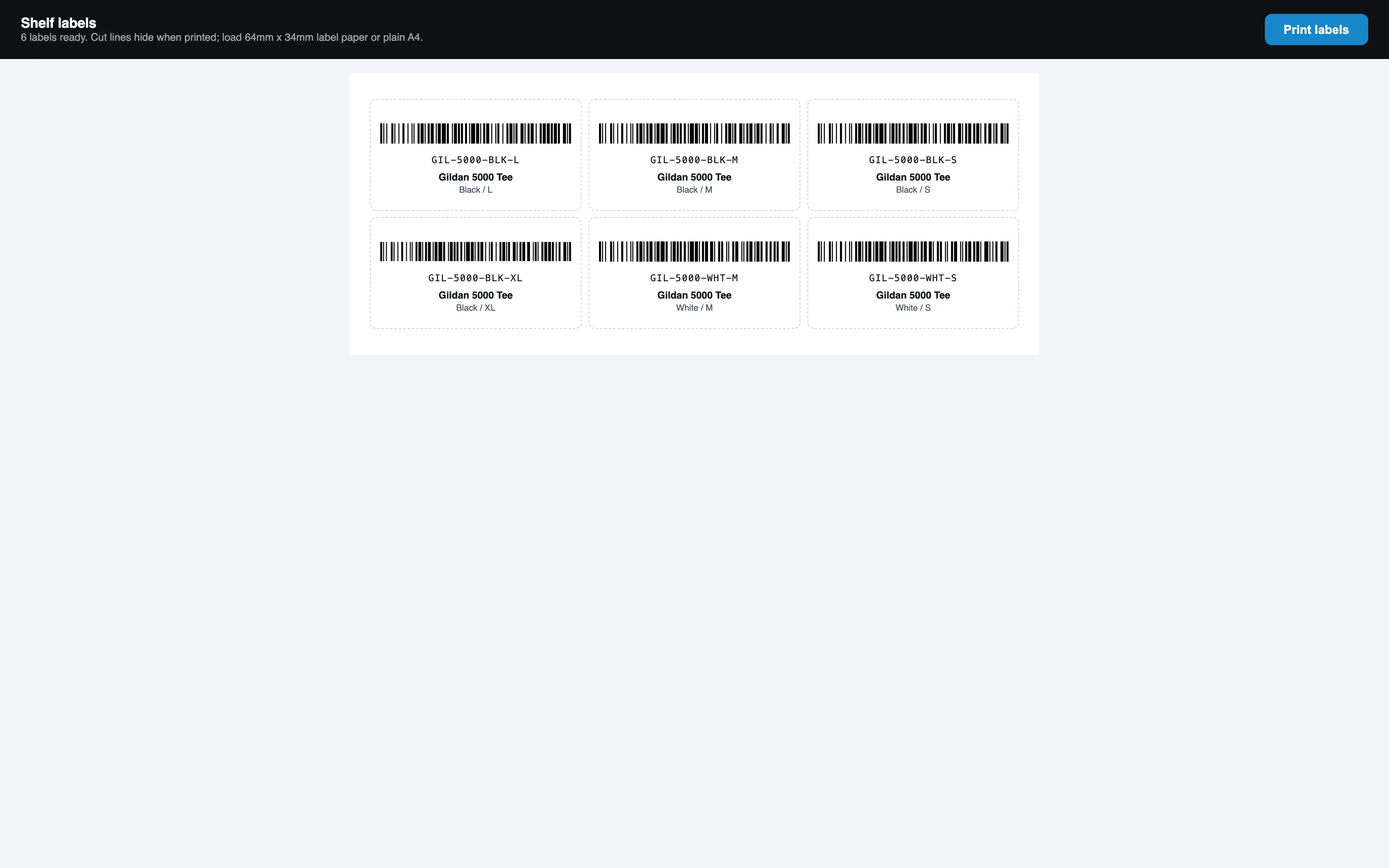 One Code 128 label per SKU, ready to print.
- Tick the SKUs in the list.
- Open the bulk actions menu and choose Print labels. A printable sheet opens at
/workspace/skus/labelswith one barcode label per SKU.
Labelled shelves make cycle counts and receiving faster, because the scan page reads them: a scanned shelf label during an open count records one unit, and outside a count shows the SKU's stock with a link to adjust it.
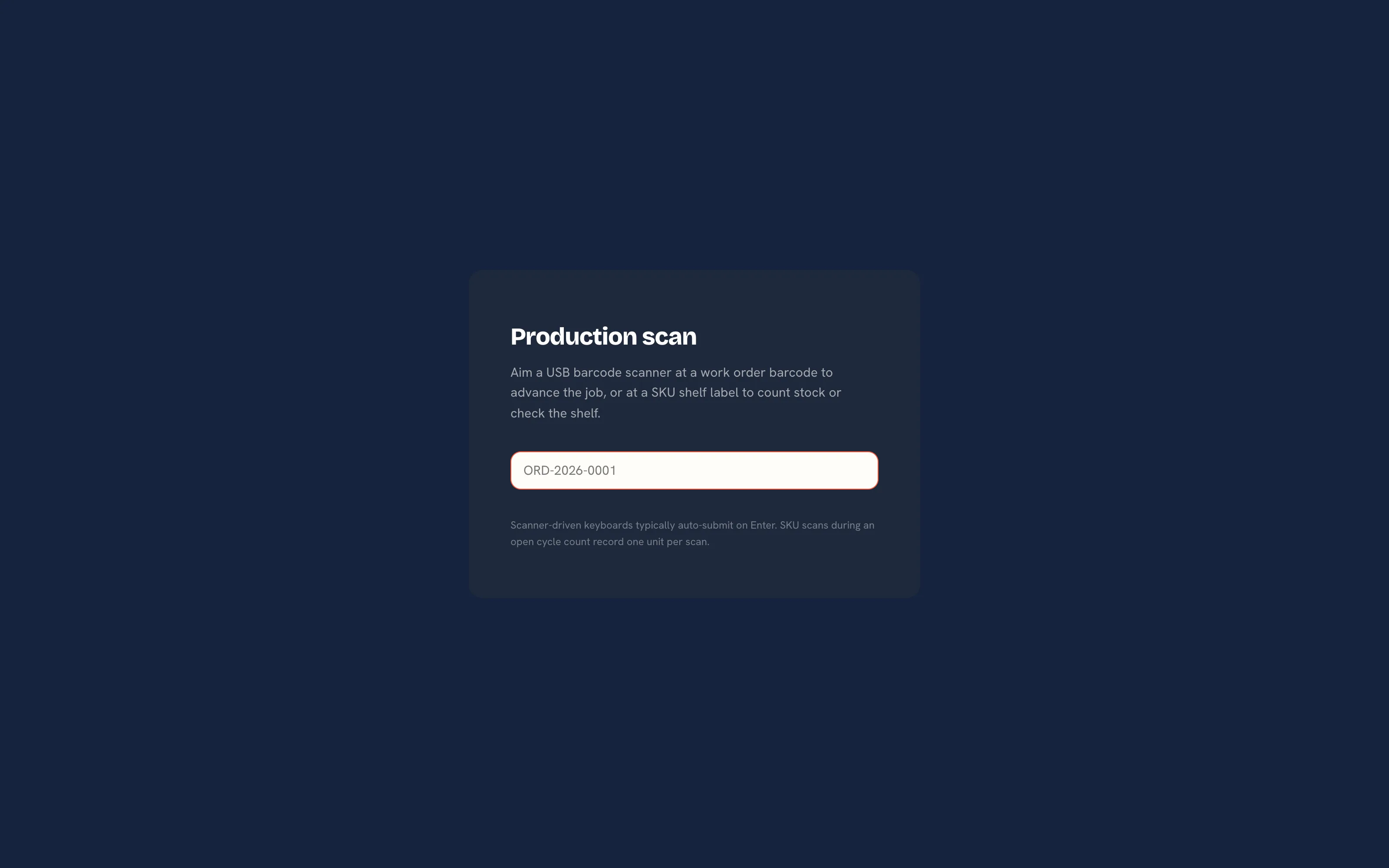 Scanning a shelf label outside a count shows on hand, reserved and available.
Who Can Do What
Owners, managers and the production role adjust stock and edit SKUs. Sales, designers and viewers can read the list and print labels. Roles are set in Team and permissions.
Related Pages
- Catalogue and SKUs: import brands, styles, colourways and SKUs from a CSV
- Cycle Counts: count a rack and post every variance through the ledger
- Purchase Orders: order blanks from suppliers and receive deliveries into stock
- Production Board: move jobs between stages by drag, tap or barcode scan
- Supplier Catalogues: the CSV catalogue import and the planned AS Colour sync